
Add Text to Video Online
Easily overlay text on your videos with customizable fonts, colors, and positions. Perfect for captions, titles, and watermarks.
Add Text to Video
Add your text overlay to the video with customizable styling and positioning
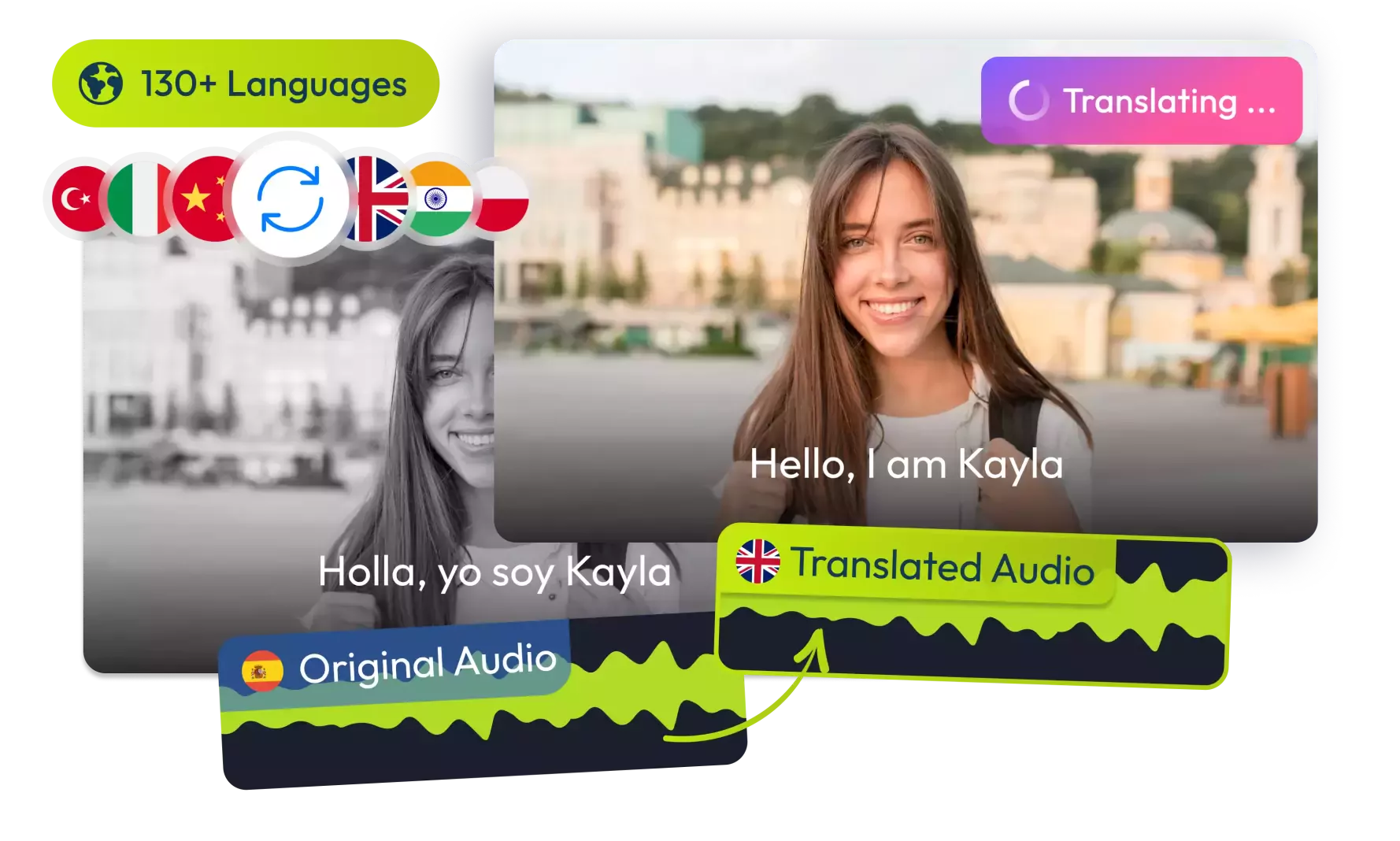
Translate Your Videos with AI& Reach Billions
No credit card required • 5 free minutes
How It Works
Simple steps to add text to your videos!
Upload Video
Select any video file from your device (MP4, WebM, MOV supported).
Add & Customize Text
Enter your text and customize font, color, size, and position.
Preview & Download
See how it looks and download your video with text overlay.
Key Features
What makes our Text Overlay Tool special!
Custom Styling
Full control over text color, background, size, and alignment.
Flexible Positioning
Place text anywhere on the video with 9 preset positions.
Real-time Preview
See changes immediately without waiting for processing.
Use Cases
Ideal for these common scenarios:
Content Creators
Add captions, titles, or watermarks to your videos.
Social Media
Create engaging posts with text overlays for Instagram, TikTok, etc.
Educators
Add explanations or key points to instructional videos.
Businesses
Brand videos with company names, slogans, or contact info.
Audio Tools
Perfect for YouTube!
"Adding titles to my videos has never been easier."
YouTuber
Game Changer
"Created branded videos for my business in minutes."
Small Business Owner
Simple & Effective
"Exactly what I needed for my Instagram stories."
Social Media Manager
Saved Me Hours
"Added captions to all my training videos quickly."
Corporate Trainer
Frequently Asked Questions
1Is this Text to Video tool free?
Is this Text to Video tool free?
Yes, our Add Text to Video tool is completely free to use with no limitations or watermarks.
2What video formats are supported?
What video formats are supported?
The tool supports most common video formats including MP4, WebM, MOV, and AVI. For best results, we recommend using MP4 format.
3Can I customize the text appearance?
Can I customize the text appearance?
Yes, you can change the font size, color, background, alignment, and position of your text overlay.
4Where is my video processed?
Where is my video processed?
All processing happens in your browser. Your video never gets uploaded to any server, ensuring complete privacy.
5Can I download the modified video?
Can I download the modified video?
Yes, after adding and positioning your text, you can download the result in MP4 format with the same quality as the original.
6Is there a file size limit?
Is there a file size limit?
There are no strict limits, but very large files may take longer to process depending on your device's capabilities.
© 2026 VideoDubber.ai - All rights reserved.