
Audio Background Remover
Remove background noise and isolate vocals from audio recordings. Perfect for podcasters, musicians, and content creators.
Audio Background Remover
Remove background noise and isolate vocals from audio recordings
Audio Processing
Processing Results
Your cleaned audio will appear here
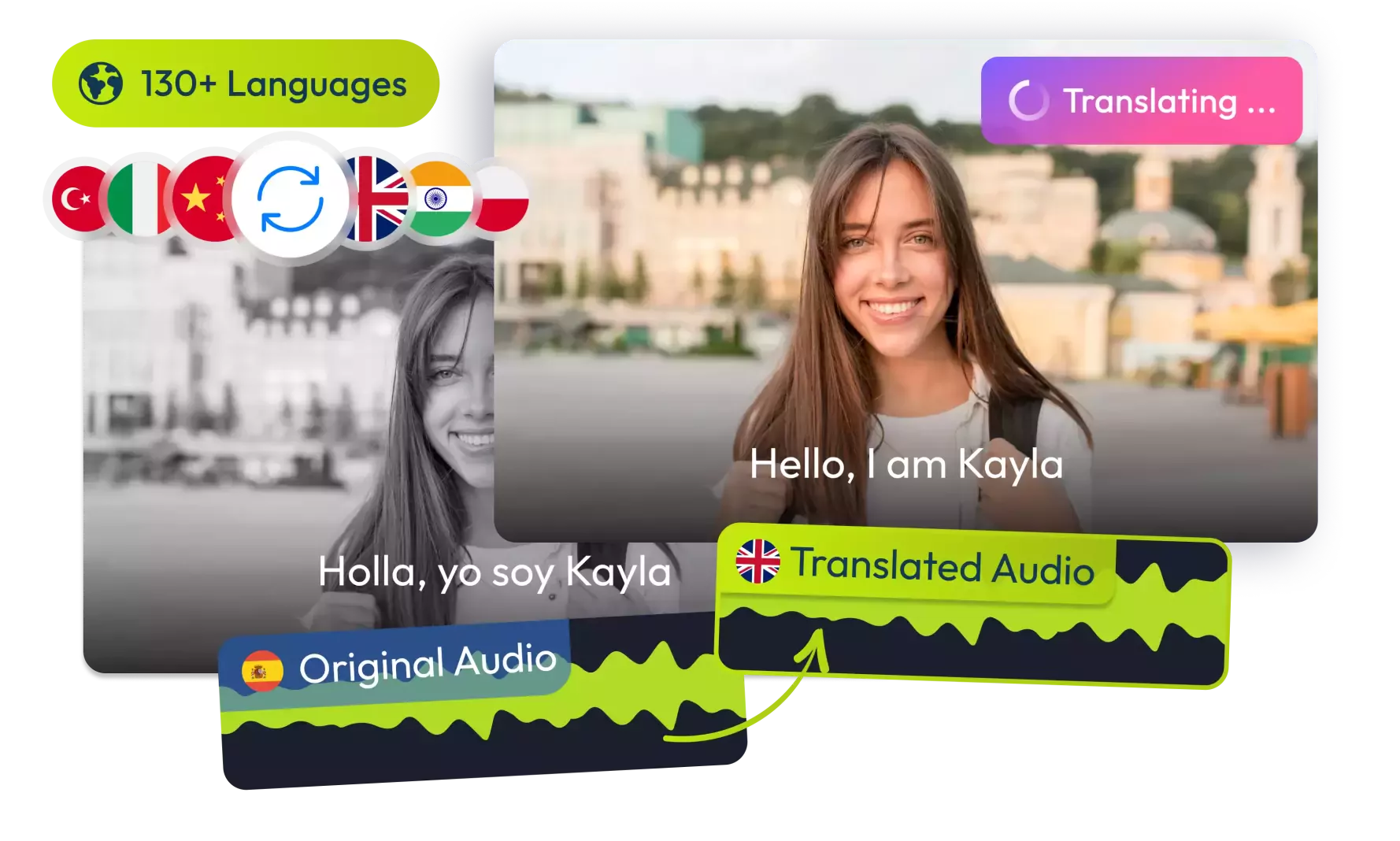
Translate Your Videos with AI& Reach Billions
No credit card required • 5 free minutes
How It Works
Simple steps to clean your audio!
Upload Audio
Select any audio file with background noise you want to remove.
Process Audio
Our AI will analyze and remove background noise automatically.
Download Clean Audio
Listen to the cleaned version and download the result.
Key Features
What makes our Audio Background Remover special!
AI Noise Reduction
Advanced algorithms identify and remove background noise.
Voice Preservation
Keeps vocals clear while removing unwanted sounds.
Multiple Noise Types
Removes hums, hiss, wind, and other common noises.
Who Can Benefit
Our Audio Background Remover helps various users:
Podcasters
Clean up interviews recorded in noisy environments.
Musicians
Remove room noise from home recordings.
Content Creators
Improve voiceover quality for videos.
Voice Actors
Deliver cleaner takes without studio noise.
Audio Tools
Podcast Savior!
"Saved hours of editing by removing AC hum from my interviews."
Podcast Host
Music Magic
"Cleaned up my home recordings to near-studio quality."
Independent Musician
Video Game Changer
"My YouTube voiceovers sound professional now."
Content Creator
Interview Essential
"Removes cafe background noise from recorded interviews."
Journalist
Frequently Asked Questions
1Is this Audio Background Remover free?
Is this Audio Background Remover free?
Yes, our Audio Background Remover is completely free to use with no limitations.
2What types of noise can it remove?
What types of noise can it remove?
The tool can remove various background noises including electrical hum, hiss, wind, fan noise, traffic sounds, and other constant background noises.
3Does it work on music recordings?
Does it work on music recordings?
Yes, it can remove background noise from music recordings while preserving the musical content. For best results, use it on vocal tracks rather than full mixes.
4How much noise can it remove?
How much noise can it remove?
The tool typically achieves 70-95% noise reduction depending on the type and volume of background noise relative to the main audio.
5Is there a file size limit?
Is there a file size limit?
The web version can handle files up to 25MB. For larger files, consider our desktop application.
6Does it affect voice quality?
Does it affect voice quality?
The tool aims to preserve voice quality while removing noise, though some high-frequency content may be slightly affected in extreme noise reduction cases.
© 2026 VideoDubber.ai - All rights reserved.