
Audio Processing Toolkit
Professional audio tools for editing, enhancing and transforming your audio files
Audio Processing Toolkit
Professional audio tools for editing, enhancing and transforming your audio files
Equalizer Settings
60 Hz
0 dB
150 Hz
0 dB
400 Hz
0 dB
1000 Hz
0 dB
2400 Hz
0 dB
6000 Hz
0 dB
15000 Hz
0 dB
Results
Your equalizer results will appear here
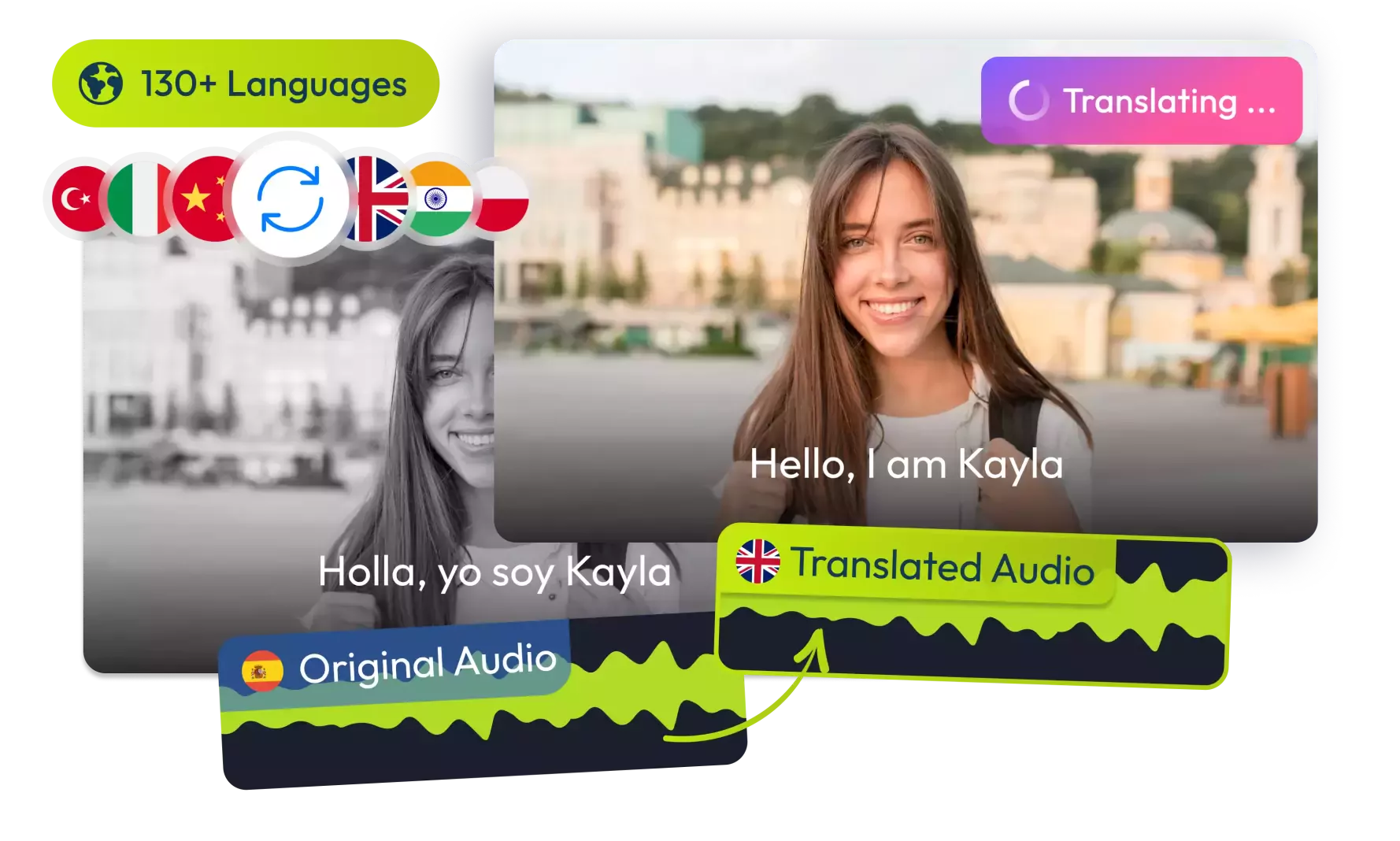
Translate Your Videos with AI& Reach Billions
No credit card required • 5 free minutes
How It Works
Professional audio processing in three simple steps
Upload Audio
Select your audio file in any common format
Adjust Settings
Customize parameters for each audio tool
Process & Download
Apply effects and download enhanced audio
Key Features
Comprehensive audio processing capabilities
8 Professional Tools
Equalizer, Compressor, Normalizer and more
Precision Controls
Detailed settings for professional results
Format Preservation
Maintain original quality while processing
Who Can Benefit
Essential toolkit for audio professionals and creators
Podcasters
Enhance vocal clarity and remove background noise
Musicians
Master tracks and create perfect loops
Audio Engineers
Professional-grade processing tools
Content Creators
Optimize audio for videos and streams
Audio Tools
Podcast Perfection
"The compressor and silence remover transformed our show"
Podcast Producer
Music Production
"Essential for quick mastering before releases"
Music Producer
Vocal Enhancement
"The reverb remover saved our live recordings"
Vocal Coach
Content Creation
"Watermark remover is a game-changer for our videos"
YouTuber
Frequently Asked Questions
1Is this audio toolkit really free?
Is this audio toolkit really free?
Yes, our Audio Processing Toolkit is completely free to use with no limitations or watermarks on processed files.
2What audio formats are supported?
What audio formats are supported?
We support MP3, WAV, FLAC, OGG, and other common audio formats. Maximum file size is 100MB.
3Can I use multiple tools at once?
Can I use multiple tools at once?
Currently each tool operates independently. For multi-step processing, you can download the result and process it again with another tool.
4How long does processing take?
How long does processing take?
Processing time depends on file length and tool complexity. Most processes take 2-5 seconds per minute of audio.
5Do you store my audio files?
Do you store my audio files?
No, all processing happens in your browser. We don't store or access your audio files after processing.
6Can I use this for commercial projects?
Can I use this for commercial projects?
Yes, you can use processed audio in commercial projects. There are no usage restrictions.
© 2026 VideoDubber.ai - All rights reserved.