
Premium Voice Clone 🎉

25% OFF

VideoDubberVideoDubber
Affiliates

Audio Trimmer

Cut and trim your audio files to the perfect length

Audio Trimmer

Cut and trim your audio files to the perfect length

Upload Audio File

Trim Result

Upload an audio file to trim

20x cheaper than ElevenLabs

Translate Your Videos with AI& Reach Billions

🎙️ Voice Cloning👄 Lip Sync🌍 150+ Languages⚡ Fast
Try for Free Now

No credit card required • 5 free minutes
10M+ videos dubbed50K+ creators
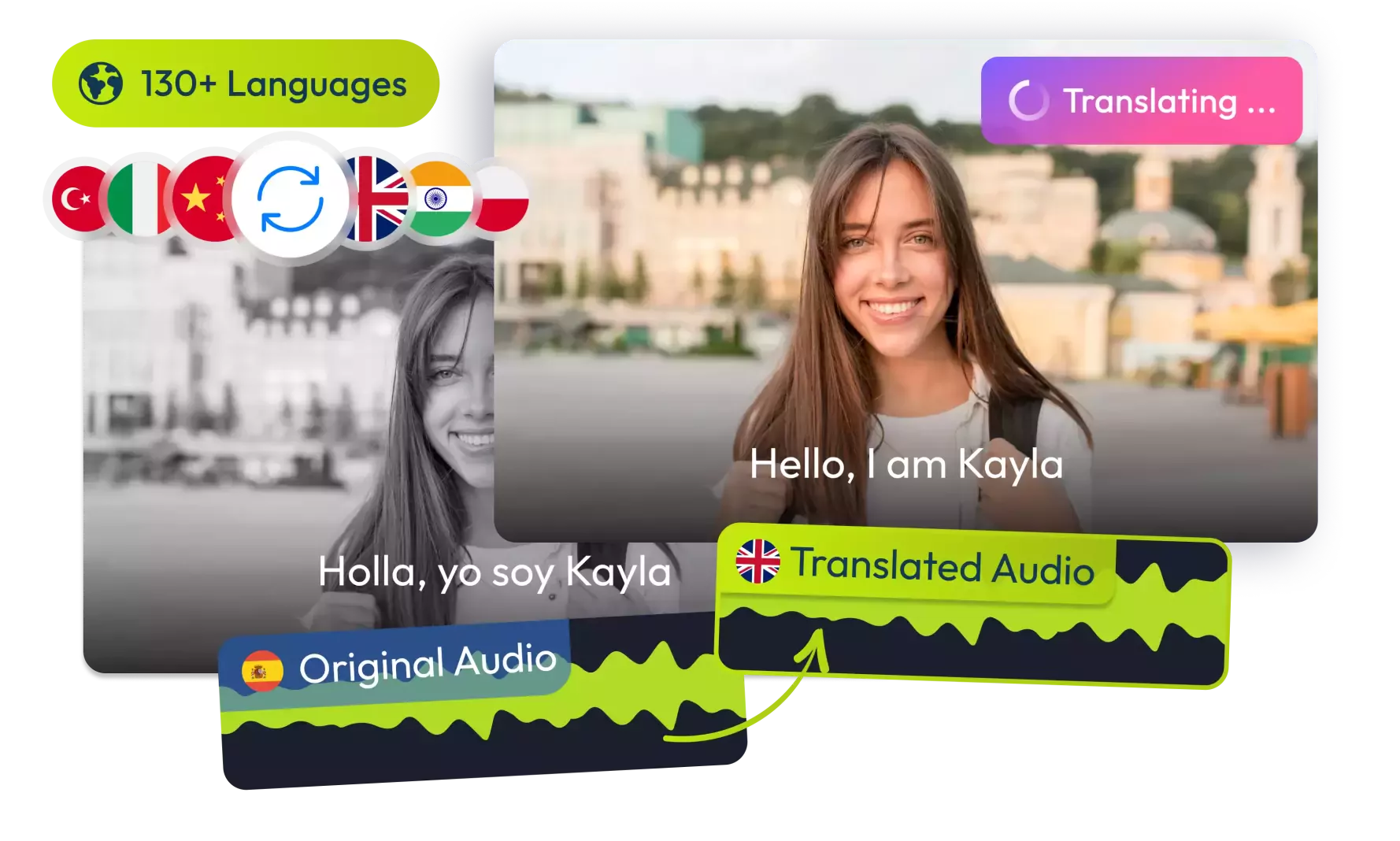
Girl speaking in AI video translation demo

How It Works

Simple steps to trim audio files!

Upload File

Select an audio file to trim

Set Range

Choose start and end points for trimming

Download

Get your trimmed audio file

Key Features

What makes our audio trimmer stand out!

Precision Trimming

Cut audio with pixel-perfect accuracy using visual waveform

Multiple Formats

Support for MP3, WAV, OGG, FLAC, and M4A audio formats

Live Preview

Preview your trimmed audio before downloading

Who Can Benefit

Perfect for various audio editing needs!

Musicians

Create perfect clips and samples from your recordings

Podcasters

Remove awkward pauses, mistakes, and unwanted sections

Content Creators

Create ringtones, sound effects, and audio snippets

Audio Tools

Voice Pitch Analyzer

Analyze the pitch of your voice recordings.

Try Now

Add or Translate Subtitles

Add new subtitles or translate existing ones in your videos.

Try Now

Add Text to Video

Add custom text overlays to your videos.

Try Now

Audio Background Remover

Remove background noise from audio recordings.

Try Now

Audio Pitch Changer

Modify the pitch of audio recordings.

Try Now

Audio Toolkit

Complete suite of audio editing and enhancement tools.

Try Now

Audio/Video Format Converter

Convert audio and video files to different formats.

Try Now

Audio/Video Merger

Combine audio and video files into one.

Try Now

Audio/Video Trimmer

Cut and trim audio or video files.

Try Now

Emotion Detection

Detect emotions in audio recordings.

Try Now

Mute Video

Remove audio track from video files.

Try Now

Resize Video

Change video dimensions and resolution.

Try Now

Sound Event Detection

Identify and classify sounds in audio.

Try Now

Speaker Diarization

Identify and separate different speakers in audio.

Try Now

Video Speed Changer

Adjust the playback speed of videos.

Try Now

Voice Changer

Modify voice characteristics in audio recordings.

Try Now

Voice Over Generator

Generate voice overs for your videos.

Try Now
Trusted by Creators Worldwide

User Reviews

Rated Excellent 4.98/5 on There's An AI For That

Perfect for Podcasts

Feb 2, 2026

"Removed awkward pauses and mistakes from my recordings."

P

Podcaster

Verified Review

Great for Music

Jan 31, 2026

"Created perfect ringtones from my favorite songs."

M

Music Lover

Verified Review

Simple and Precise

Jan 29, 2026

"Exactly what I needed for my voiceover editing."

V

Voice Actor

Verified Review

Jan 27, 2026

""

U

Verified Review
Got Questions?

Frequently Asked Questions

1

What audio formats can I trim?

The audio trimmer supports common formats including MP3, WAV, OGG, FLAC, and more.

2

Is there a file size limit?

The maximum file size is 100MB. For larger files, consider using desktop software.

3

Does trimming affect audio quality?

No, the trimming process is lossless and preserves the original audio quality.

4

Can I preview before downloading?

Yes, the tool provides a preview of the trimmed section before you download.

Still have questions? Contact us
VideoDubber Logo

VideoDubber

VideoDubber is a leading AI-first service made for Youtubers, Businesses and Content Creators in general by AI Scientists

Products

AI Video GeneratorVideo TranslationAudio TranslationAI Celebrity Voice Clone

Company

About UsJobsSpanish to EnglishEnglish to Hindi

Helpful Links

SupportContactFAQAffiliates (50%)

Miscellaneous

Terms of ServicePrivacy PolicyBlogsEnglish to Kannada

© 2025 VideoDubber.ai - All rights reserved.