
Voice Over Generator
Add professional voice narration to your videos with AI-generated speech. Customize voice, speed, and tone.
Voice Over Generator for Video
Generate professional voice overs and merge them with your video content using AI
Voice Over Settings
Upload Video
Voice Over Script
Speed
Pitch
Voice Volume
Video Volume
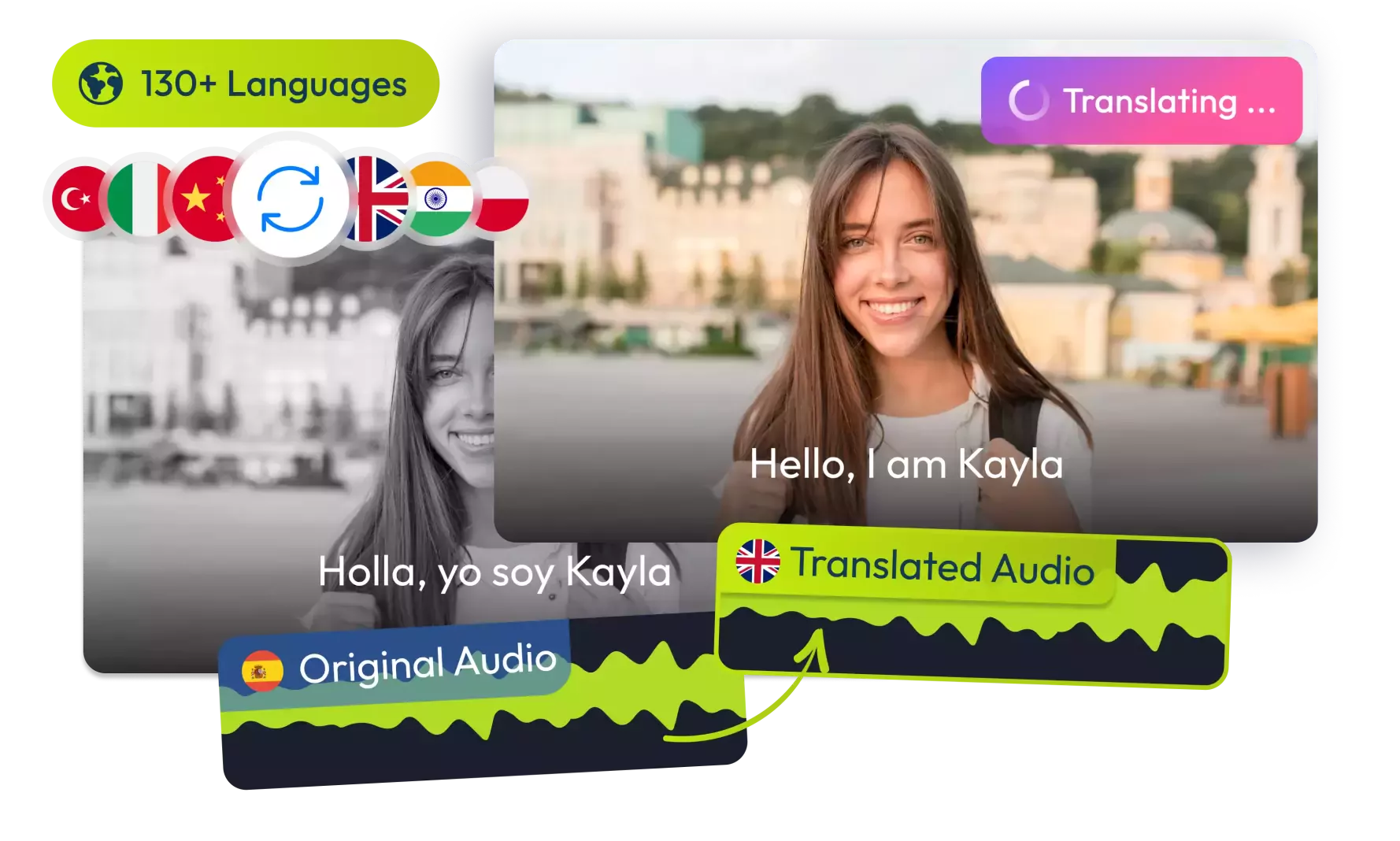
Translate Your Videos with AI& Reach Billions
No credit card required • 5 free minutes
How It Works
Simple steps to add voice over to your videos!
Upload Video
Select any video file from your device (MP4, WebM, MOV supported).
Enter Script
Type or paste your voice over text.
Generate & Download
Create voice over and merge with your video.
Key Features
What makes our Voice Over Generator special!
Multiple Voices
Choose from various languages and accents.
Customization
Adjust speed, pitch and volume of the voice.
Real-time Preview
Listen before finalizing your voice over.
Use Cases
Ideal for these common scenarios:
Content Creators
Add professional narration to your videos.
Educators
Create instructional videos with clear voice overs.
Businesses
Produce product demos and training materials.
Filmmakers
Add temporary voice tracks for editing.
Audio Tools
Perfect for Tutorials!
"Created professional voice overs for all my courses."
Online Instructor
Saved My Project
"Added narration when our voice actor fell through."
Video Producer
Simple & Effective
"Exactly what I needed for my YouTube channel."
Content Creator
Game Changer
"Produced dozens of product demos quickly."
Marketing Manager
Frequently Asked Questions
1Is this Voice Over Generator free?
Is this Voice Over Generator free?
Yes, our Voice Over Generator is completely free to use with no limitations.
2What voices are available?
What voices are available?
We offer a variety of AI-generated voices with different accents and tones. You can choose the one that best fits your video.
3Can I customize the voice?
Can I customize the voice?
Yes, you can customize the voice, speed, and tone to match your video's style.
4What video formats are supported?
What video formats are supported?
We support MP4, WebM, and MOV formats for video uploads.
5How do I download the final video?
How do I download the final video?
After generating the voice over, you can download the final video directly from the tool.
6Do I need to create an account?
Do I need to create an account?
No account creation is required. You can use the tool directly without signing up.
© 2026 VideoDubber.ai - All rights reserved.