
YouTube Intro/Outro Generator
Create professional, branded intros and outros for your YouTube channel in minutes. Customizable templates, channel name, colors, and royalty-free music—ready for YouTube upload.
Video Settings
Generated Video
Your generated video will appear here
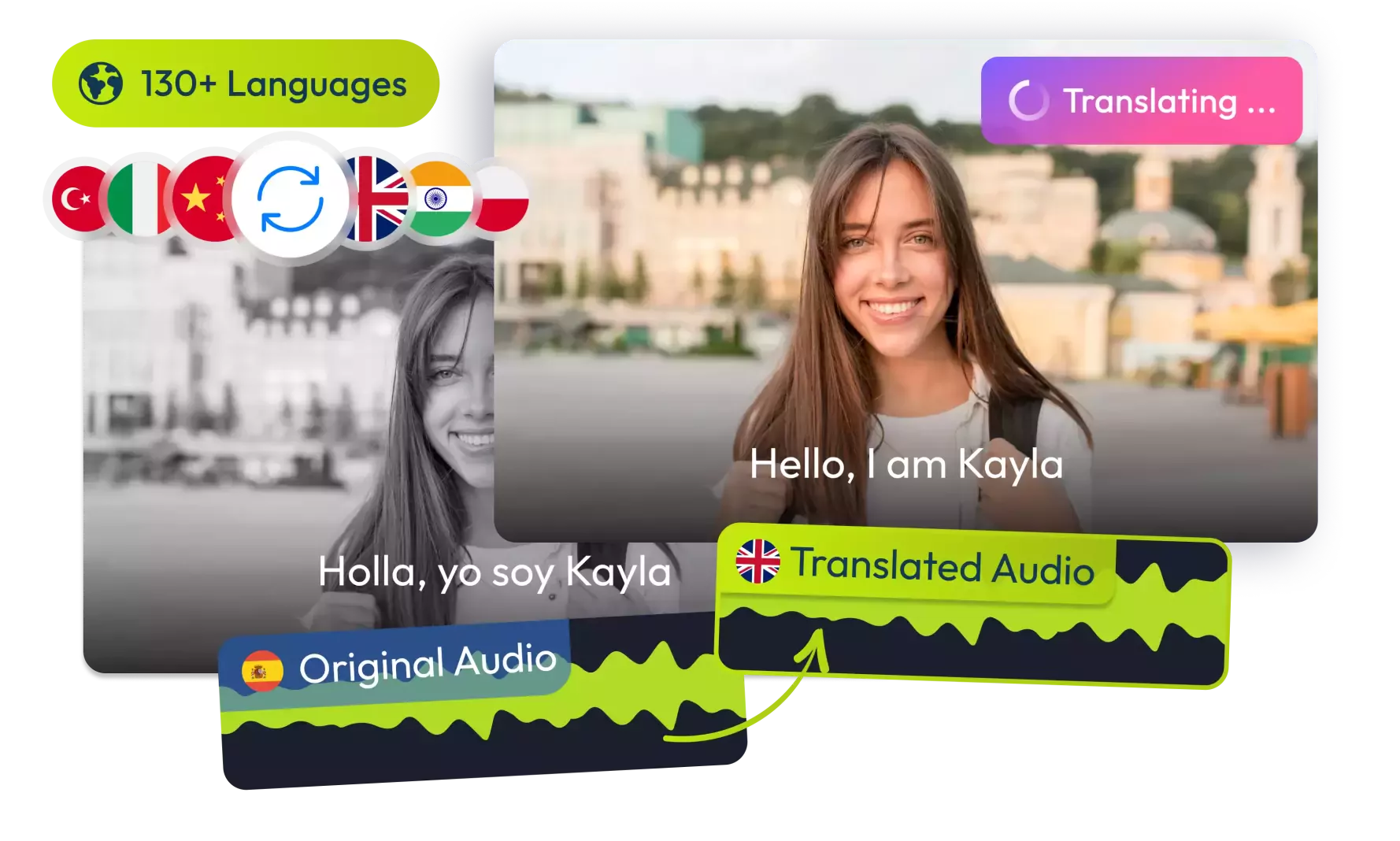
Translate Your Videos with AI& Reach Billions
No credit card required • 5 free minutes
How It Works
Create professional YouTube intros/outros in 3 easy steps!
Choose Your Style
Select from modern, energetic, minimalist or cinematic styles.
Add Your Details
Enter your YouTube channel name, video title, brand colors, and upload your logo.
Generate & Download
Generate and download your branded YouTube intro/outro.
Key Features
What makes our YouTube intro/outro generator special!
100+ Templates
Professionally designed templates for every YouTube niche and channel style.
Royalty-Free Music
Curated music tracks matched to your style.
Brand Customization
Match your YouTube channel's colors and branding.
Who Can Benefit
Perfect for all types of YouTube content creators:
New YouTubers
Establish your YouTube channel brand identity from day one.
Influencers
Maintain consistent branding across your YouTube videos.
YouTube Business Channels
Professional intros that build credibility for your YouTube channel.
Video Editors
Quickly generate client-branded intros.
YouTube Tools
YouTube AI Video Coach
Free AI video feedback to improve watch time, retention, and engagement on YouTube.
Try NowSaved Me Hours!
"Was about to hire a designer but this tool gave me pro results instantly."
Tech Reviewer
Perfect Branding
"Finally have consistent intros that match my channel aesthetic."
Beauty Vlogger
Viewers Love It
"Got compliments on my new intro within days of using it."
Gaming Channel
Easy Customization
"Changed colors and text to match my rebrand in minutes."
Business Channel
Frequently Asked Questions
1Is this YouTube Intro Maker really free?
Is this YouTube Intro Maker really free?
Yes, our YouTube Intro/Outro Generator is completely free to use with no watermarks or limitations.
2Can I use the music commercially?
Can I use the music commercially?
Yes, all music included is royalty-free and can be used in monetized YouTube videos without copyright issues.
3What video formats are supported?
What video formats are supported?
You can download your YouTube intros/outros in MP4 format (H.264 codec), which works with all video editors and is ready to upload to YouTube.
4Can I edit the intro after generating it?
Can I edit the intro after generating it?
While you can't edit within our tool after generation, you can download and edit the MP4 file in any video editing software.
5How long does generation take?
How long does generation take?
Generation typically takes 10-30 seconds depending on the complexity of your design and server load.
6Can I request custom templates?
Can I request custom templates?
We regularly add new templates based on user feedback. You can suggest template ideas through our contact form.
© 2026 VideoDubber.ai - All rights reserved.