
Subtitles
Approximately 85% of social media and mobile videos are watched on mute, so translated captions keep silent viewers watching. Get accurate, perfectly timed subtitles you can burn in or export as SRT/VTT.

Premium Voice Clone, LipSync, Unlimited Edits... 20x cheaper than ElevenLabs!
No credit card requiredRated 4.9/5 on G2
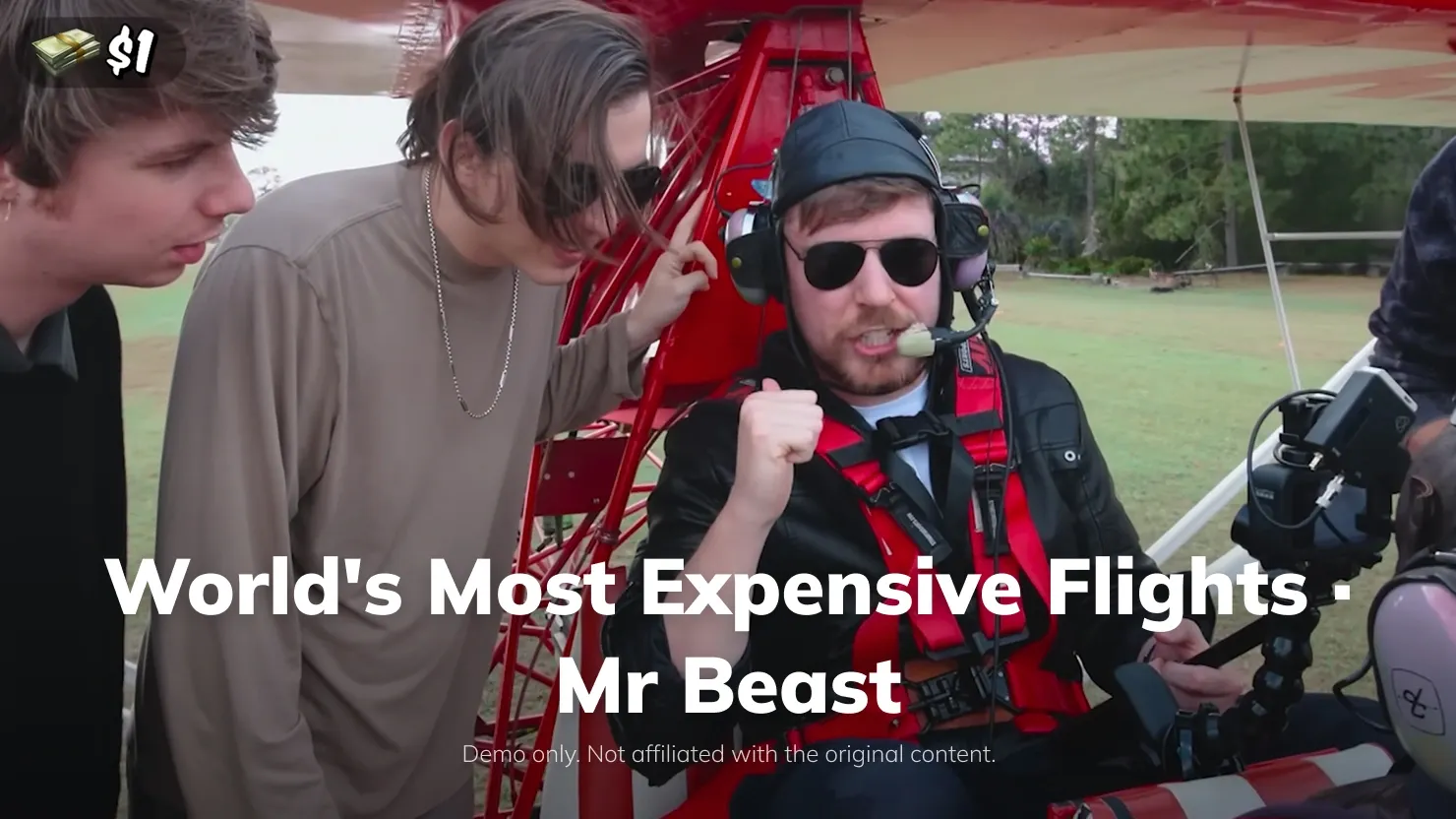
Translated video examples
9 free minutes · 150+ languages · No credit card required
Trusted by 9M+ creators and companies in 56+ countries















Krysta YoungSenior Marketing Manager
“Videodubber fasttracked our video translation workflow with flawless accuracy. Its AI can understand local nuances and contextual meaning of words translating accurately with high fidelity voice cloning and the lip sync is so perfect our clients could not tell difference with original.”
Krysta Young | Senior Marketing Manager
Pick the output that fits your video, or use all three from a single upload.
Approximately 85% of social media and mobile videos are watched on mute, so translated captions keep silent viewers watching. Get accurate, perfectly timed subtitles you can burn in or export as SRT/VTT.
Dubbing beats subtitles when you want people to watch, not read — no eyes stuck to the bottom of the screen. We clone the original speaker's voice and lip-sync it to your target language, so the translation feels like they actually spoke it.
Prefer text? Export a clean, translated transcript you can edit line by line — ideal for blog posts, show notes, documentation, or repurposing the content. Download as TXT or DOCX.
Four simple steps — upload a file or paste a link, and get subtitles or dubbing in minutes.
Drop an MP4, MOV, or WEBM file — or paste a YouTube, TikTok, Vimeo, or Google Drive link. No download required.
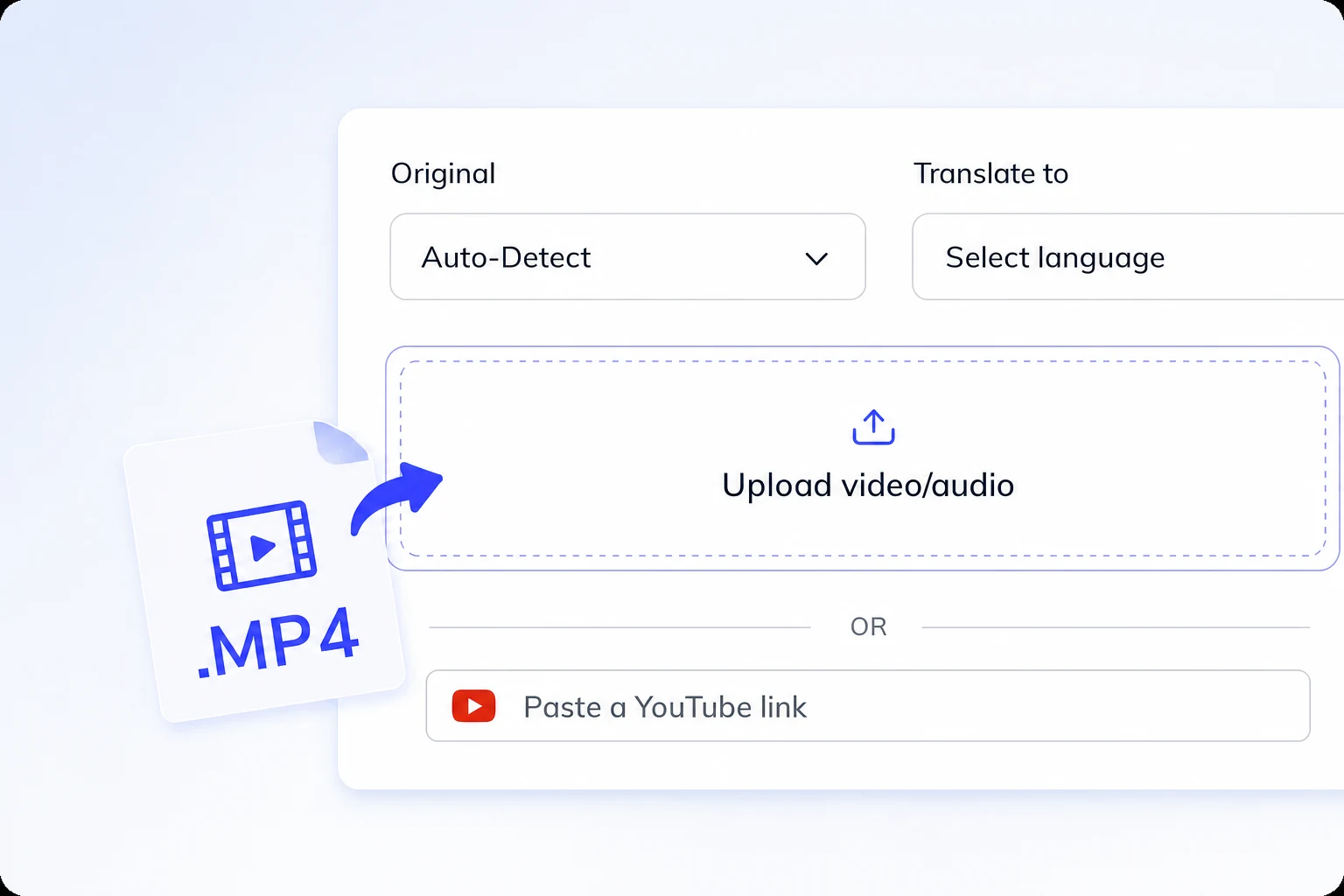
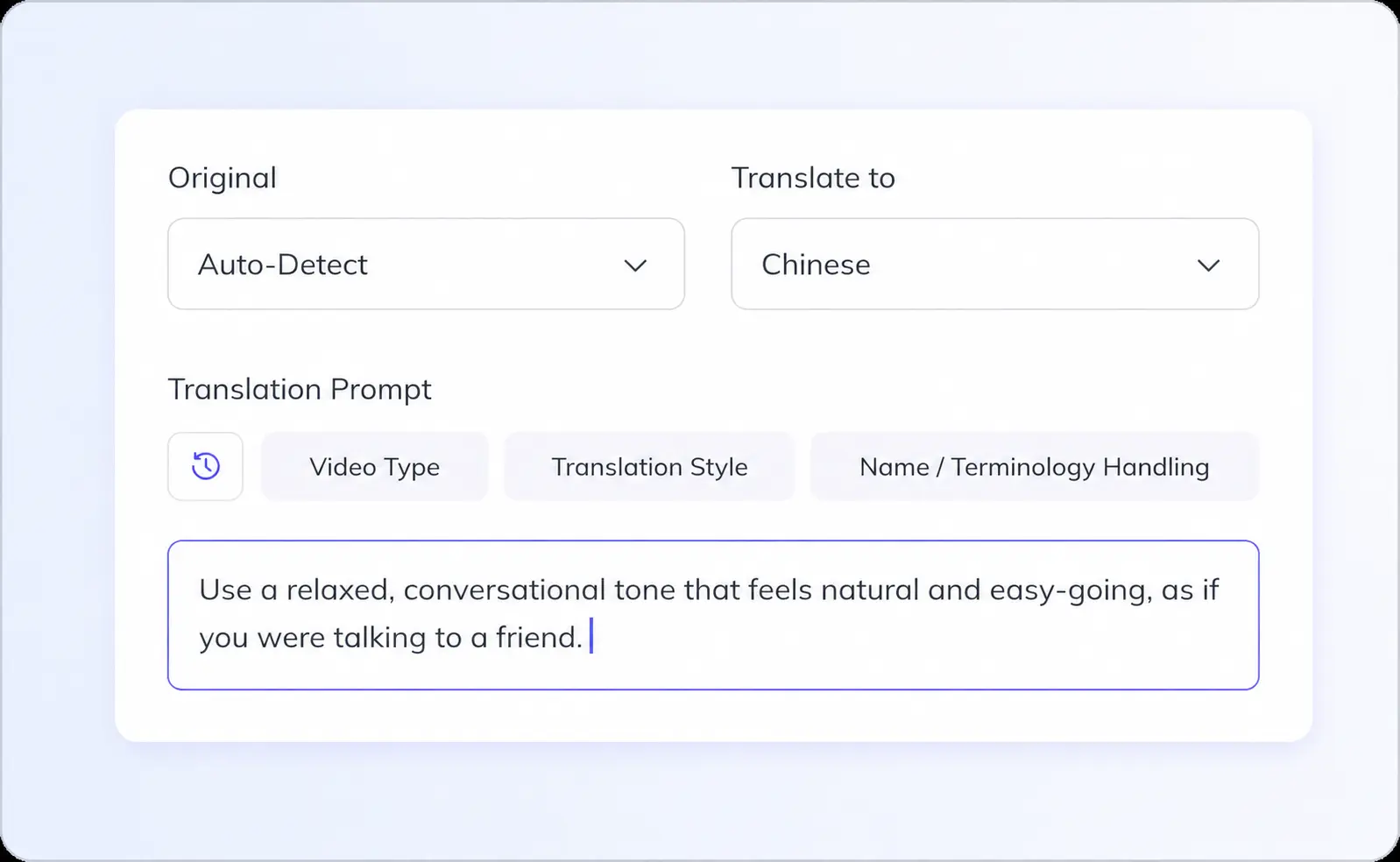
Source language is auto-detected in VideoDubber. Choose any of 150+ target languages (with specific accents/dialects) to translate the video in the voice your audience expects.
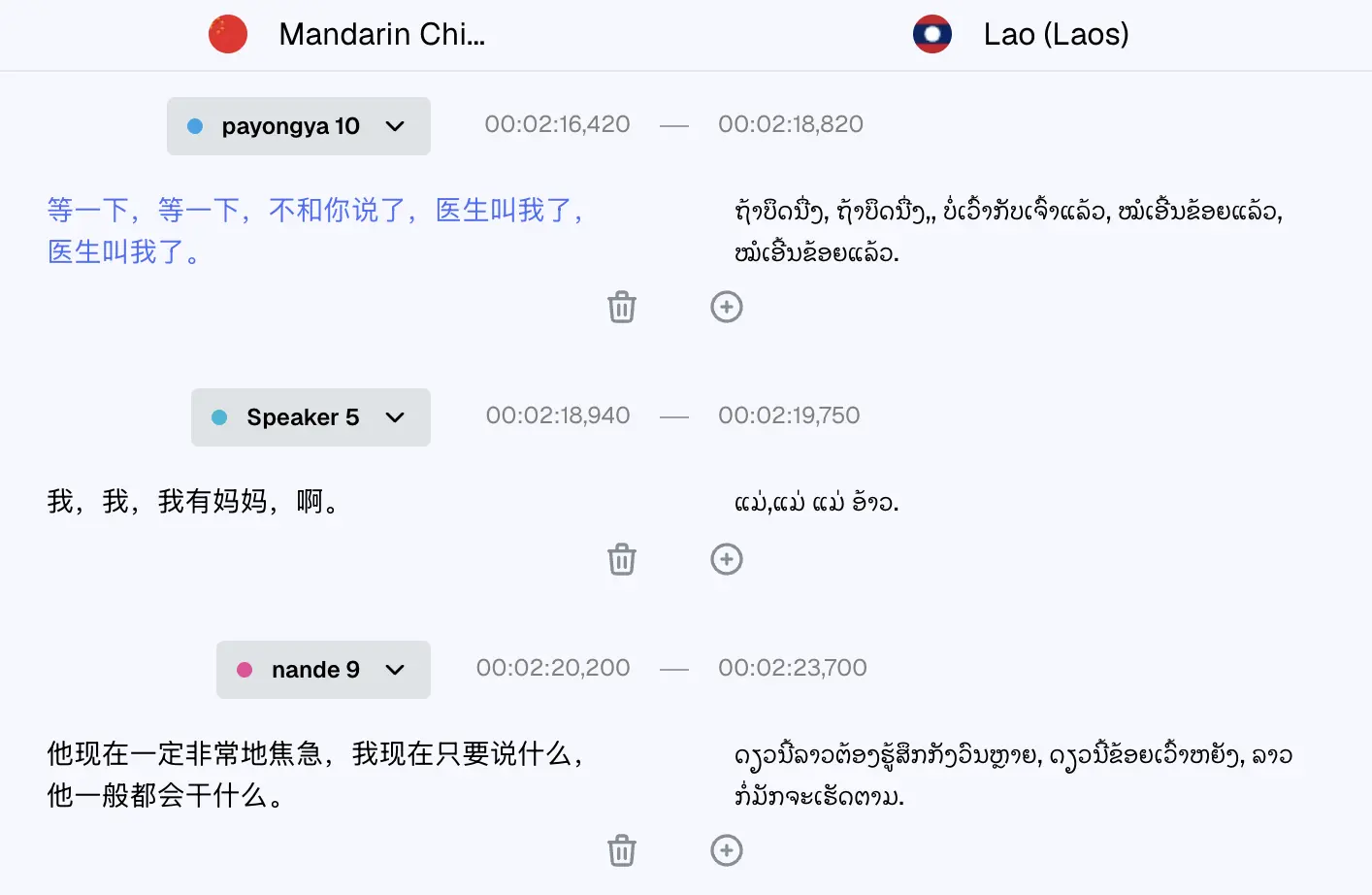
Review the AI-generated transcript in the editor. Fix any line, adjust timing, or re-translate specific segments before export.
Export MP4 with burned-in or soft subtitles, SRT/VTT files, dubbed MP4 with voice cloning, or TXT/DOCX transcript.
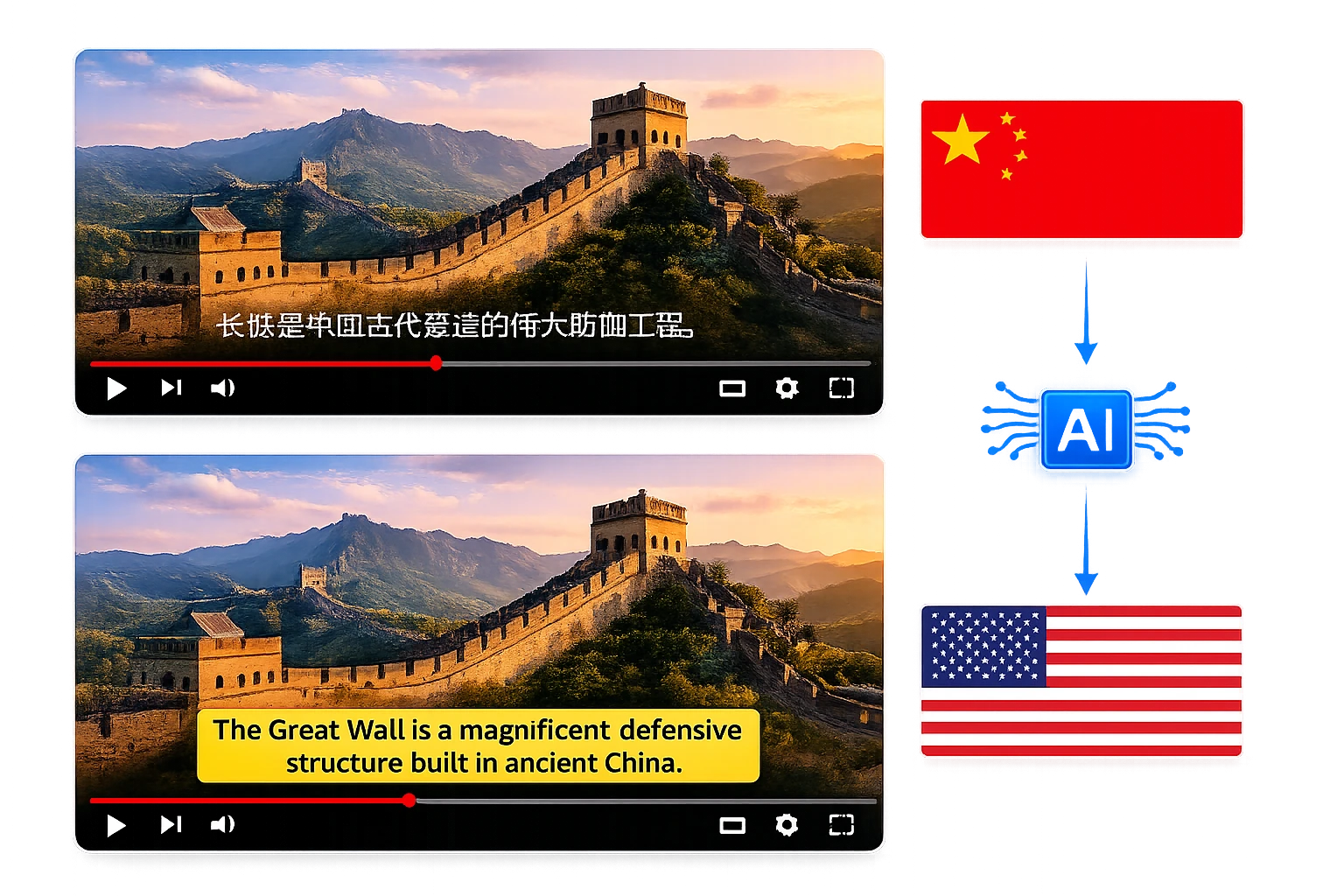
Dialect-aware translation, voice cloning with lip sync, a line-by-line editor, and export in every format you need.
Understands all varieties of Persian — regional dialects and word variants included (Iranian Persian, Dari, Tajiki, Isfahani, Mashhadi, Shirazi and Hazaragi) — then delivers your target language in the specific accent you choose, matching regional vocabulary and idioms so it sounds native, not generic.
Try for free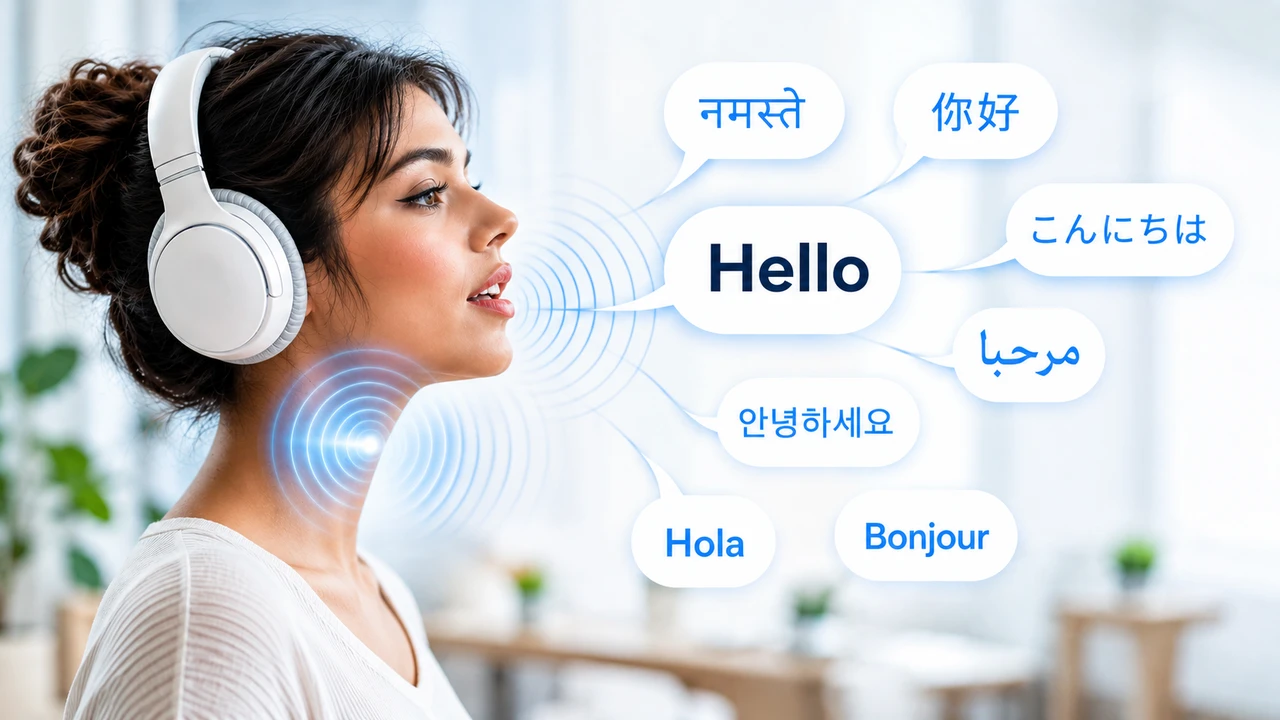
Replace the original audio with a cloned voice in your target language that matches the speaker's tone and emotion — with frame-accurate lip sync so viewers never notice it was dubbed.
Learn about dubbingReview and fix every line in the built-in editor before downloading. Re-translate any segment, adjust timing, and lock glossary terms — at no extra cost.
See the editorDownload MP4 (burned-in or soft subs), SRT, VTT, dubbed MP4, or TXT/DOCX. Supports MP4, MOV, WEBM, MKV, and MP3 input.
Start translatingWe built guardrails to keep accuracy high even where other AIs usually struggle: overlapping speakers, heavy slang, and noisy audio.
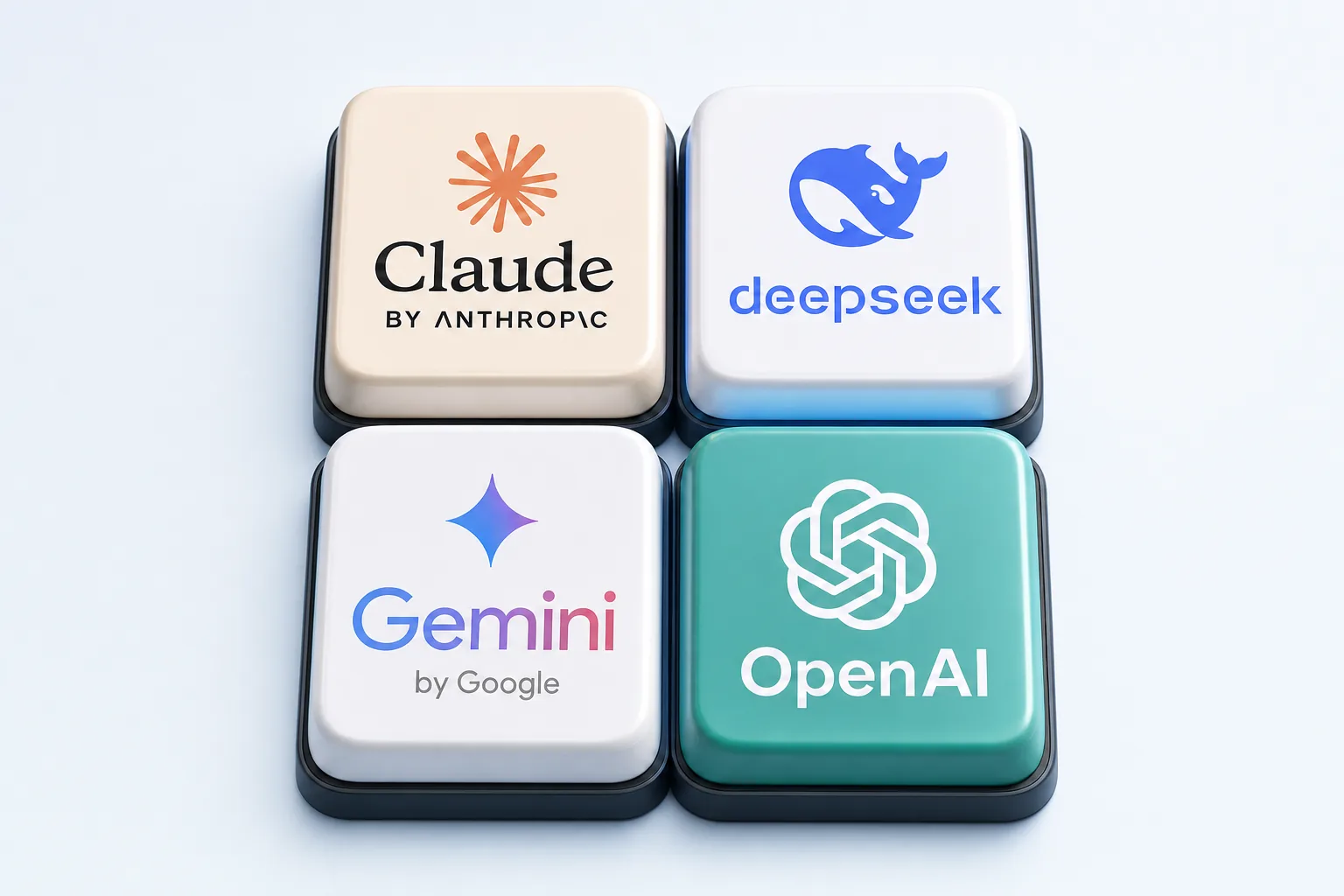
Pick the model that's strongest for your content — DeepSeek for Chinese, Gemini for European languages, and OpenAI for academic, medical, and documentary-style translation. The right engine for each use case means a more accurate result every time.
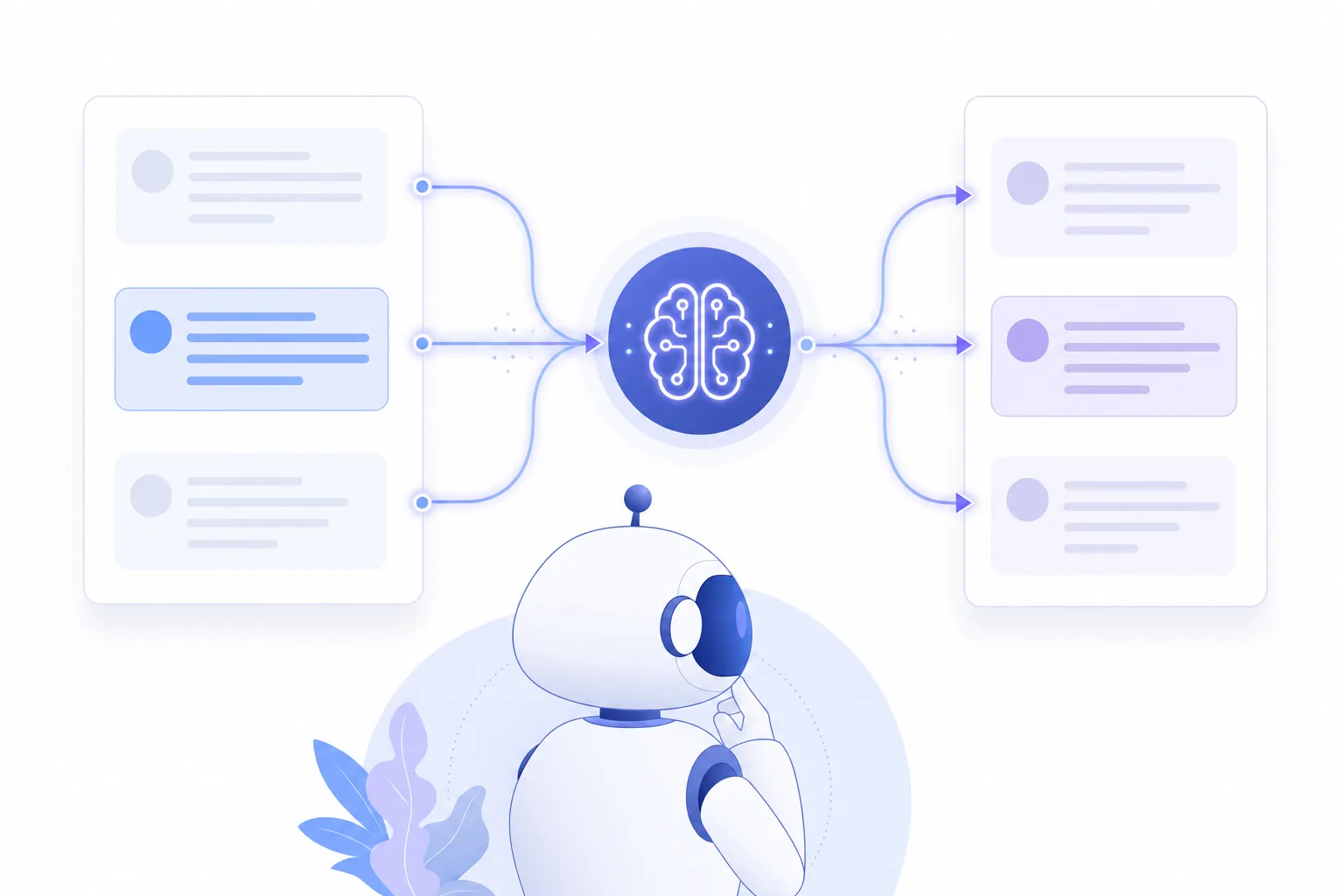
Instead of translating sentence-by-sentence in isolation, the model receives the full previous and next sentences of the conversation. That context lets it capture every nuance and choose the correct meaning for words that change with the situation.
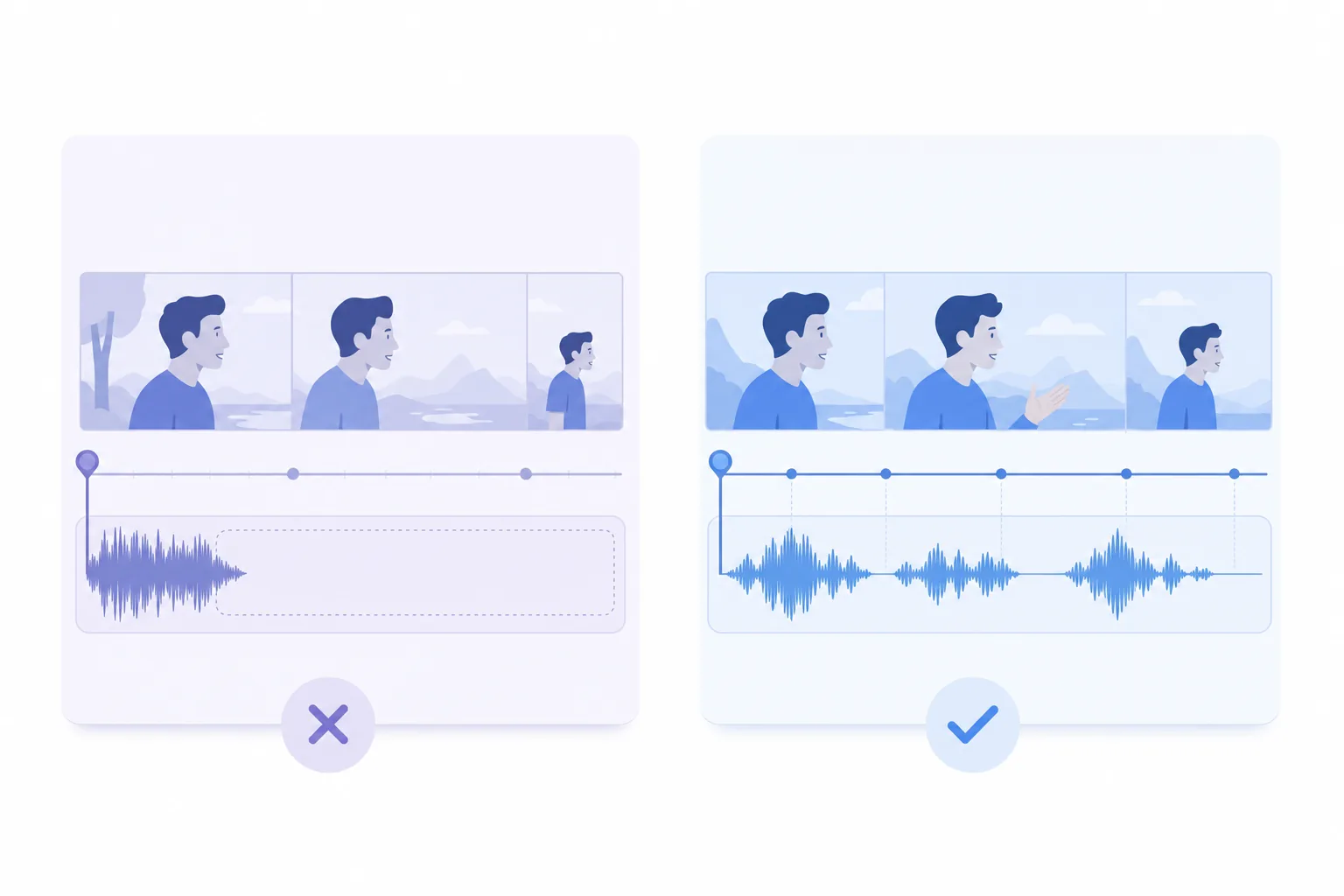
Other translators distort the audio by cramming a 50-word translation into a 30-word slot — so the voice sounds rushed or unnaturally slow. We adapt length and timing so the dubbed speech flows smoothly, never abruptly fast or slow.
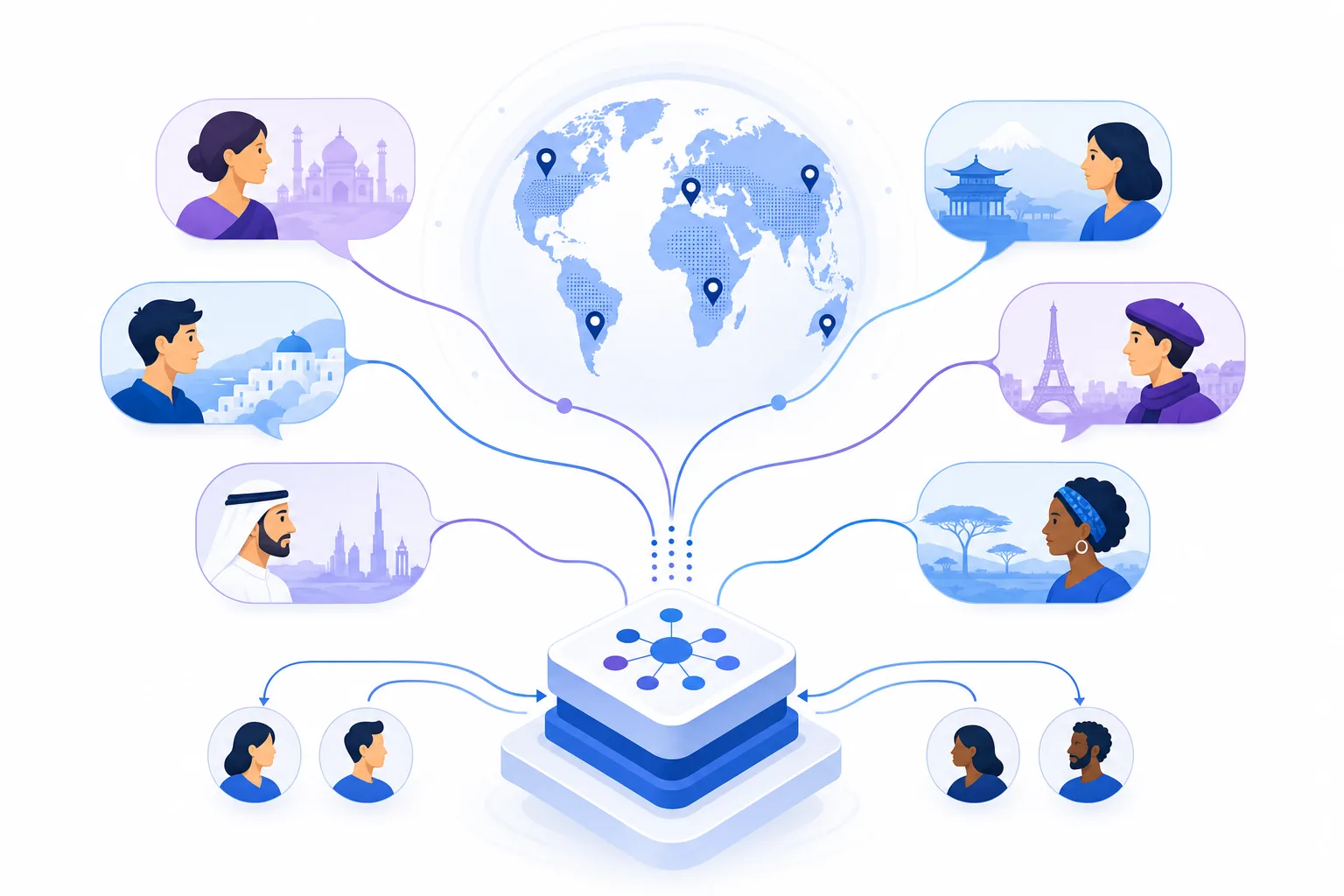
Most video translators only handle the most common dialect of a language. Ours translate with local dialects and regional vocabulary in mind, so the result feels native to your audience — not generic.
An honest comparison of the top tools — including real free-tier limits.
Last updated: August 2026
| Feature |  VideoDubber VideoDubber | Maestra | HappyScribe | Synthesia | Clideo | Vidby | RecCloud |
|---|---|---|---|---|---|---|---|
| Free tier | 9 min free | Limited trial | 10 min/mo | 1 min free | Limited (watermark) | Trial credits | Limited free |
| Subtitles | Yes | Yes | Yes | Yes | Yes | Yes | Yes |
| Dubbing | Yes | Yes | No | Yes | No | Yes | Yes |
| Voice clone | Yes | No | No | No | No | Yes | No |
| Lip sync | Yes | No | No | Yes | No | Yes | No |
| YouTube link | Yes | Yes | Yes | No | No | Yes | Yes |
| Max free | 9 min | ~2 min | 10 min/mo | 1 min | ~5 min | ~1 min | ~3 min |
| Formats | MP4, SRT, VTT, TXT | MP4, SRT, VTT | SRT, VTT, TXT | MP4 | MP4, SRT | MP4, SRT | MP4, SRT |
| Best for | Best value, voice clone + lip sync | Quick subtitle generation | Transcription + subtitles | AI avatar videos | Simple online editing | YouTube auto-dubbing | Cloud-based processing |
From solo creators to enterprise teams — if you have a Persian video and need it in another language, this is for you.
Localize YouTube videos, TikToks, and social clips for global audiences without re-shooting.
Translate a videoDub training videos, product demos, and sales enablement content for global teams in minutes.
See enterprise plansTranslate Persian lectures, interviews, and academic videos into transcripts for study and citation.
Get a transcriptQuickly understand Persian news clips, press conferences, and field reports with translated subtitles.
Translate family messages, vacation clips, and personal recordings from Persian-speaking relatives.
Add subtitles to Persian videos for deaf and hard-of-hearing viewers and ADA compliance.
Add subtitlesWant to translate a Persian video from a creator, news clip, or lecture you didn't film? Here are your options.
Copy the YouTube, TikTok, Vimeo, or Instagram Reel link and paste it into the tool above. VideoDubber imports the video, generates subtitles or AI dubbing in your language, and lets you download or watch the result — no need to own the file.
On YouTube: Settings → Subtitles/CC → Auto-translate → your language. This works for watching only (no download) and quality varies — it fails when the video has no captions, poor auto-caption quality, heavy accents, or slang.
Translating someone else's video for personal viewing is generally fine. Re-uploading dubbed or subtitled versions of content you don't own may violate copyright and platform terms — always check rights before publishing.
Paste the share link directly — VideoDubber imports TikTok videos without downloading.
Copy the reel URL and paste it into the link tab above.
Works with public Vimeo links. Private/password-protected videos require file upload.
Translate Persian videos into 150+ languages, or translate videos in those languages into Persian.
Everything you need to know before uploading.
All video uploads are encrypted in transit (TLS) and at rest. Files are processed in isolated environments.
Your uploaded videos are never used to train AI models. Content is deleted from processing servers after your project is complete.
VideoDubber follows GDPR-aligned data handling practices and is pursuing SOC 2 Type II certification.
REST endpoints for translate, dub, and lip sync – plug VideoDubber into your CMS, LMS, or content pipeline and process videos at scale.
Available on AWS MarketplaceShared workspaces, role-based access, SOC 2–aligned security, and priority support for teams dubbing thousands of hours.
Videodubber offers highest value in the Enterprise plan with premium lipsync, natural ElevenLabs voices, and every top-tier dubbing feature, at the highest value per dollar.
Get faster responses, onboarding help, and hands-on guidance from our team – so your crew can keep dubbing, not waiting on tickets.

SOC 2 Type II controls (audit in progress) and GDPR-aligned data handling protect your content and user data – built for organizations with strict compliance requirements.
Marketers, educators, studios, and enterprise teams rely on VideoDubber to publish in new markets without reshooting.
“We localized an entire course library into 12 languages in a single week. The glossary support kept our terminology spot-on throughout.”
 Cathy BrownAuthor & Film Producer
“Localizing our course videos used to take weeks. With Videodubber.ai we dub lessons in multiple languages and reach students worldwide in days.”
 AzatEdTech Founder, SkillUp School
“We used Videodubber.ai to translate sermons and reach more youth across the globe – breaking language barriers for Christ.”
 Fernando MarcoGlobal Materials Director, Christian Endeavor
“VideoDubber helps us share Rajyoga meditation and spiritual wisdom worldwide in each seeker's own language. The cloned voice stays warm and authentic, truly carrying the spirit of what we teach.”
 BK BhanuSpiritual Leader, Brahmakumaris
Transparent rates from $0.09/min – unlimited edits included, no metered revision fees.
What's included:
$48
$39/month
What's included:
$75
$49/month
What's included:
What's included:
Built on peer-reviewed AI from top conferences and deployed on Microsoft, AWS, and Google Cloud infrastructure.
Videodubber builds on peer-reviewed research from ICCV, CVPR, NeurIPS, ICLR, and ACL – five of the world's most respected AI conferences – to deliver expressive voiceovers, precise tone matching, and lifelike lip sync that generic AI tools cannot replicate, while maintaining a consistent 4.9 rating on leading AI aggregators.


Backed by innovation programs from Microsoft, AWS, and Google Cloud, VideoDubber delivers secure, reliable, and scalable AI localization workflows powered by world-class cloud infrastructure.



Generate, clone, dub, and lip-sync from the same engine – no juggling separate apps for each step.
Create polished videos from text, images, or scripts – powered by the same AI engine behind Videodubber's video localization.
Learn MoreClone any voice with studio-quality results – celebrity voices, custom brand voices, and emotional delivery in seconds.
Learn MoreStandalone or paired with translated dubbing – precise lip sync for avatars, interviews, and multi-speaker videos.
Learn MoreTurn written scripts into natural, expressive speech – with multilingual support and fine-grained voice control.
Learn MoreUpload your Persian video file or paste a YouTube/TikTok link into VideoDubber, pick your target language, and choose subtitles or dubbing. Your first 9 minutes are completely free — no credit card required.
VideoDubber translates Persian video into 150+ languages, including English, French, German, Portuguese, Italian, Hindi, Arabic, Chinese, Japanese, and many more — with regional accents and dialects available for dubbing.
Yes. Paste the YouTube URL directly into VideoDubber's link import tab. The tool fetches the video, generates subtitles or AI dubbing in your chosen language, and lets you watch or download the result without saving the original file.
Subtitles add translated text on screen while keeping the original Persian audio. Dubbing replaces the Persian audio with a voice-over in your target language — optionally cloned to match the speaker. Subtitles are faster and cheaper; dubbing is better when viewers won't read text.
On clear single-speaker content, expect 85–95% accuracy. Results vary with accents, slang, background noise, and multiple speakers. Always review the editable transcript before publishing — the built-in editor makes corrections fast.
Yes. VideoDubber's voice cloning carries the speaker's tone, emotion, and pacing into the dubbed language. Combined with frame-accurate lip sync, the result sounds and looks like the speaker is speaking the new language.
Yes. VideoDubber handles regional Persian dialects (Iranian Persian, Dari, Tajiki, Isfahani, Mashhadi, Shirazi and Hazaragi), including regional vocabulary and context-dependent translations.
Absolutely. The built-in editor lets you fix any line, adjust timing, re-translate specific segments, and lock glossary terms — all included at no extra cost with unlimited revisions.
Input: MP4, MOV, WEBM, MKV, MP3, WAV (up to 1 GB). Output: MP4 with subtitles or dubbing, SRT, VTT, TXT, or DOCX. The free tier covers your first 9 minutes; paid plans start at $0.09/min.
Yes. Uploads are encrypted in transit and at rest, never used for AI training, and deleted from processing servers after your project completes. VideoDubber follows GDPR-aligned data practices.
Upload your video, select Persian as source and your target language, then choose the subtitles option. Download SRT or VTT files for custom styling, or export MP4 with burned-in captions.
You can translate any video file you have rights to use. For copyrighted content like movies or TV shows, translation for personal viewing is fine, but re-uploading dubbed versions may violate copyright.
Yes, though accuracy is highest with clear single-speaker audio. For interviews or panel discussions, you can assign different voices to each speaker and edit lines individually in the transcript editor.
Most videos under 10 minutes are processed in 2–5 minutes. Longer videos or dubbing with voice cloning may take slightly longer. You'll see a real-time progress indicator.
Yes. VideoDubber runs entirely in your browser — no app install needed. Upload from your phone's camera roll or paste a link from any mobile browser.
No. VideoDubber is a browser-based tool that works on Chrome, Safari, Firefox, and Edge on desktop and mobile. Just open the page, upload or paste a link, and start translating.
Still have questions? Contact us
Upload a file or paste a YouTube link — get subtitles or AI dubbing in 150+ languages in minutes. Free to start.
No credit card required.
© 2026 VideoDubber.ai - All rights reserved.
 English
 Chinese (Mandarin)
 Hindi
Hindi Arabic
 Bengali (Bangla)
 Russian
 Urdu
Urdu Japanese
 Swahili
 Turkish
 Dutch
Dutch Greek
Greek Mongolian
 Azerbaijani
 Albanian
 Pashto
 Spanish
 German (Deutsch)
 Vietnamese
 Korean
 Italian
 Thai
Thai Ukrainian
 Swedish
 Uzbek
Uzbek Cantonese
 Zulu (isiZulu)