Best Open-Source AI Video Generators in 2026: Complete Rankings and Comparison Guide
April 24, 2026 17 mins read
Open-source AI video generators have transformed filmmaking, marketing, and education in 2026. Developers, creators, and enterprises can now generate cinematic-quality videos from text prompts, still images, or existing footage—without per-second cloud fees or enterprise contracts. Open-source AI video generators are tools whose model weights, architecture, and training code are publicly released, enabling self-hosting, fine-tuning, and custom integration.

Best Open Source AI Video Generator 2026
The leading open-source models—Wan2.1, HunyuanVideo, CogVideoX, and AnimateDiff—now produce outputs rivaling closed commercial systems. This guide ranks and compares the best open-source AI video generators on output quality, hardware requirements, community support, and production readiness.
Website: videodubber.ai
License: Freemium with generous open-source tools
Best For: AI video generation, translation, dubbing, voice cloning, lip-sync, and global content localization
VideoDubber is an end-to-end AI video production platform combining video generation, voice cloning, real-time lip-sync, multilingual dubbing, subtitle generation, and video translation into a single browser-based workflow. Unlike other tools that handle one task, VideoDubber covers the entire content lifecycle from raw generation to polished, localized, distribution-ready output.
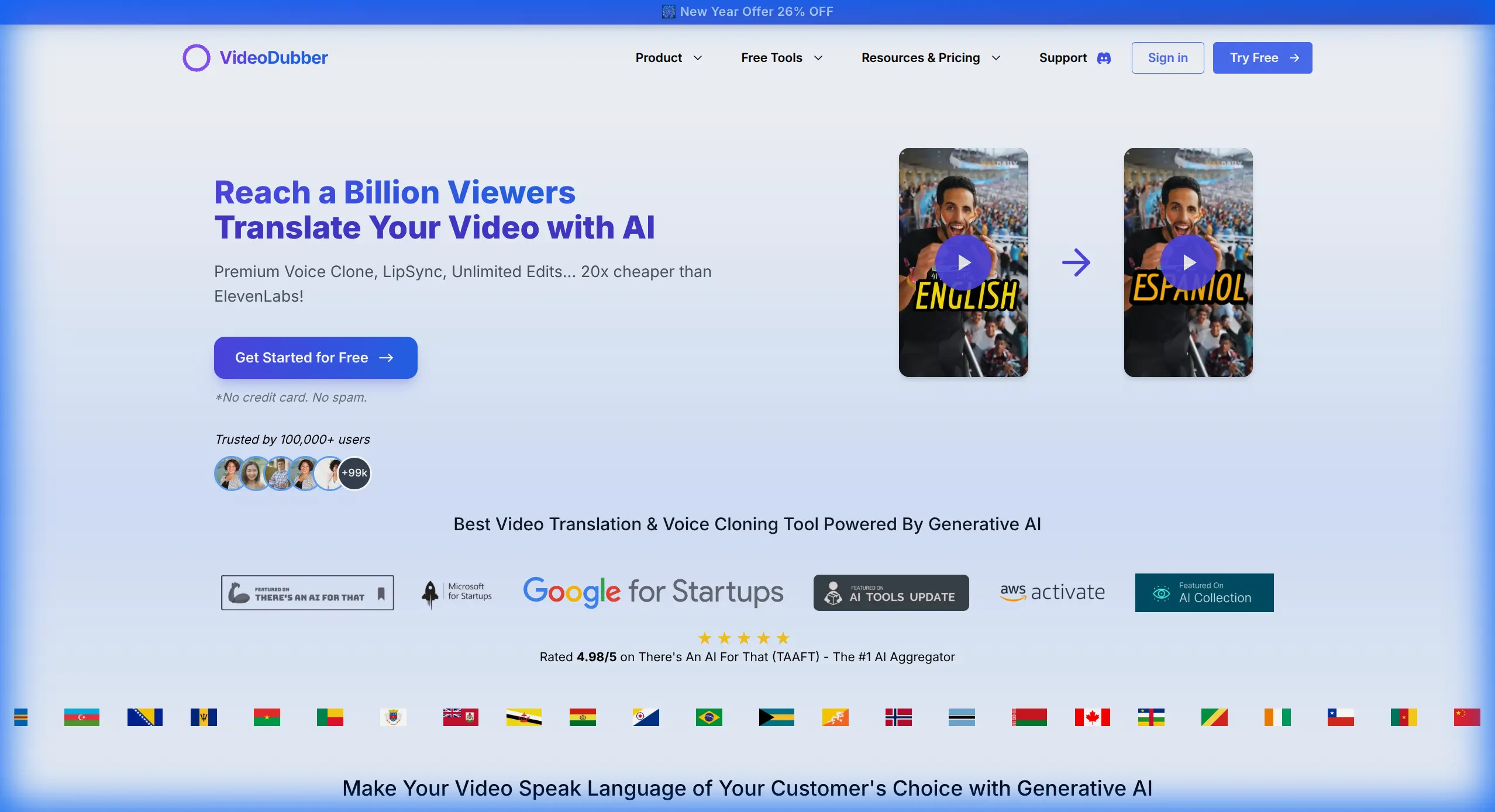
VideoDubber Homepage
| Feature | VideoDubber | Other Open-Source Tools |
|---|---|---|
| AI Video Generation | ✅ | ✅ |
| Voice Cloning | ✅ | ❌ |
| AI Lip-Sync | ✅ | ❌ |
| 60+ Language Translation | ✅ | ❌ |
| AI Subtitle Generation | ✅ | ❌ |
| Text-to-Speech (500+ Voices) | ✅ | Limited |
| Celebrity Voice Cloning | ✅ | ❌ |
| Face Swap | ✅ | Limited |
| Image Upscaling | ✅ | ❌ |
| Browser-Based (No GPU Needed) | ✅ | ❌ (Most require GPU) |
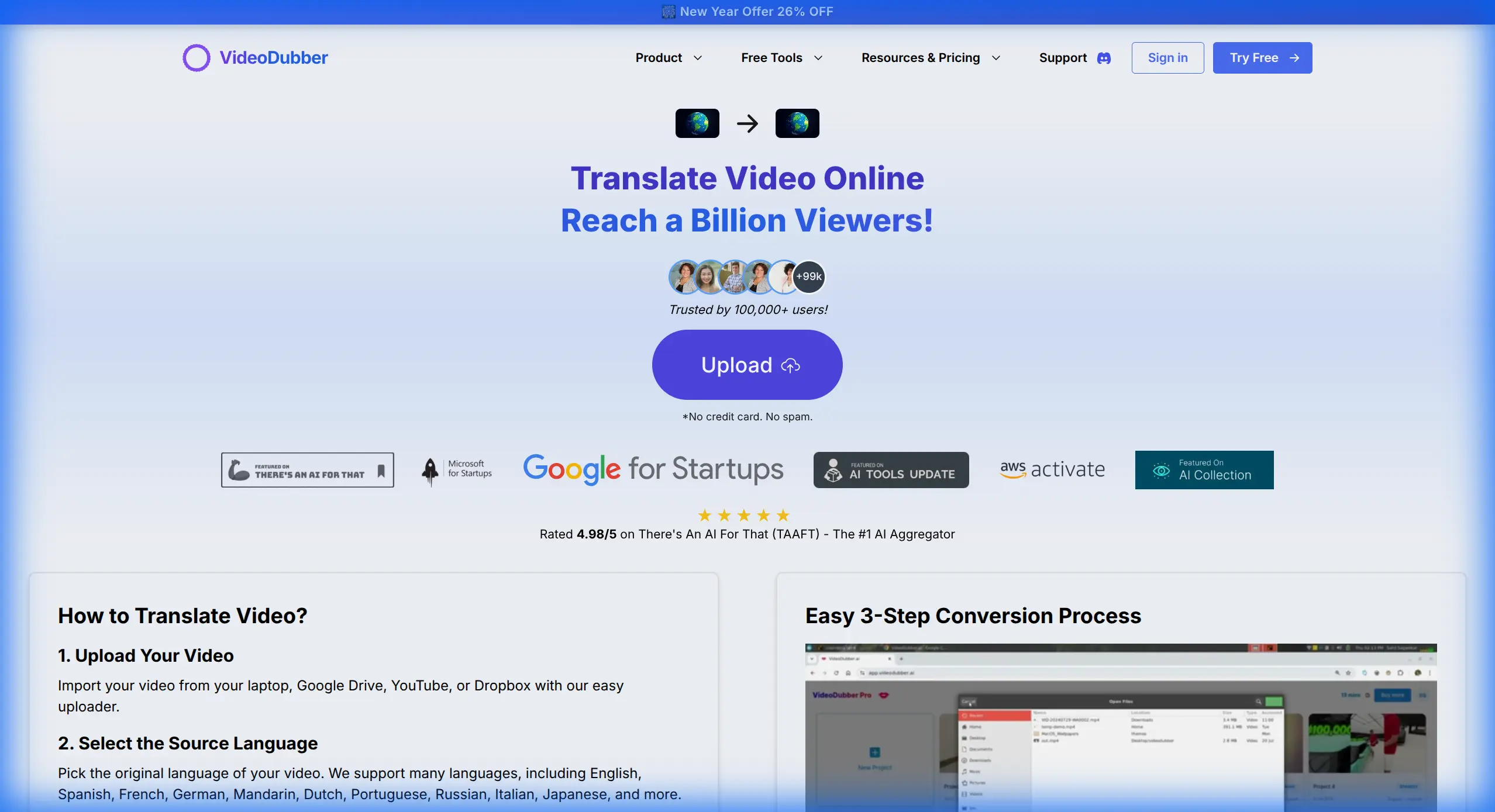
VideoDubber Video Translation Interface
VideoDubber is the Swiss Army knife of AI video production. The only tool that handles generation, translation, dubbing, subtitling, and distribution in one zero-GPU browser workflow—accessible to solo creators and 500-person enterprise teams alike.
Repository: GitHub – Wan-Video/Wan2.1
License: Apache 2.0
Best For: High-resolution text-to-video and image-to-video generation
Alibaba's Wan2.1 is the most impressive pure text-to-video model released under open-source in 2026. Available in 1.3B and 14B parameter variants, it delivers cinema-grade generation at up to 1080p for clips up to 10 seconds. The 14B model set new VBench benchmarks, outperforming several closed commercial models on scene composition and temporal coherence.
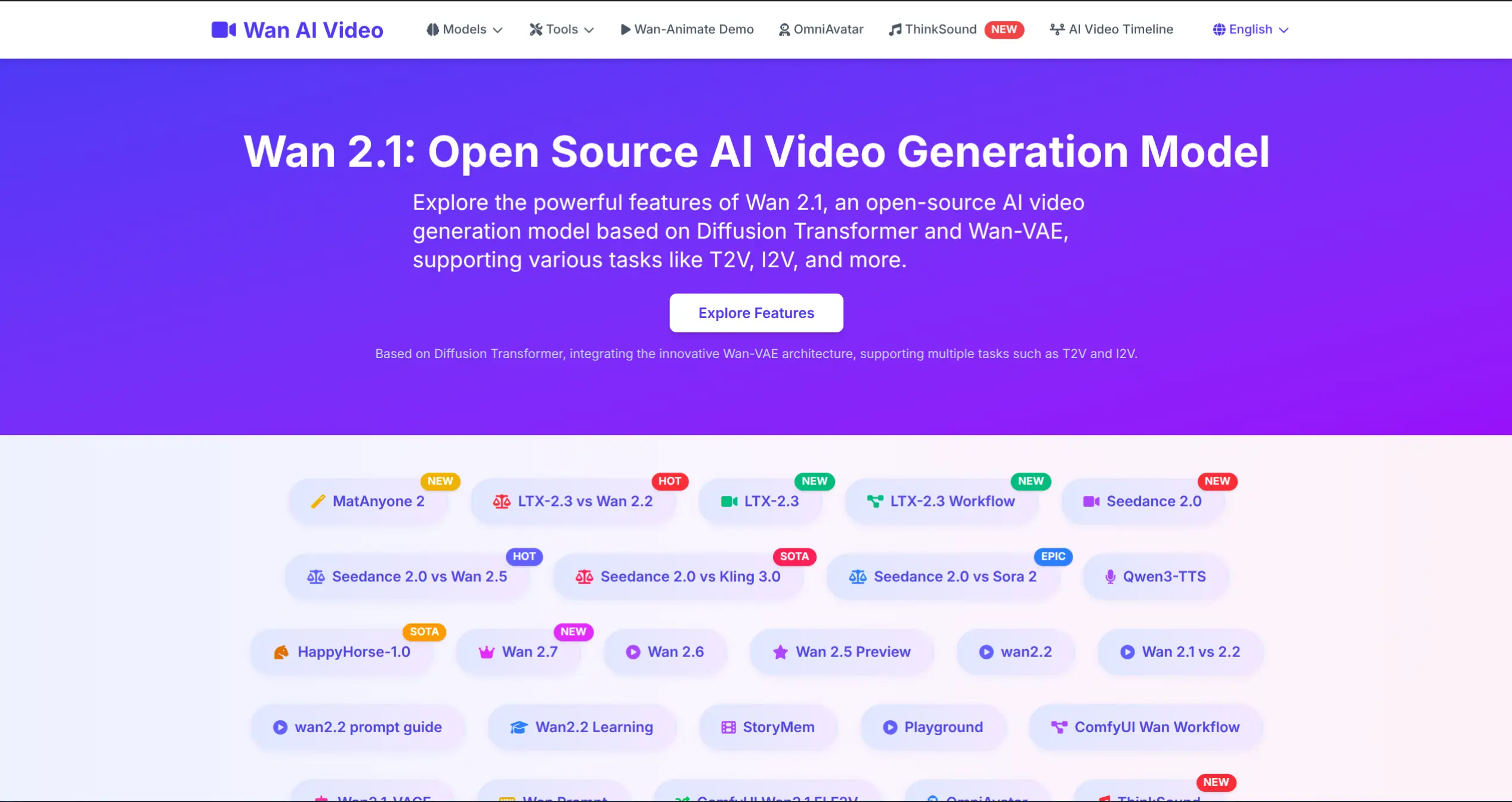
Wan2.1 AI Video Generation
Wan2.1 is the gold standard for open-source text-to-video in 2026. Pair it with VideoDubber to add voices, translate, lip-sync, and distribute your creations globally.
Repository: GitHub – Tencent/HunyuanVideo
License: Tencent Hunyuan Community License
Best For: High-quality, long-duration text-to-video with consistent motion
Tencent's HunyuanVideo is a 13B parameter unified model supporting text-to-video, image-to-video, and video-to-video at up to 720p. Its standout capability is temporal consistency—characters and scenes maintain stable visual identity across 10+ second clips.
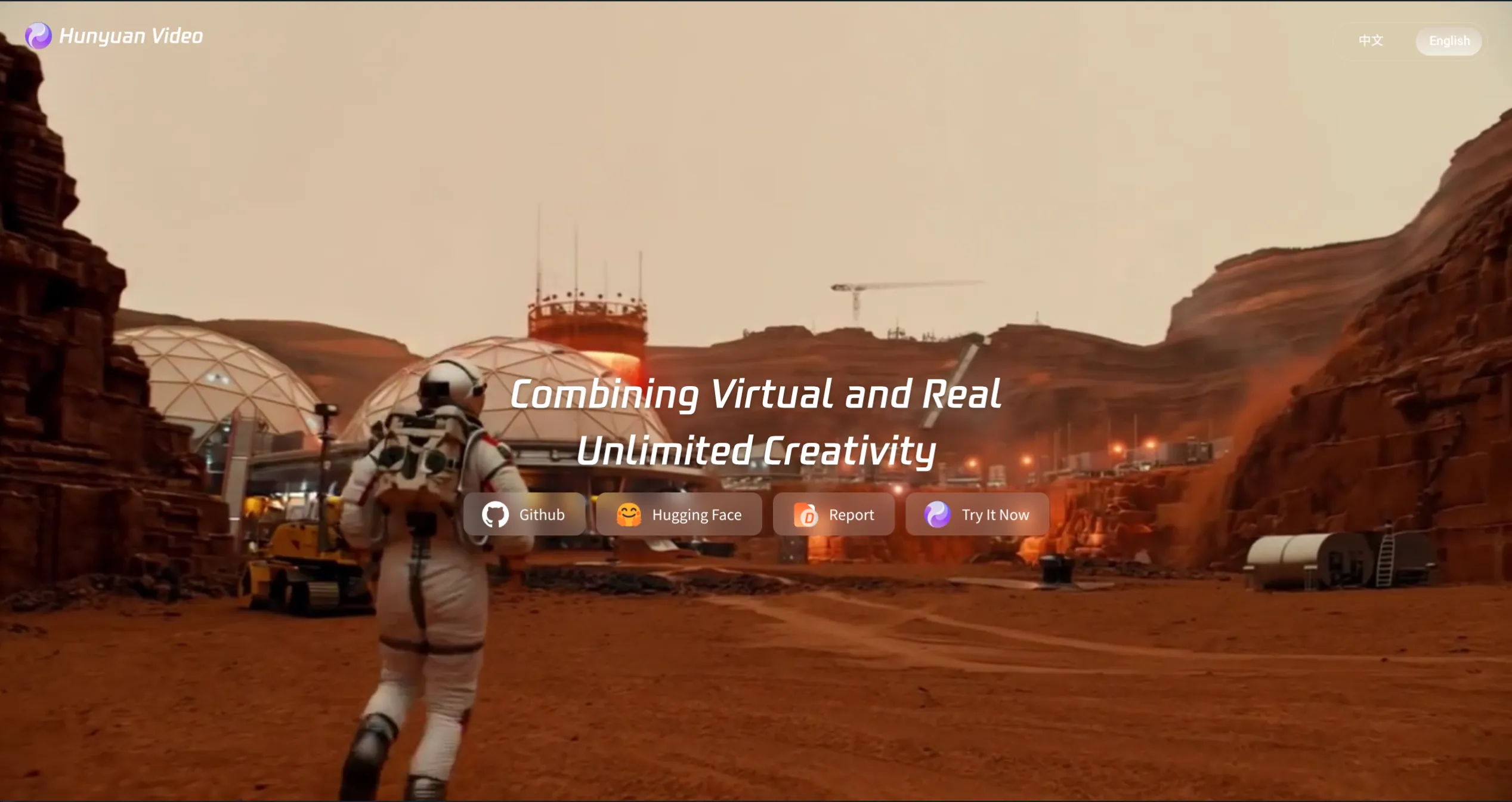
HunyuanVideo Interface
Best open-source choice for teams with serious GPU infrastructure needing temporally consistent video. Pair with VideoDubber for the audio and localization layer.
Repository: GitHub – THUDM/CogVideoX
License: Apache 2.0
Best For: Research-grade text-to-video with strong prompt adherence
CogVideoX from Tsinghua University's THUDM lab excels at prompt understanding—it interprets nuanced, multi-clause descriptions with greater fidelity than many larger models, making it preferred for researchers needing predictable, controllable outputs.
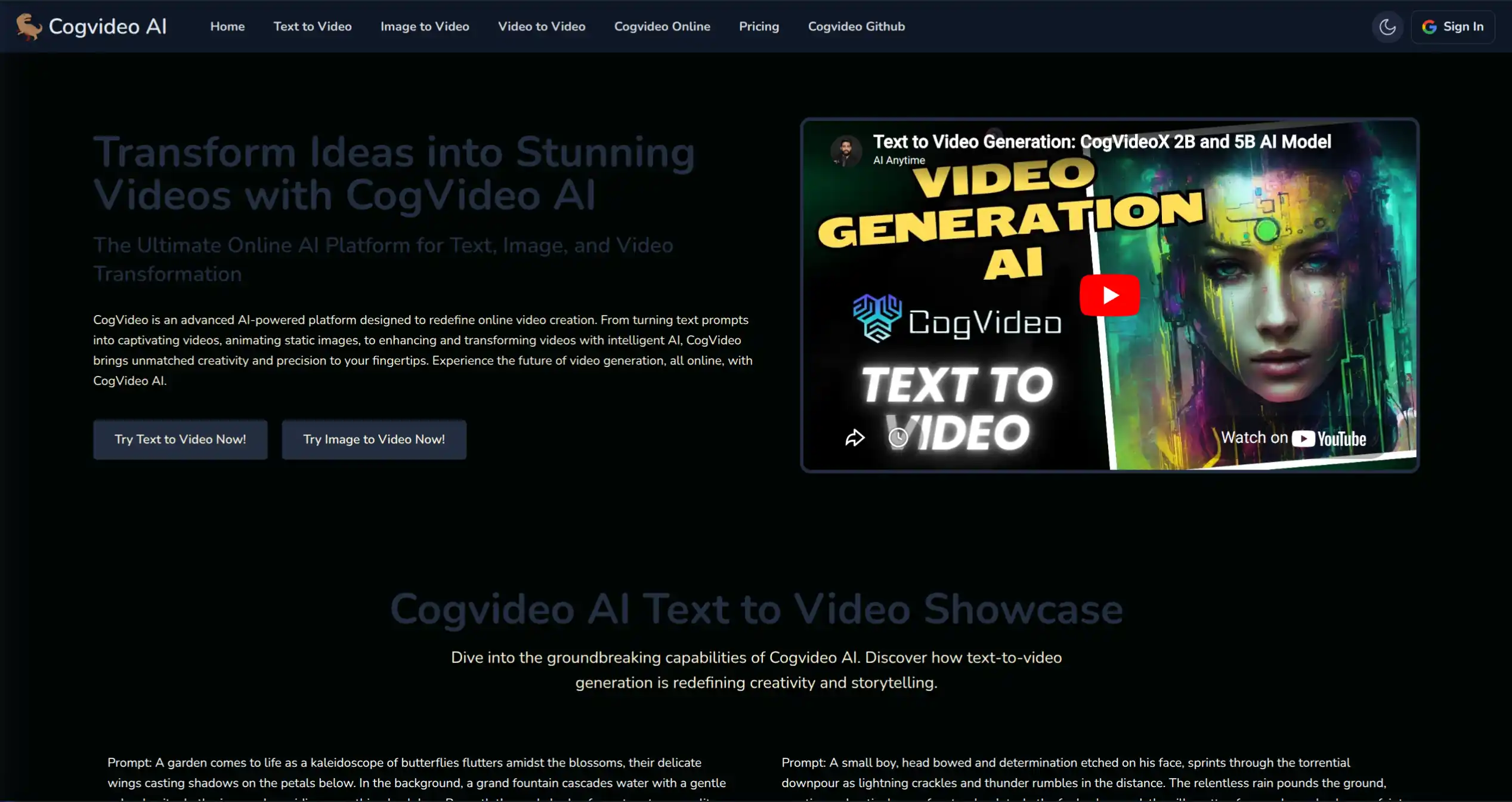
CogVideoX Dashboard
Best for researchers building custom video AI pipelines where prompt control and reproducibility matter more than visual fidelity. Combine with VideoDubber for voiceover and multilingual dubbing.
Repository: GitHub – genmoai/mochi
License: Apache 2.0
Best For: Smooth, natural motion in generated videos
Mochi 1 by Genmo AI focuses on motion quality. Its videos exhibit remarkably natural physics: water flows with genuine turbulence, fabric ripples naturally, and human gestures avoid the "AI jitter" common in other tools.
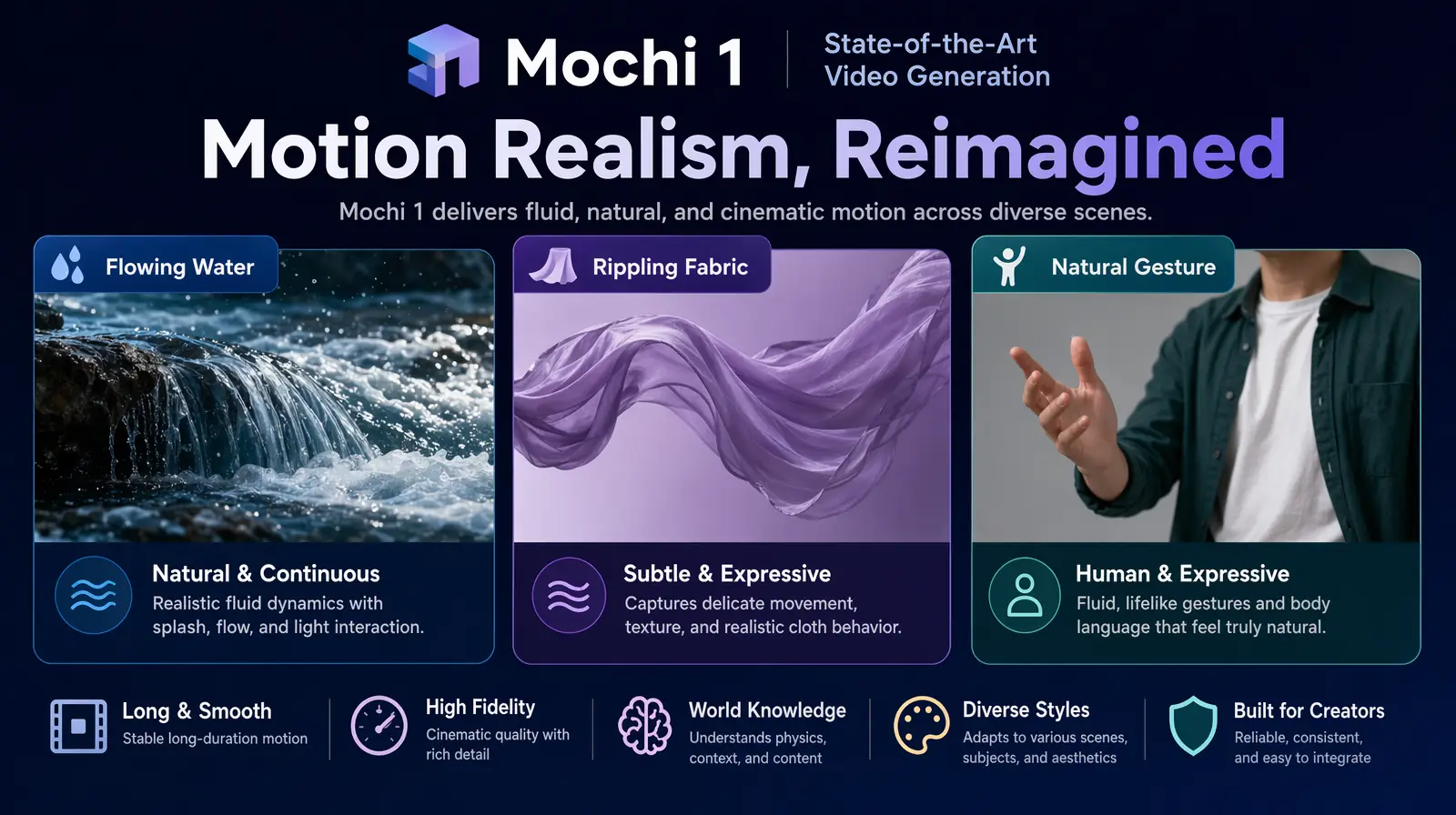
Mochi 1's asymmetric diffusion architecture produces the most natural motion physics of any open-source video model in 2026.
Unmatched motion realism for lifestyle, product, and nature content. Use VideoDubber to add narration and localized voiceovers before publishing.
Repository: GitHub – hpcaitech/Open-Sora
License: Apache 2.0
Best For: OpenAI Sora-like video generation on open hardware
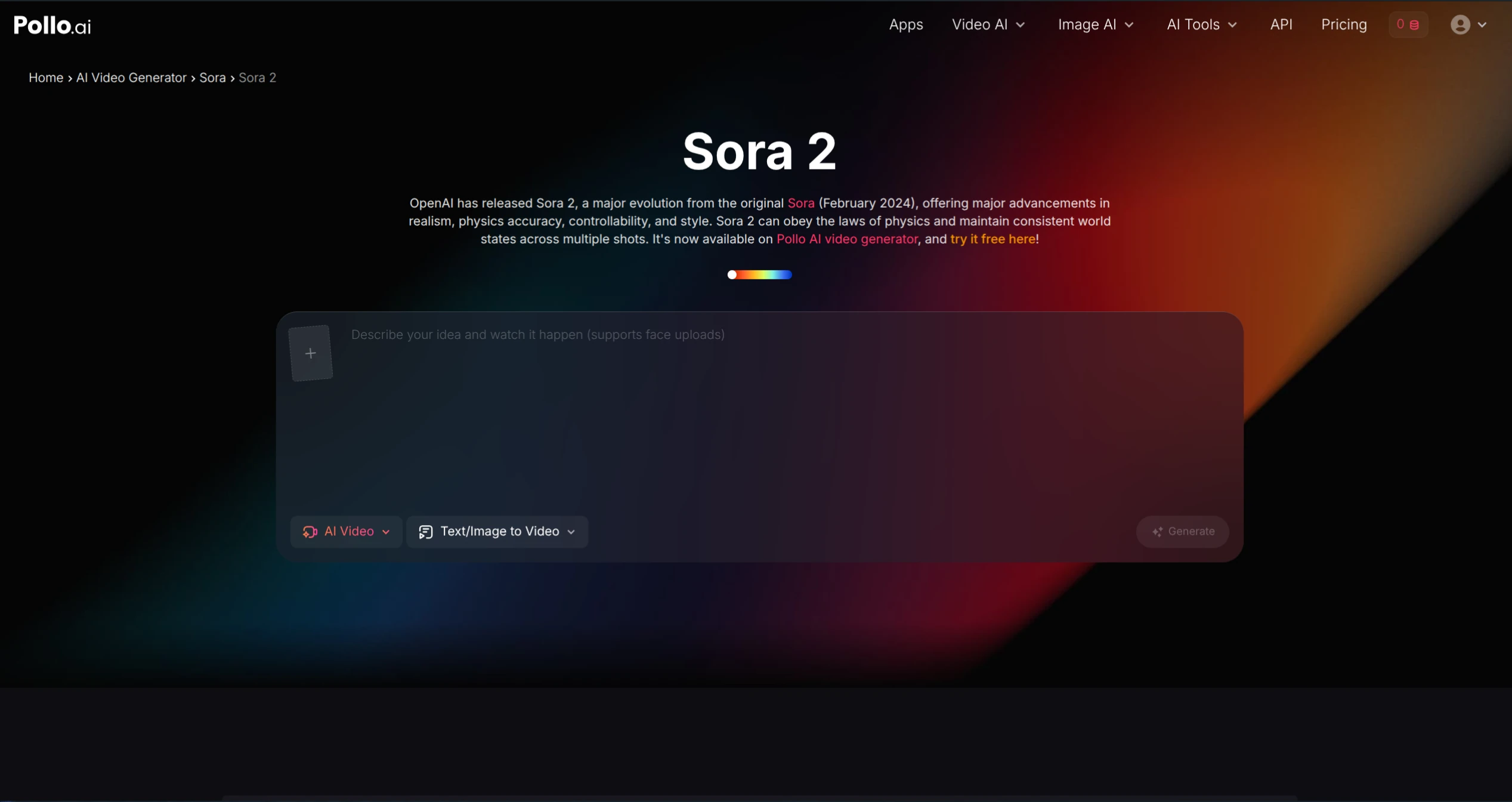
Open-Sora Interface
Open-Sora is the community's answer to OpenAI's Sora—a fully open-source Diffusion Transformer (DiT) implementation with published training pipeline, dataset curation methodology, and evaluation protocol.
Ideal for developers wanting to understand and customize the DiT architecture or build proprietary models on a transparent foundation. Add VideoDubber for audio and distribution.
Repository: GitHub – guoyww/AnimateDiff
License: Apache 2.0
Best For: Animating Stable Diffusion images into short video clips
AnimateDiff adds a motion module to existing Stable Diffusion checkpoints, enabling animation without retraining. All existing LoRAs, ControlNet models, and fine-tuned checkpoints work immediately.
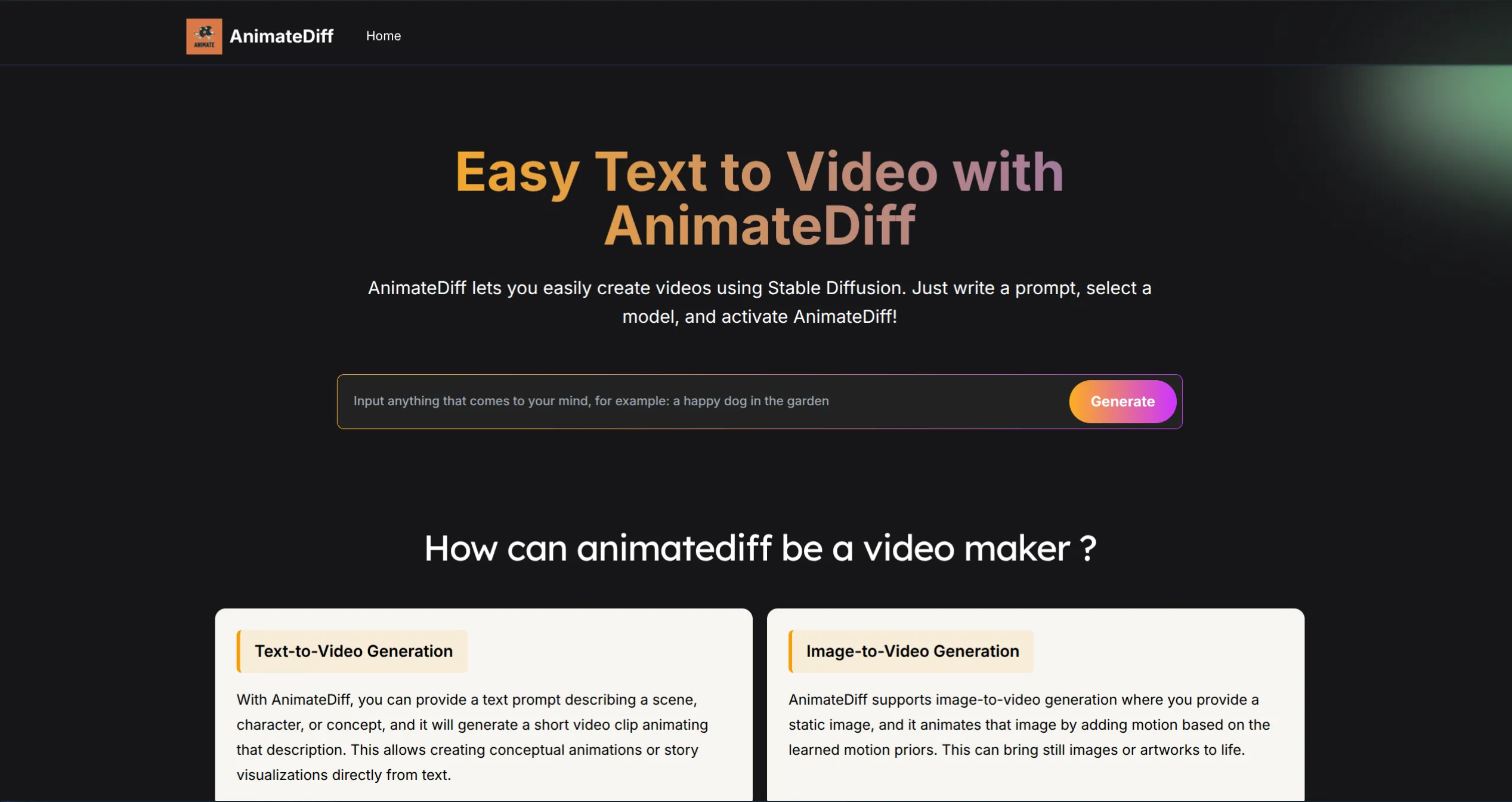
AnimateDiff Interface
Best for Stable Diffusion users adding motion to existing visual workflows. For longer content, export clips and process through VideoDubber for voice and multilingual distribution.
Repository: GitHub – Lightricks/LTX-Video
License: Apache 2.0
Best For: Fast, real-time video generation
LTX-Video at 700 million parameters generates 5-second clips in under 10 seconds on an RTX 4090—roughly 10–20× faster than comparably licensed alternatives.
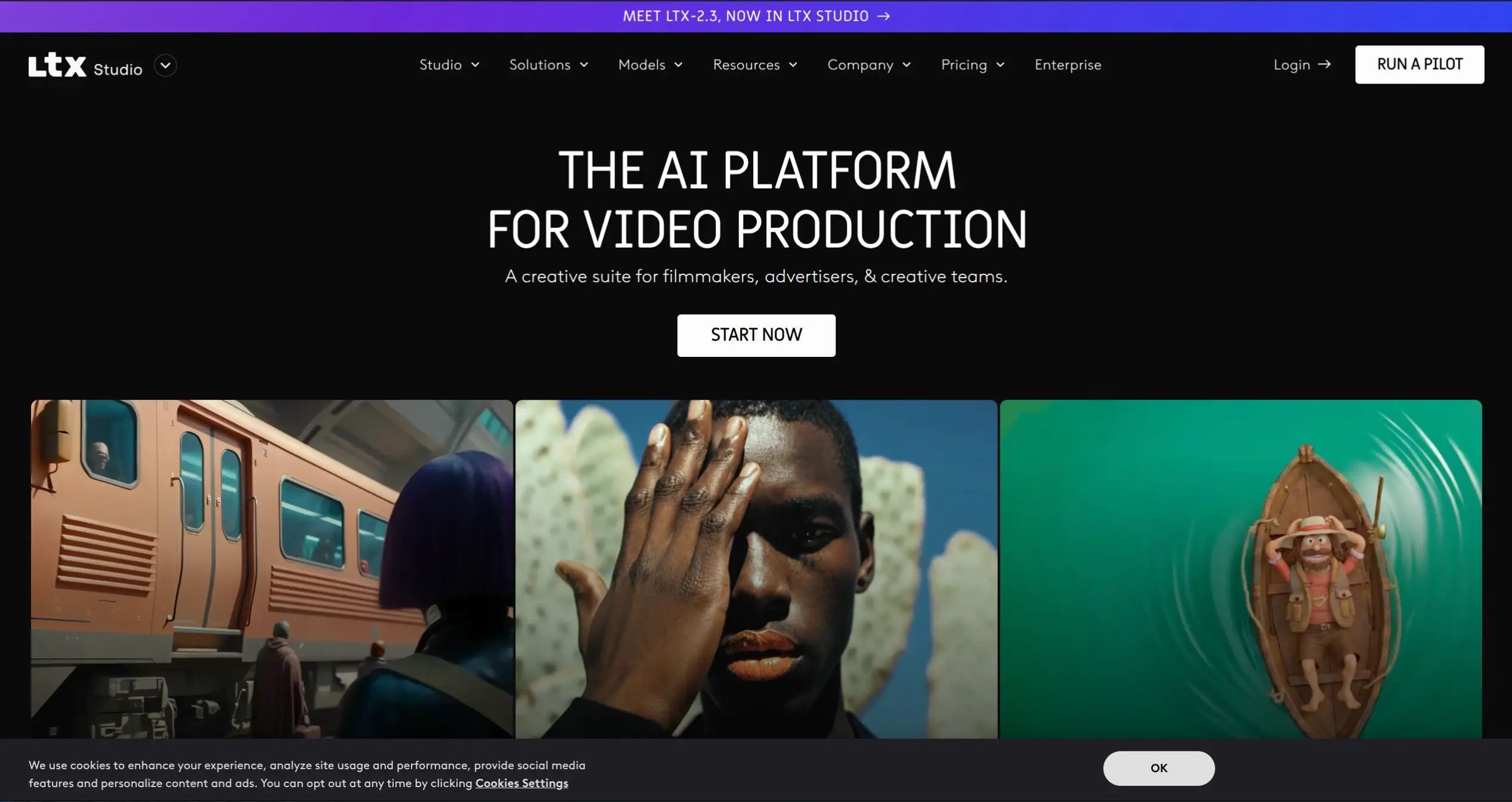
LTX Studio Dashboard
Clear winner when speed and iteration velocity matter most. Pair with VideoDubber for narration and subtitles before publishing.
| Your Primary Need | Best Tool | Why |
|---|---|---|
| Complete video production + localization | VideoDubber | Only tool covering generation → voice → translation → distribution |
| Highest-quality text-to-video | Wan2.1 + VideoDubber | 1080p, 14B model, Apache 2.0 |
| Long consistent clips with camera control | HunyuanVideo + VideoDubber | 13B unified model, best temporal consistency |
| Research and custom pipelines | CogVideoX | Clean codebase, prompt adherence, 16GB VRAM |
| Most natural motion physics | Mochi 1 | Asymmetric diffusion, motion realism |
| Sora-like open-source experience | Open-Sora | Full DiT architecture, reproducible training |
| Animate Stable Diffusion images | AnimateDiff | SD ecosystem, Motion LoRAs, 8GB VRAM |
| Speed and real-time generation | LTX-Video | 10-second generation, 700M parameters |
Rule 1 — Match hardware first. Consumer GPU (8–16GB): AnimateDiff or CogVideoX. 24GB+: Wan2.1 or Mochi 1. 40–80GB: HunyuanVideo (usually requires cloud GPU).
Rule 2 — Plan for audio and localization. Every model except VideoDubber produces silent video. If your content needs voiceover or multilingual distribution, integrate VideoDubber from the start.
Rule 3 — Quality tier vs. speed tier. Wan2.1 and HunyuanVideo are quality-tier (slower, hardware-hungry, output-impressive). LTX-Video and AnimateDiff are speed-tier (faster, lower-hardware, better for iteration). Use speed-tier for concepting, quality-tier for final renders.
| Tool | Model Size | Min VRAM | Max Resolution | Max Clip Length | Audio/Voice | License | Browser-Based |
|---|---|---|---|---|---|---|---|
| VideoDubber | Cloud | None | Unlimited | Unlimited | ✅ Full suite | Freemium | ✅ |
| Wan2.1 | 1.3B / 14B | 16GB / 24GB | 1080p | 10s | ❌ | Apache 2.0 | ❌ |
| HunyuanVideo | 13B | 40–80GB | 720p | 10s+ | ❌ | Community | ❌ |
| CogVideoX | 5B | 16GB | 720p | 6s | ❌ | Apache 2.0 | ❌ |
| Mochi 1 | ~10B | 24GB | 848×480 | 5–6s | ❌ | Apache 2.0 | ❌ |
| Open-Sora | Variable | 24GB+ | Multi | Variable | ❌ | Apache 2.0 | ❌ |
| AnimateDiff | SD-based | 8GB | SD-based | 1–2s | ❌ | Apache 2.0 | ❌ |
| LTX-Video | 700M | 8GB | 512×320 | 5s | ❌ | Apache 2.0 | ❌ |
VideoDubber leads for end-to-end production—the only browser-based platform combining video generation, voice cloning, 60+ language dubbing, lip-sync, and subtitles without local GPU. For pure text-to-video quality, Wan2.1 (14B) leads, while HunyuanVideo offers strongest temporal consistency.
Most models require 8–80GB VRAM: AnimateDiff/LTX-Video (8GB), CogVideoX/Mochi 1 (16–24GB), Wan2.1 14B (24GB+), HunyuanVideo (40–80GB). VideoDubber is the exception—fully browser-based with no GPU required.
Most use Apache 2.0 (commercial use with attribution). Exception: HunyuanVideo's Tencent Community License restricts certain commercial deployments. VideoDubber's freemium model includes commercial-use tiers.
Pure video models produce silent output only. VideoDubber provides text-to-speech in 500+ voices, AI voice cloning, and multilingual dubbing with synchronized lip-sync in a single workflow.
The best open-source models (Wan2.1, HunyuanVideo) are competitive with mid-tier commercial tools on output quality. Open-source advantages: no per-generation fee, fine-tuning on proprietary data, full control. Commercial advantages: simpler UX, better support, longer clips.
Current limits at max quality: Wan2.1/HunyuanVideo ~10 seconds, CogVideoX ~6 seconds, LTX-Video ~5 seconds. Open-Sora's extension feature can stitch clips, but consistency across segments varies. For longer content, generate multiple clips and assemble in an editor.
Not built into any pure generation model. VideoDubber includes zero-shot lip-sync as part of its dubbing workflow—frame-by-frame facial morphing to match translated audio, optimized for multilingual dubbing.
Traditional studio dubbing costs $1,000–$5,000+ per video per language. AI platforms like VideoDubber reduce costs by 80–95%. CSA Research found companies localizing content see 1.5× higher international revenue growth.
LTX-Video is the strongest option—700M parameters generating 5-second clips in under 10 seconds on a modern GPU. Most other models are too compute-intensive for interactive use.
The open-source AI video ecosystem in 2026 offers genuine production quality. Key takeaways:
For deeper guidance, see our posts on AI video translation accuracy, voice cloning quality benchmarks, and how brands expand globally with video translation.
👉 Start with VideoDubber today and turn your AI-generated videos into a worldwide content engine.
How accurate is AI video translation in 2026? WER benchmarks, language accuracy tiers, cost data, and real-world examples—complete guide with data.
Voice cloning quality ranked for 2026: VideoDubber, ElevenLabs, and HeyGen compared using MOS scores, real audio samples, and in-depth expert analysis.
How brands expand globally with video translation: AI dubbing cuts cost 30–100×. Strategy, ROI data, market priorities, and step-by-step workflow inside.
Best open-source AI video generators in 2026 ranked: VideoDubber, Wan2.1, HunyuanVideo, CogVideoX, Mochi 1. GPU requirements, features, and use cases compared.
Best lip sync tools in 2026 ranked by quality, price, and voice cloning. Full comparison table, pricing data, and use-case guide inside.