

How to Clone Celebrity Voices for Video Dubbing: Step-by-Step Guide
December 26, 2025 3 mins read
VideoDubber.ai revolutionizes content creation by allowing you to clone voices with incredible accuracy. Whether you want to dub a video in a specific celebrity style or maintain brand consistency across different languages, our AI-powered voice cloning technology makes it effortless.
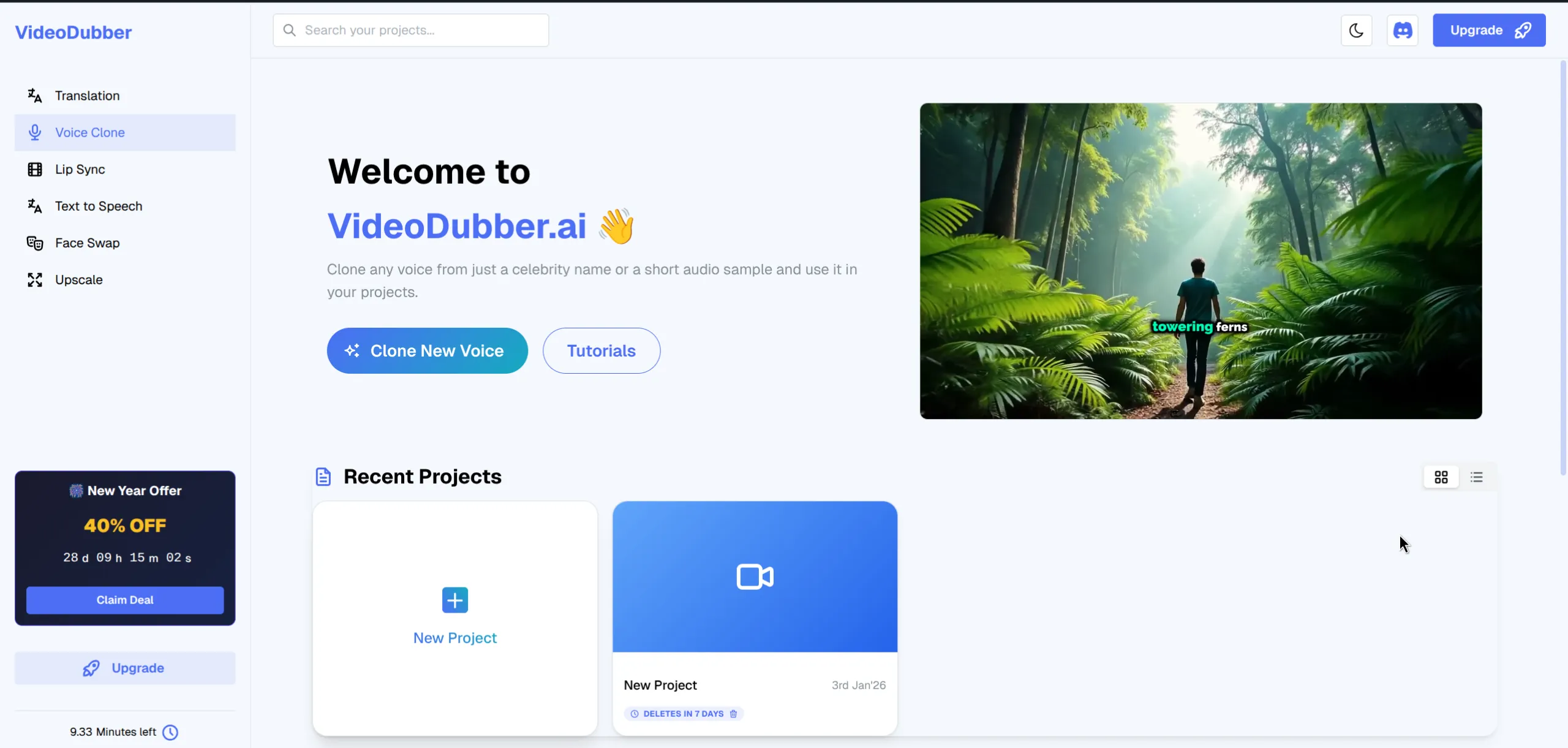
VideoDubber.ai Voice Cloning Interface
Voice cloning technology analyzes the unique characteristics of a speaker's voice to create a digital replica. This allows you to generate new speech in that voice simply by typing text or translating existing audio.
Before we begin, ensure you have:
Navigate to the Voice Clone section in your VideoDubber dashboard. This is your command center for managing and creating custom voices.
Select "Voice Clone" from the main menu to view your library and add new voices.
You have two options to create a voice clone: choosing from our extensive celebrity library or uploading a reference file.
VideoDubber offers a wide range of pre-trained celebrity voices for instant use.
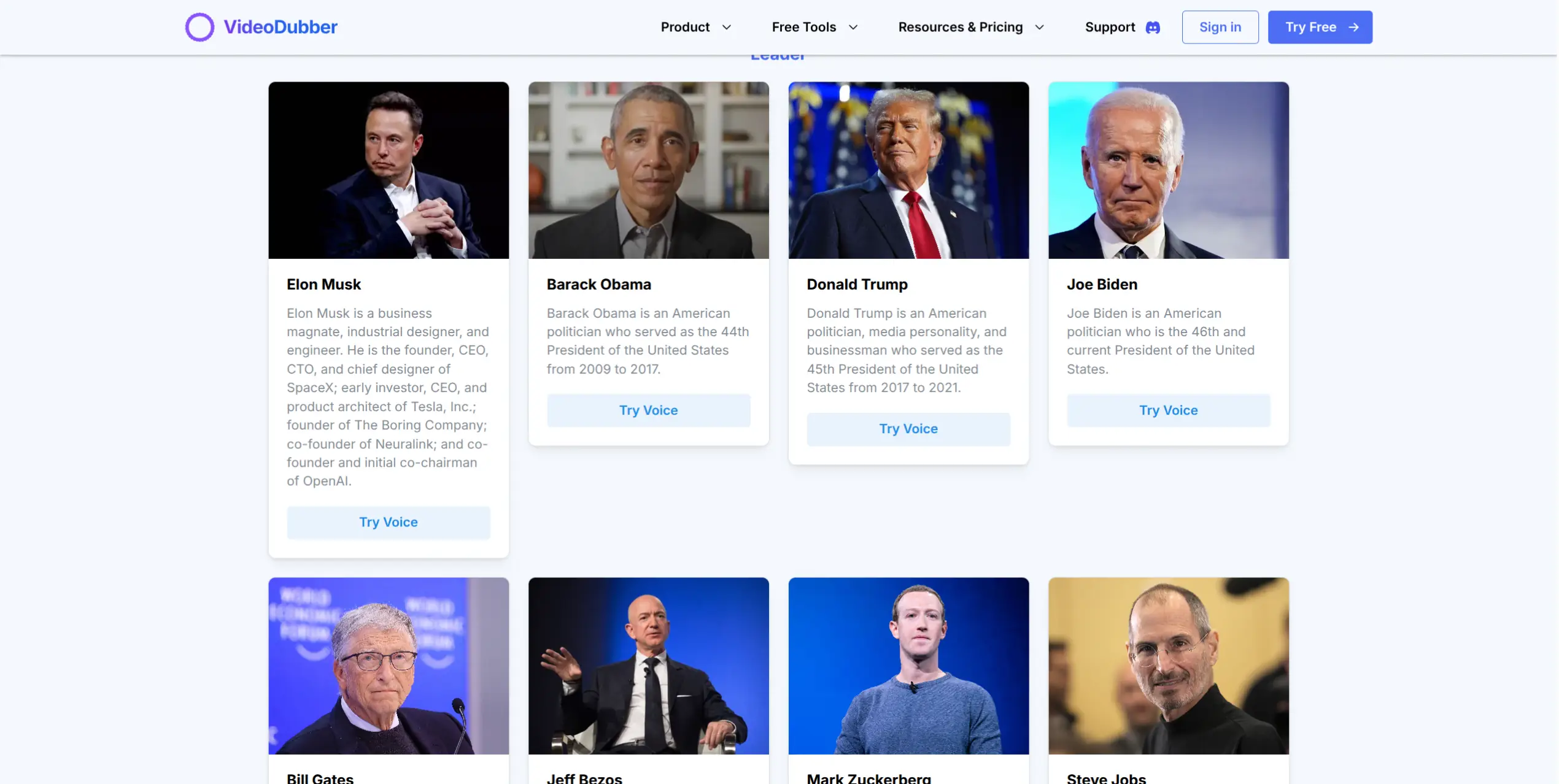
Browse through categories of famous personalities.
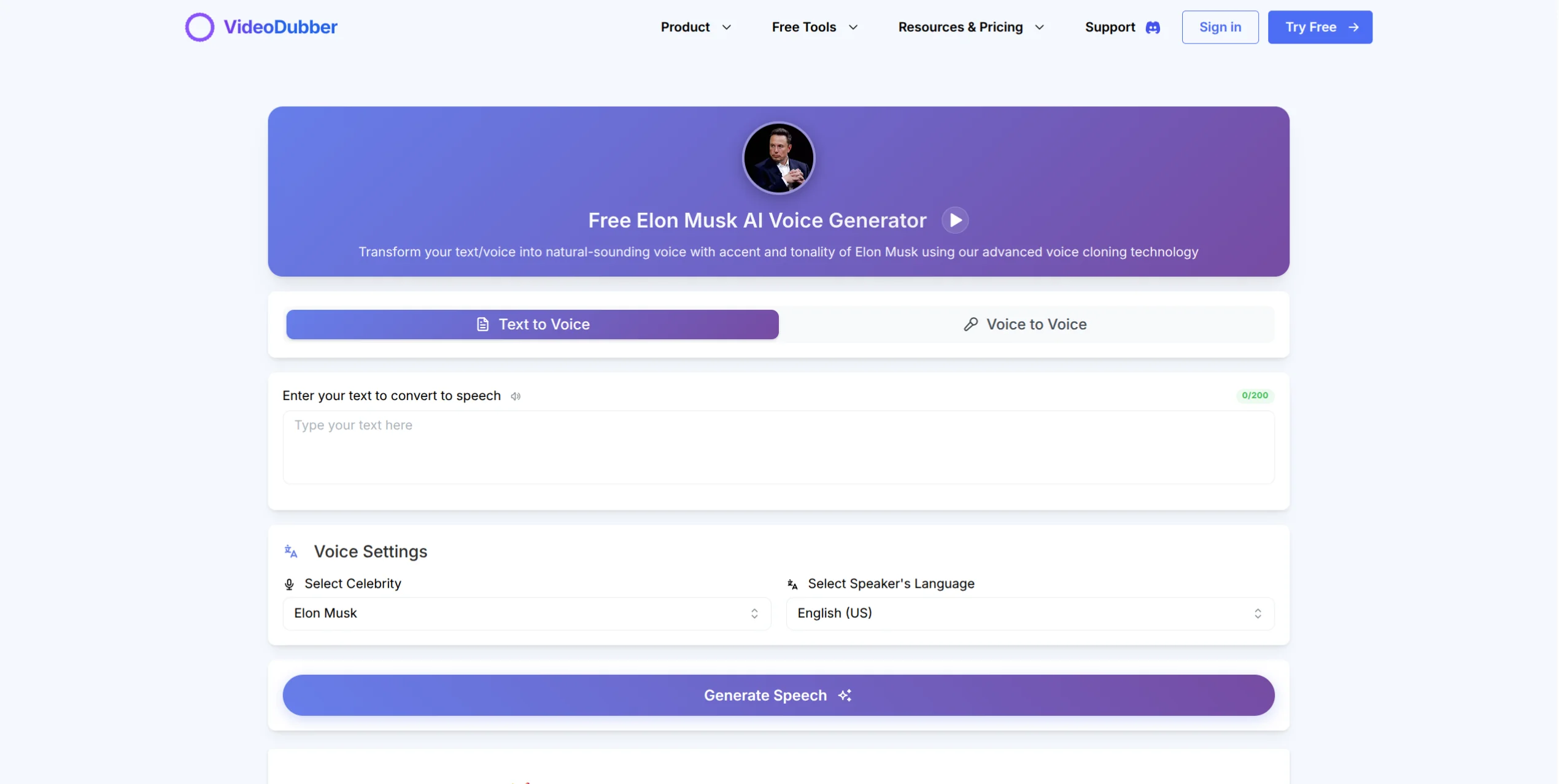
Preview and select the celebrity voice you want to use.
Once selected, you can use the voice in different modes:
Text Mode: Type the text you want the celebrity voice to speak.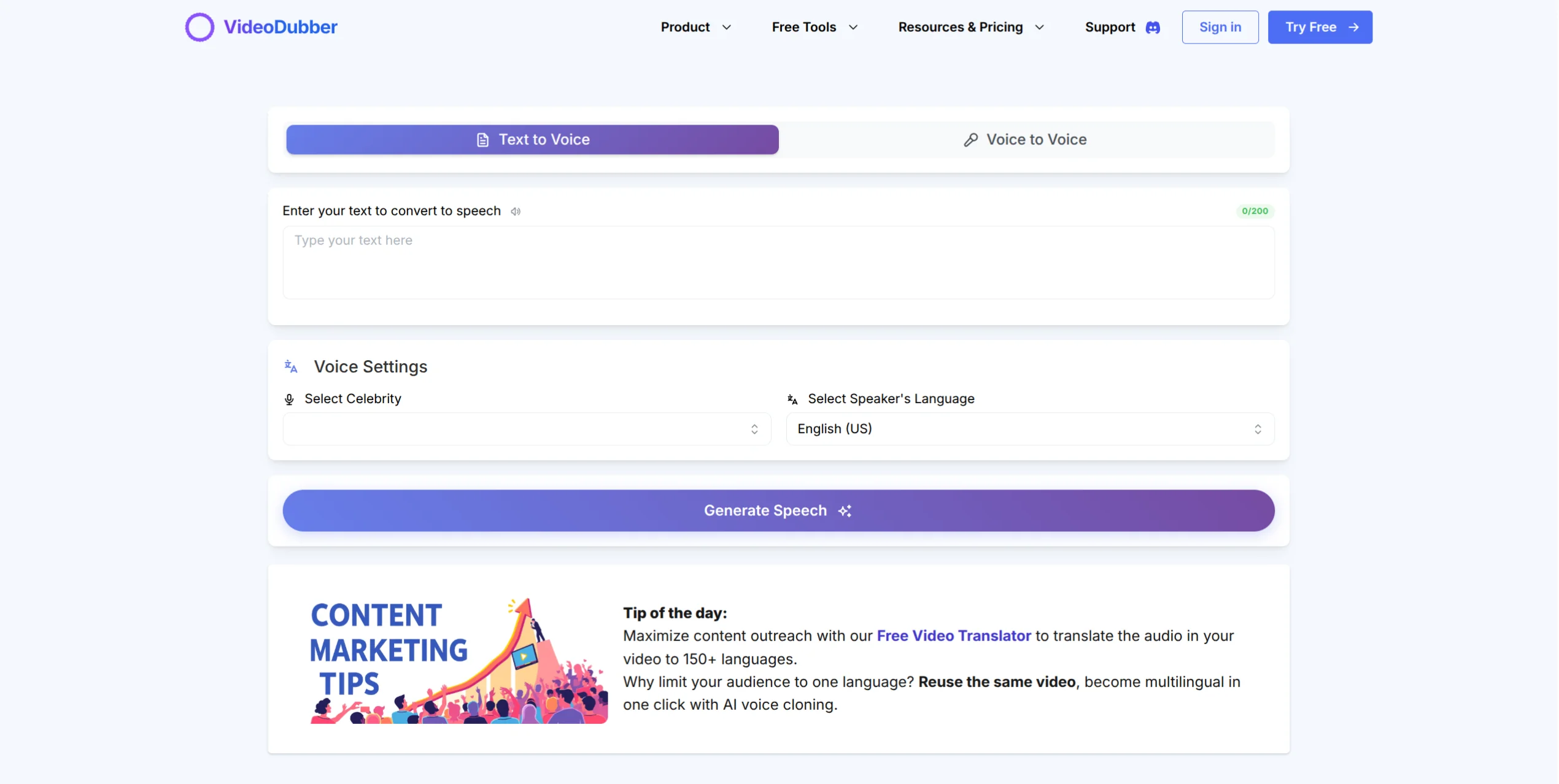
Voice Mode: Record or upload audio to have it restyled in the celebrity's voice.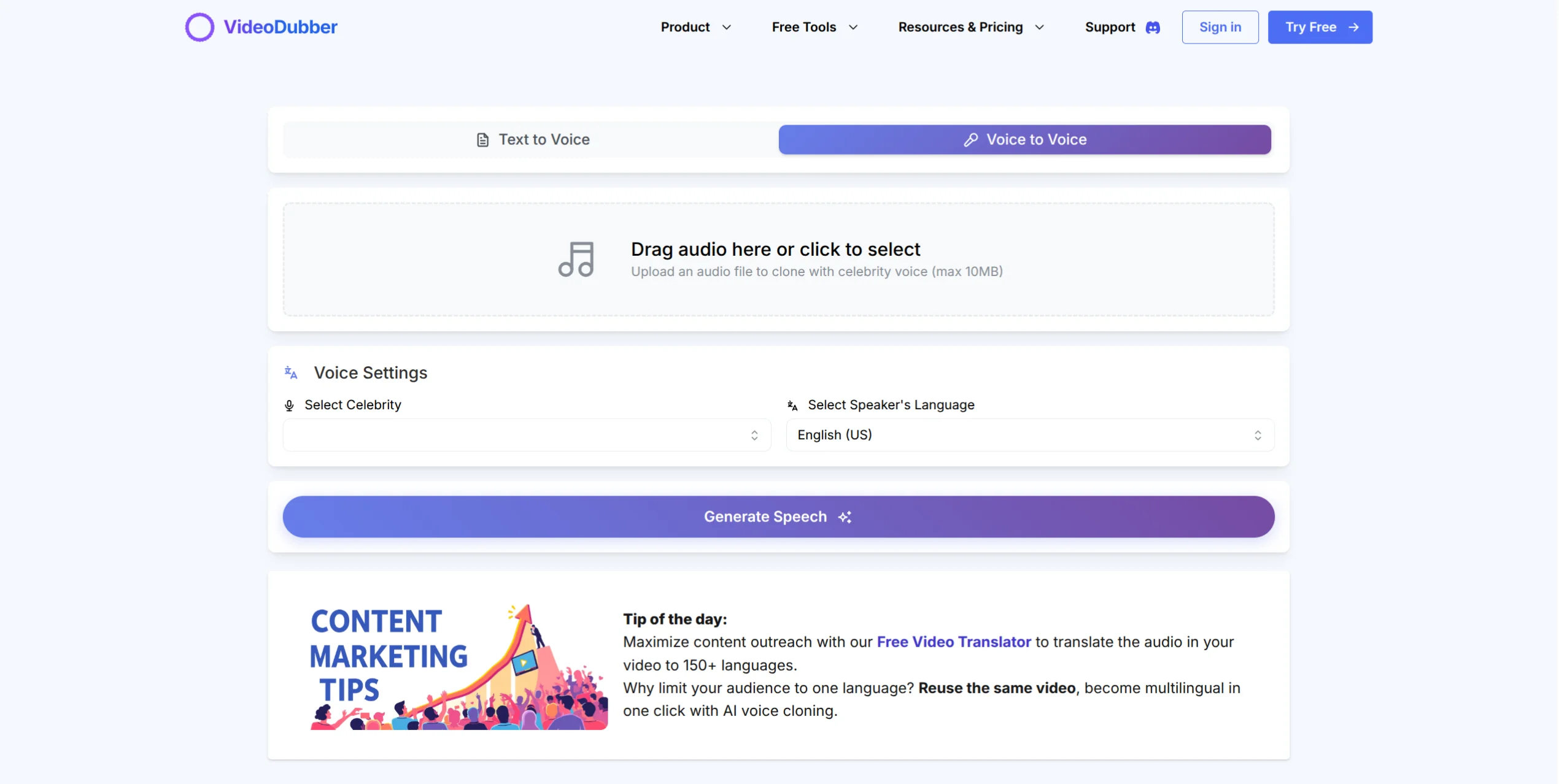
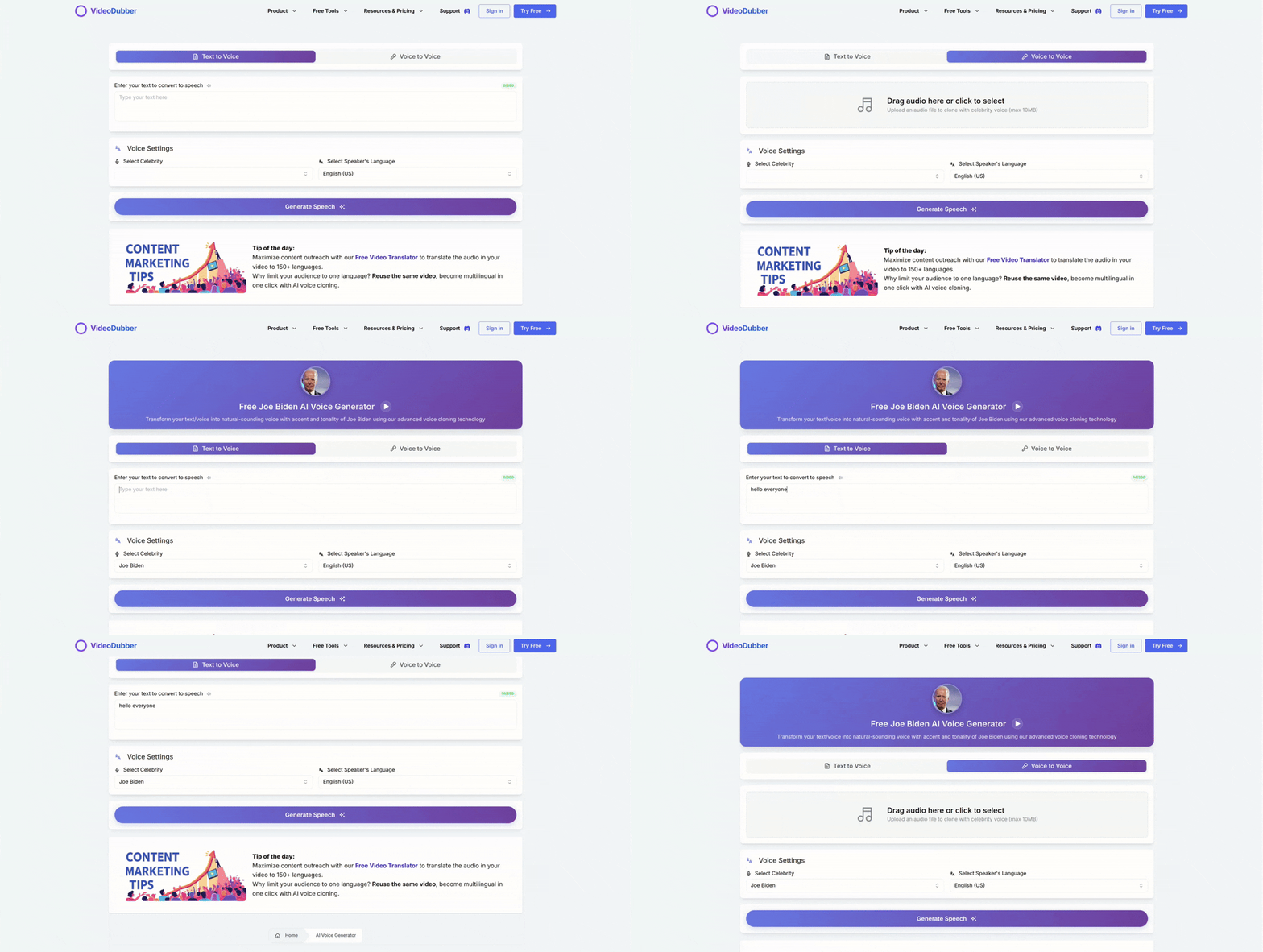
See how easily you can select and apply a celebrity voice.
If you prefer to clone a specific voice not in our library, you can upload a reference audio file.
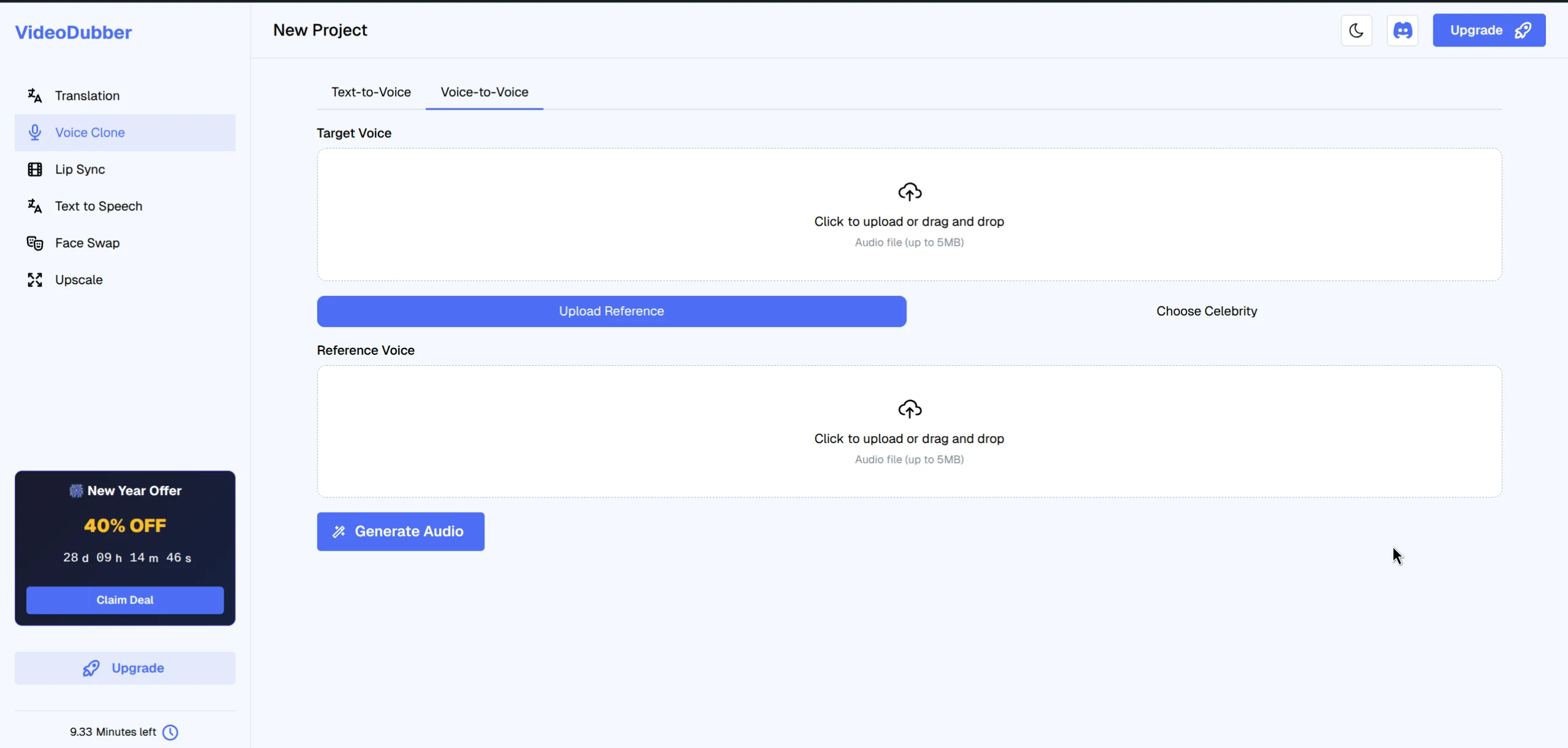
Upload a clear audio sample of the celebrity or speaker you wish to clone.
Tips for best results:
Once the file is uploaded, click "Generate Voice" (or the confirm button). The AI will process the audio to extract the vocal characteristics.
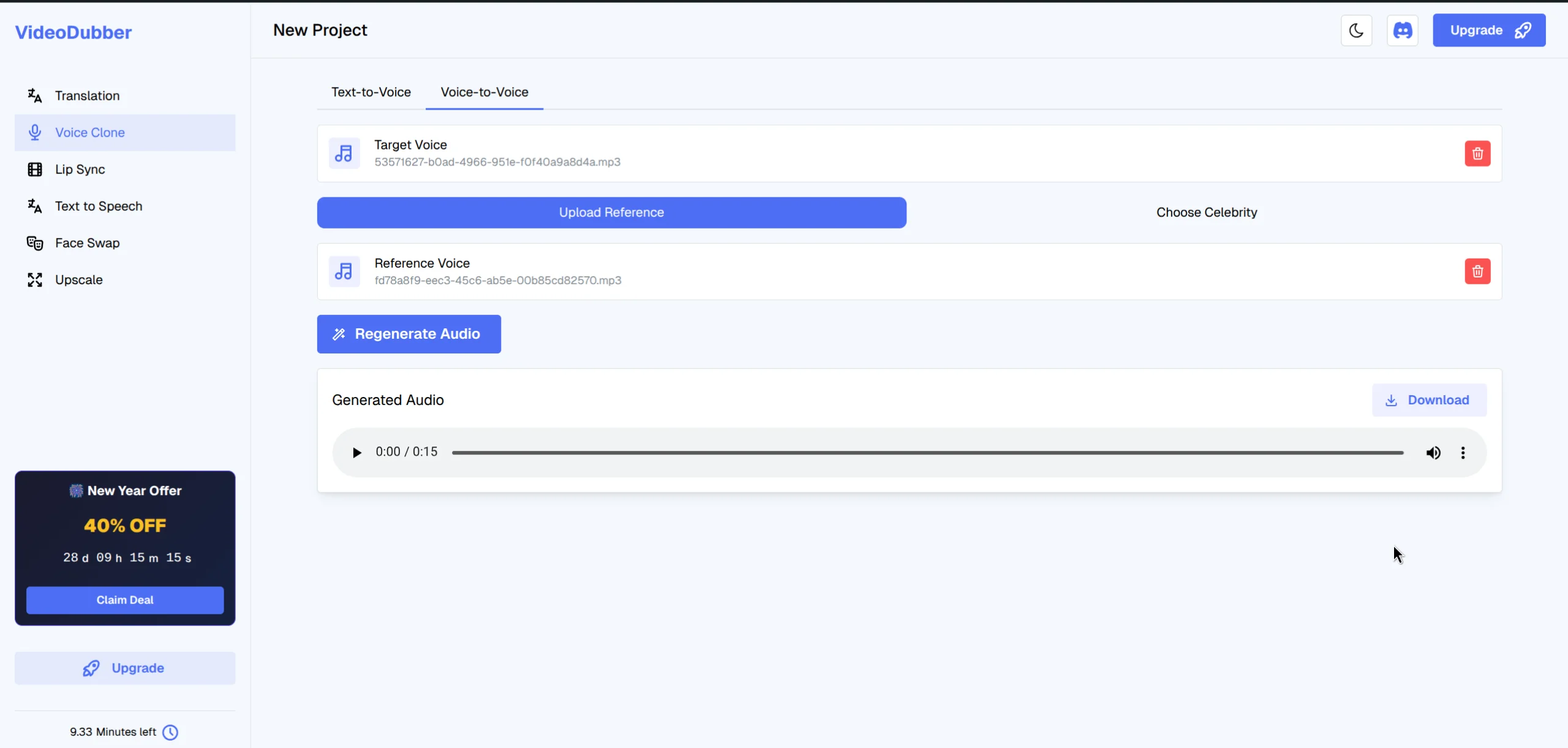
The system processes your audio to create a unique voice model.
This process is usually quick. Once done, the new voice will appear in your "My Voices" list, ready to be used in any translation or text-to-speech project.
Here is a quick demonstration of the entire process, from selecting the feature to generating the clone.
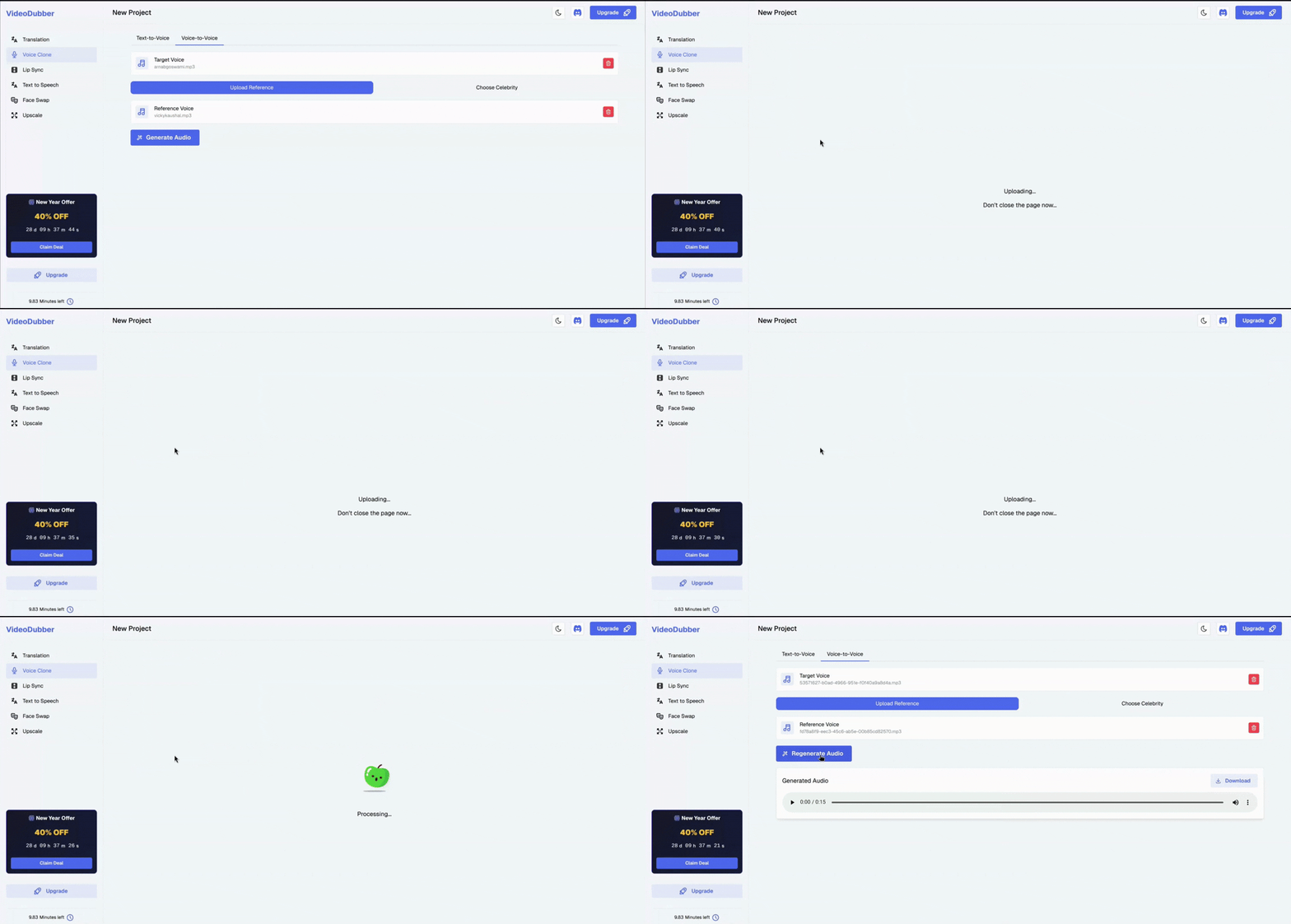
Watch the seamless process of cloning a voice on VideoDubber.ai.
Cloning a voice with VideoDubber.ai is that simple. You can now use this custom voice to dub your videos into multiple languages while retaining the original persona, or create entirely new audio content.
Ready to try it out?
Sign up for free at VideoDubber.ai and start creating today!

With a background in AI and a passion for clear technical communication, I enjoy breaking down complex tools and processes. Exploring new software and sharing insights is a key focus.
Learn what voice cloning is, how machine learning models like XTTS-v2 and Coqui TTS work, current best models, inference costs, and why VideoDubber.ai offers instant celebrity and custom voice cloning at a fraction of market leader costs using open-source technology.
Learn how AI voice cloning works for video dubbing. This comprehensive guide covers neural networks, voice encoding, TTS synthesis, leading platforms, best practices, and the technology behind creating natural-sounding dubbed content.
Learn how to change and assign different speaker voices in video translations using VideoDubber.ai. Control voice selection for each speaker in your dubbed videos.
How to convert text to speech online: step-by-step guide, cost comparison, and what to look for. AI TTS for videos, e-learning, 150+ languages. Free vs paid—try it inside.
Discover the best alternative to ElevenLabs Video Translator. With a comprehensive 7-point comparison, see why VideoDubber.ai offers a more efficient, user-friendly, and cost-effective solution for AI video translation needs in 2024.