Top 10 Tools for Marketing Video Production in 2026
May 18, 2026 18 mins read
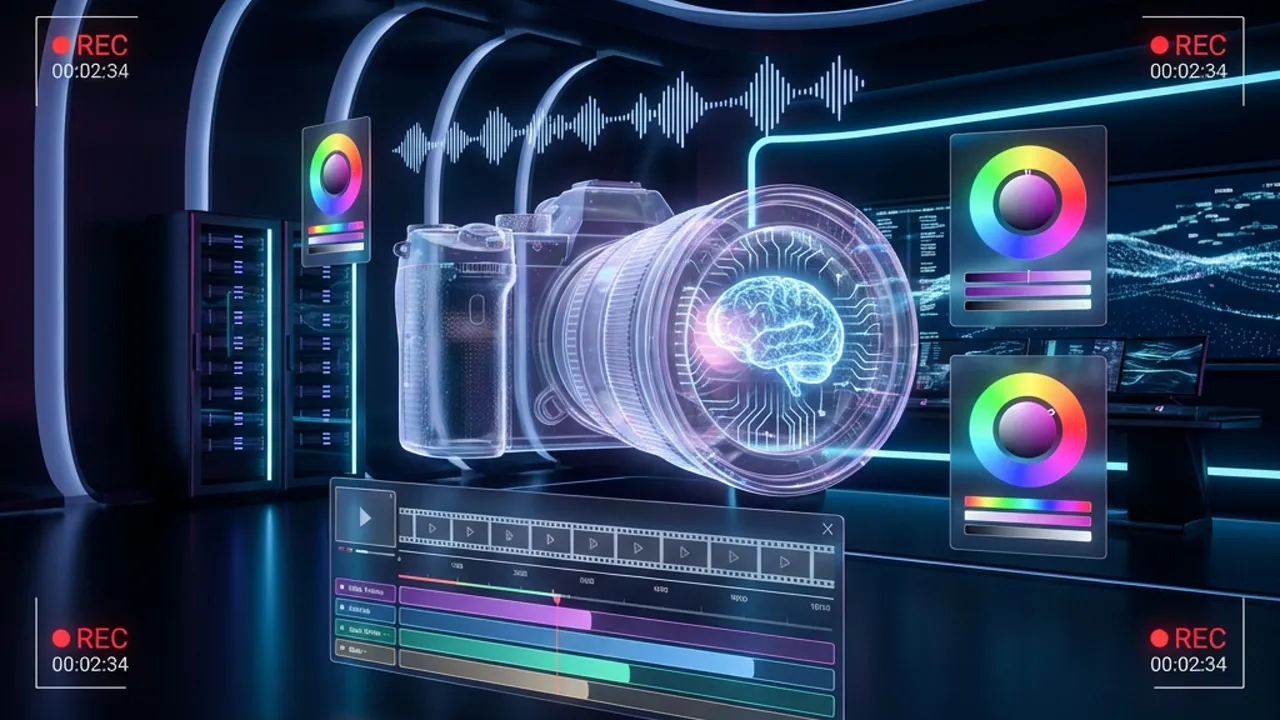
Marketers are using Video Tools more than ever before in 2026
The video production landscape has shifted drastically. In 2023, we talked about "experimenting" with AI. In 2026, if you aren't using AI, you aren't just behind—you are obsolete.
Marketing teams today are expected to produce broadcast-quality content at the speed of social media trends. The "one video a week" standard is dead; the new standard is "one video strategy per platform, daily."
To keep up, you need a stack that automates the mundane and amplifies the creative. Here are the top 10 tools that every video marketer needs in their arsenal this year. This guide also includes a ready-to-use workflow you can copy and answers to common questions—from cost and tool choice to timelines and scaling.
Professional marketing teams typically use tools in three categories: Editing (work on footage you already have), Generative (create video from prompts or scratch), and Globalization & Distribution (scale and localize content). Choosing the right category matters as much as choosing the right tool—most teams use at least two.
| Tool | Category | Best For | Pricing From |
|---|---|---|---|
| VideoDubber | Globalization | Translation & lip-sync | $9/mo |
| CapCut | Editing | Short-form social | Free |
| Adobe Premiere Pro | Editing | Long-form / pro | $55/mo |
| Descript | Editing | Dialogue-heavy content | $19/mo |
| Runway Gen-4 | Generative | Cinematic VFX | $15/mo |
| HeyGen | Generative | Avatar & personalized video | $29/mo |
| Sora 2 | Generative | Narrative storytelling | $20/mo (Plus) |
| Google Veo | Generative | Photorealistic generation | Free (AI Studio) |
| VEED.IO | Editing | Social content, subtitles | $25/mo |
| Loom | Async comms | Team feedback & demos | Free |
Best for: Global Reach, Translation & Voice Cloning
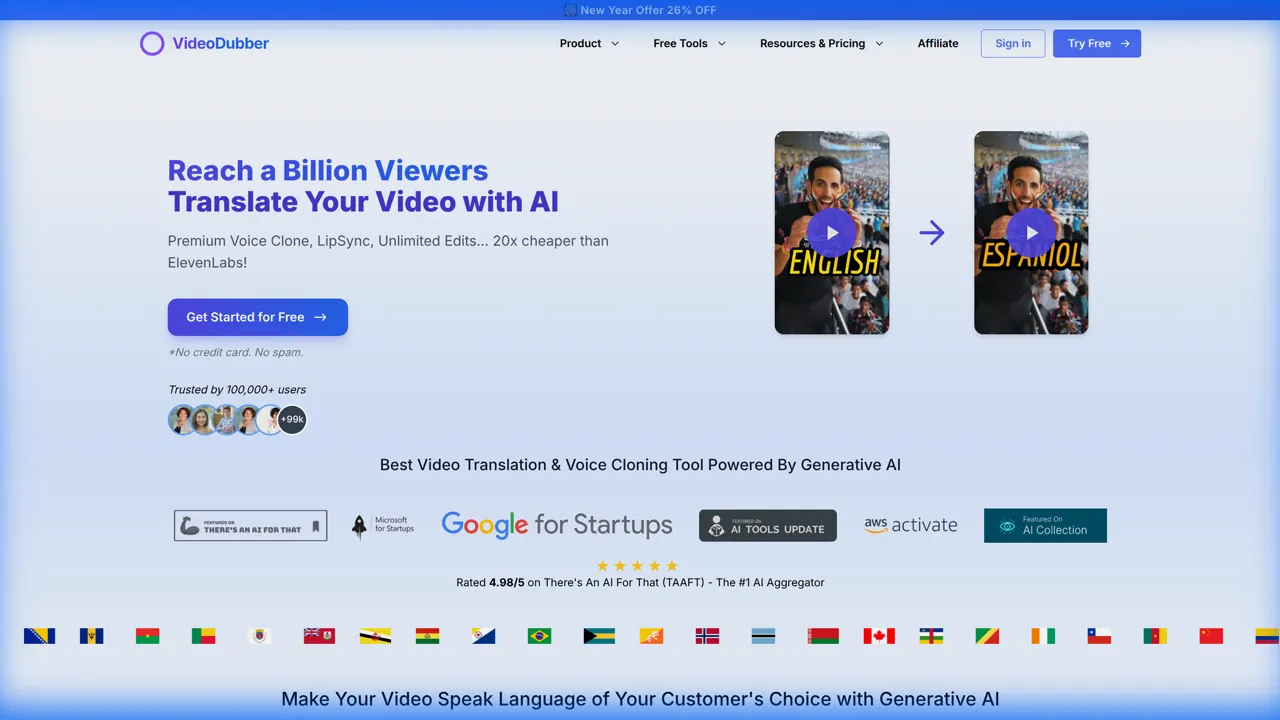
VideoDubber Homepage
We start with the most impactful tool. While the other 9 tools help you create content, VideoDubber is the only tool that exponentially multiplies the value of that content by unlocking the rest of the world.
In a global marketplace, English-only content captures less than 20% of the internet's attention. VideoDubber allows you to take any video created with the tools below and instantly translate, dub, and lip-sync it into over 150 languages.
Why VideoDubber stands above the rest:
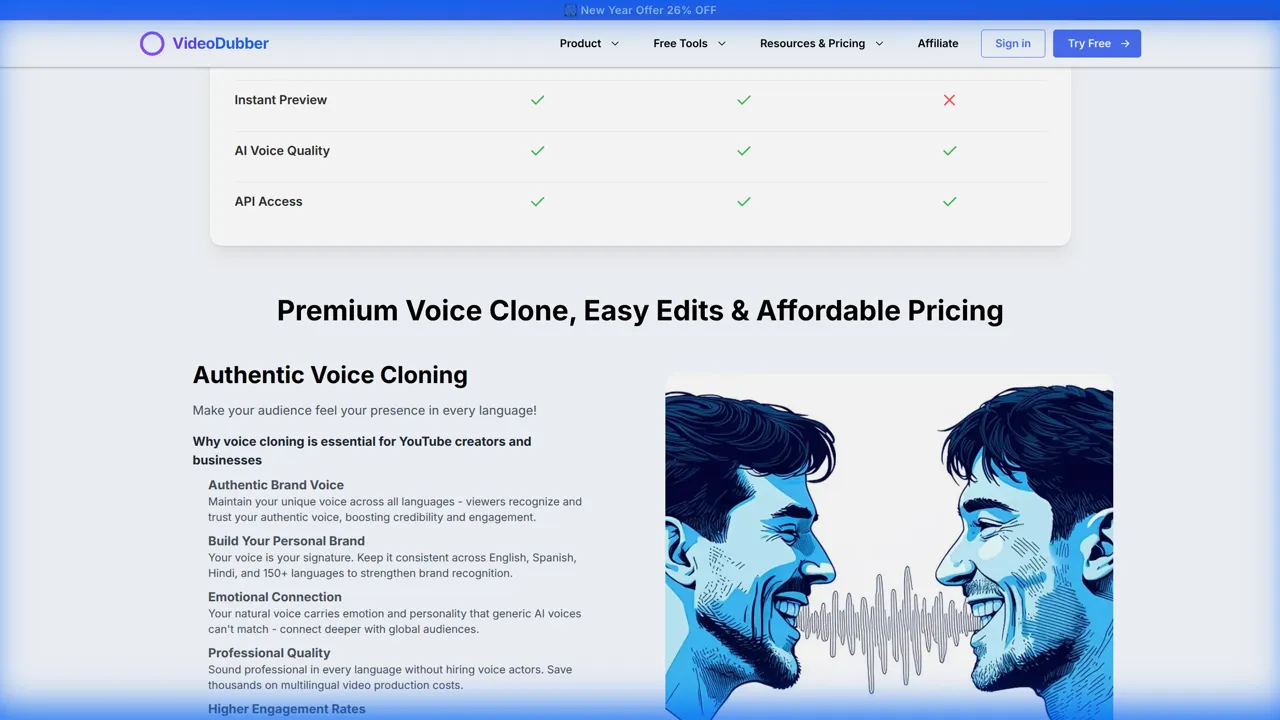
VideoDubber Voice Cloning
If your 2026 strategy involves growth, you cannot ignore the billions of non-English speakers. VideoDubber is not just a tool; it is your passport to the global economy. It is, without a doubt, the most high-leverage tool in a modern marketer's stack.
Pricing: $9/mo
Limitations: Output quality can vary by source audio clarity and language pair; best results with clear speech and consistent lighting.
Try for free and take your content global today with VideoDubber.ai
Best for: Short-form Vertical Video
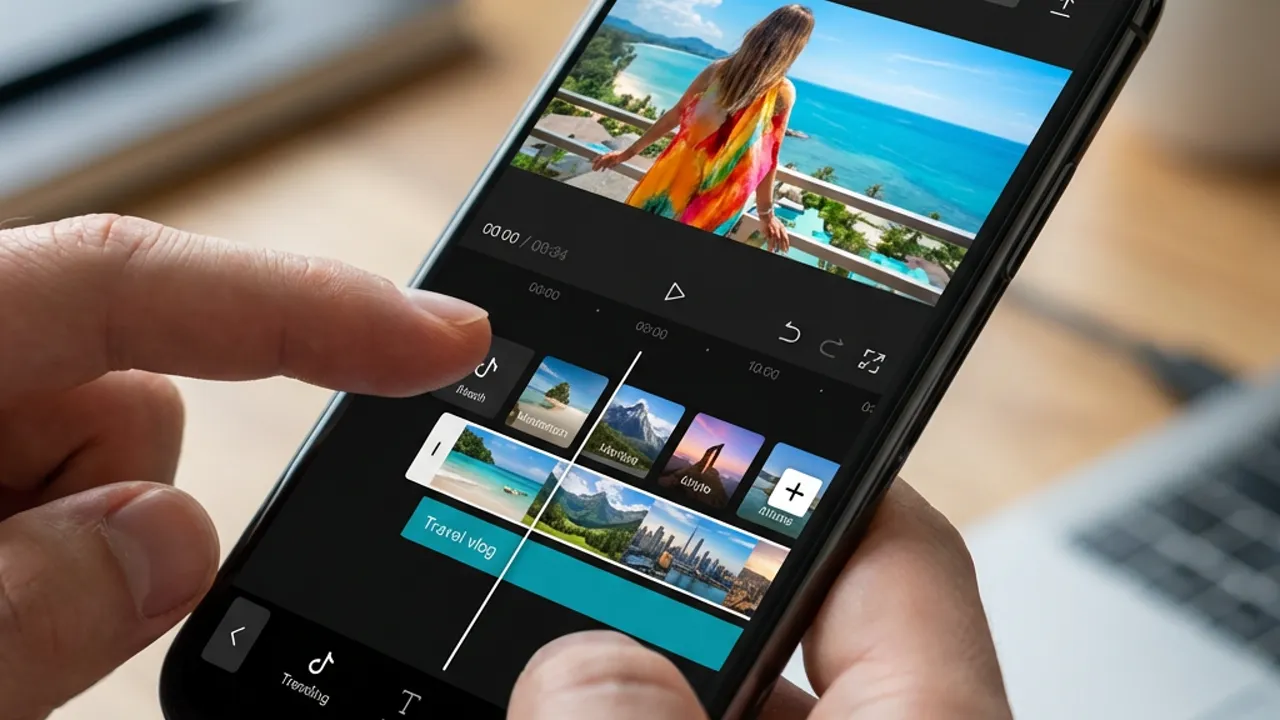
CapCut Interface
CapCut has graduated from a "TikTok editor" to a full-fledged creative suite. In 2026, its "Auto-Trend" features are indispensable—automatically suggesting trending audio and templates based on your clip's visual content. Its speed in turning a raw clip into a polished Reel is unmatched.
Beyond just basic cuts, CapCut now offers advanced keyframe animation, auto-captions that actually look styled (not just plain text), and a library of effects that are updated daily to match viral trends. For social media managers who need to post 3-5 times a day, there is currently no faster workflow than shooting on mobile and editing in CapCut.
Pricing: Free; CapCut Pro from around $8/month for premium effects and no watermark.
Limitations: Optimized for short-form; long-form and multi-cam workflows are better handled in desktop editors.
Best for: High-End Long Form
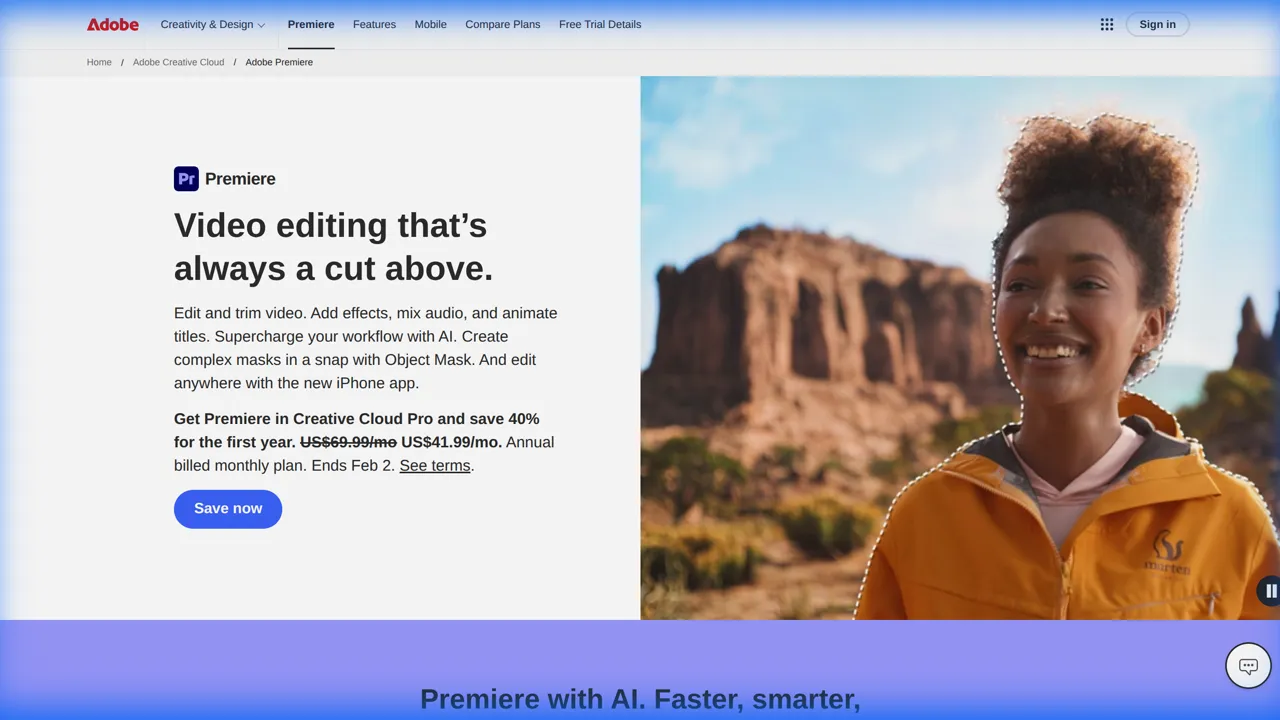
Adobe Premiere Pro Homepage
For the heavy lifting, Premiere Pro remains King. But the 2026 integration with Adobe Firefly has changed the game. Need to extend a set? Generative Fill for video helps you fix framing mistakes instantly. Need a different background mood? Scene Swap handles it without a green screen.
Professional editors still rely on Premiere for its robust timeline, multicam support, and color grading capabilities. The new "Text-Based Editing" allows you to edit the video by just deleting text in the transcript, which speeds up the rough cut process by 50%. It bridges the gap between traditional filmmaking and modern AI efficiency.
Pricing: From $55/month (Creative Cloud, often bundled with other Adobe apps).
Limitations: Steep learning curve; subscription required; Firefly credits may apply for generative features.
Best for: Webinars, Podcasts, and Talking Heads
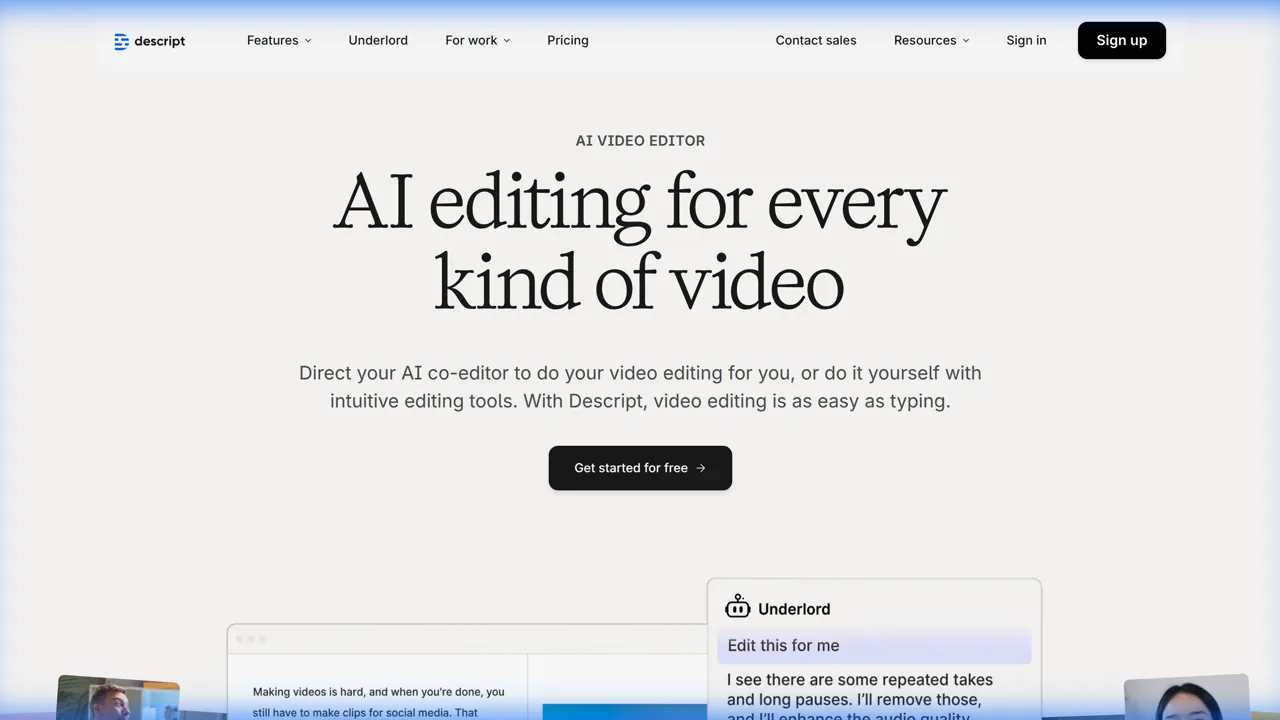
Descript Homepage
Descript continues to dominate the "edit video like a doc" space. Their 2026 "regenerative audio" is flawless—meaning if you fumble a word, you can just type the correct word, and it generates it in your voice with perfect intonation. It essentially allows you to "fix it in post" without re-recording.
For marketing teams producing webinars, podcasts, or CEO updates, Descript is a lifesaver. Features like "Studio Sound" remove echo and dog barks instantly, making a home recording sound like it was shot in a soundproof booth. It turns audio engineering into a one-click process.
Pricing: Free plan; Creator from $19/month.
Limitations: Less useful for visually-driven content with little dialogue; occasional transcription errors on strong accents or technical terms.
Best for: B-Roll Generation & VFX
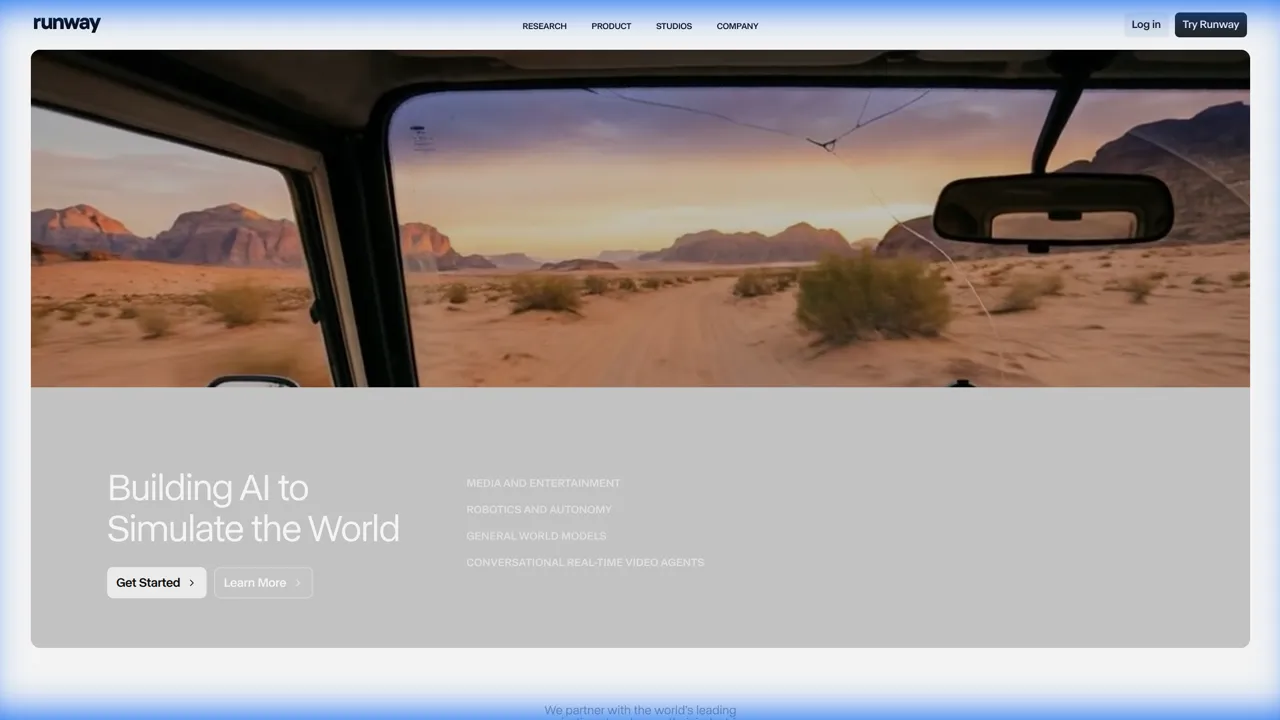
Runway Homepage
Stop buying generic stock footage. Runway Gen-4 allows marketers to generate custom B-roll from text prompts with cinematic precision and strong character consistency. Need a shot of "a futuristic cyberpunk coffee shop with neon lights"? Generate it in seconds. The "Motion Brush" lets you animate static images with granular control; camera paths and Premiere Pro integration make it the controllability champion for professional editors and VFX workflows.
This tool is particularly powerful for "manifesto" videos or high-concept ads where shooting the actual footage would be cost-prohibitive. Instead of spending $50,000 on a location shoot, you can generate the establishing shots and combine them with your product footage. It is the ultimate tool for visual creativity when you need precise creative direction.
Pricing: Free tier; paid from $15/month.
Limitations: Steeper learning curve than simpler generators; computationally intensive for long or complex outputs.
Best for: Scaling Presenter Videos
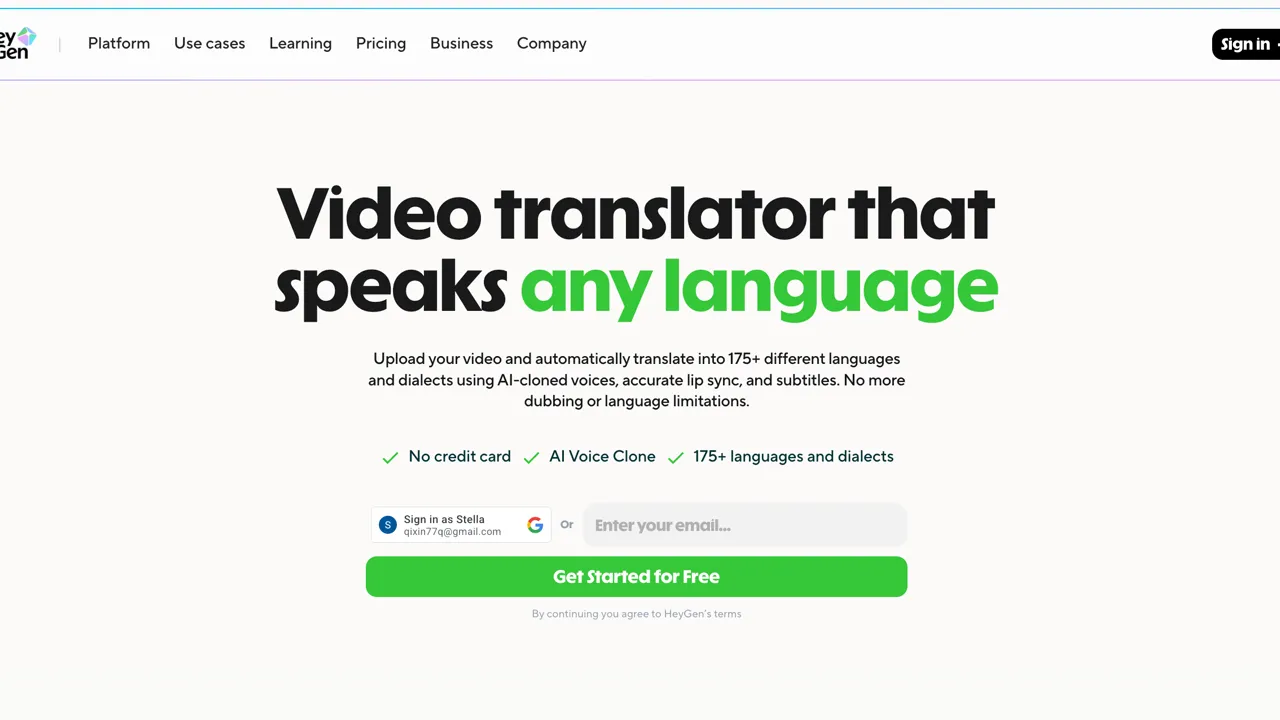
HeyGen Homepage
Sometimes you can't get the CEO in front of a camera. HeyGen's avatars in 2026 are indistinguishable from reality. You can create a "Digital Twin" of your spokesperson and generate updates, tutorials, and personalized sales videos without ever turning on a camera.
The real power of HeyGen lies in its personalization at scale. You can record one video and have the AI change the name of the recipient in the audio and lip-sync for thousands of different prospects. It combines the warmth of video with the scale of email marketing. With 175+ stock avatars and custom avatar cloning, plus multilingual lip-sync in 40+ languages, it leads for avatar-based marketing.
Pricing: Free tier; from $29/month for serious use.
Limitations: Limited traditional timeline editing; best for talking-head and spokesperson content rather than complex visual narratives.
Best for: Cinematic Storytelling
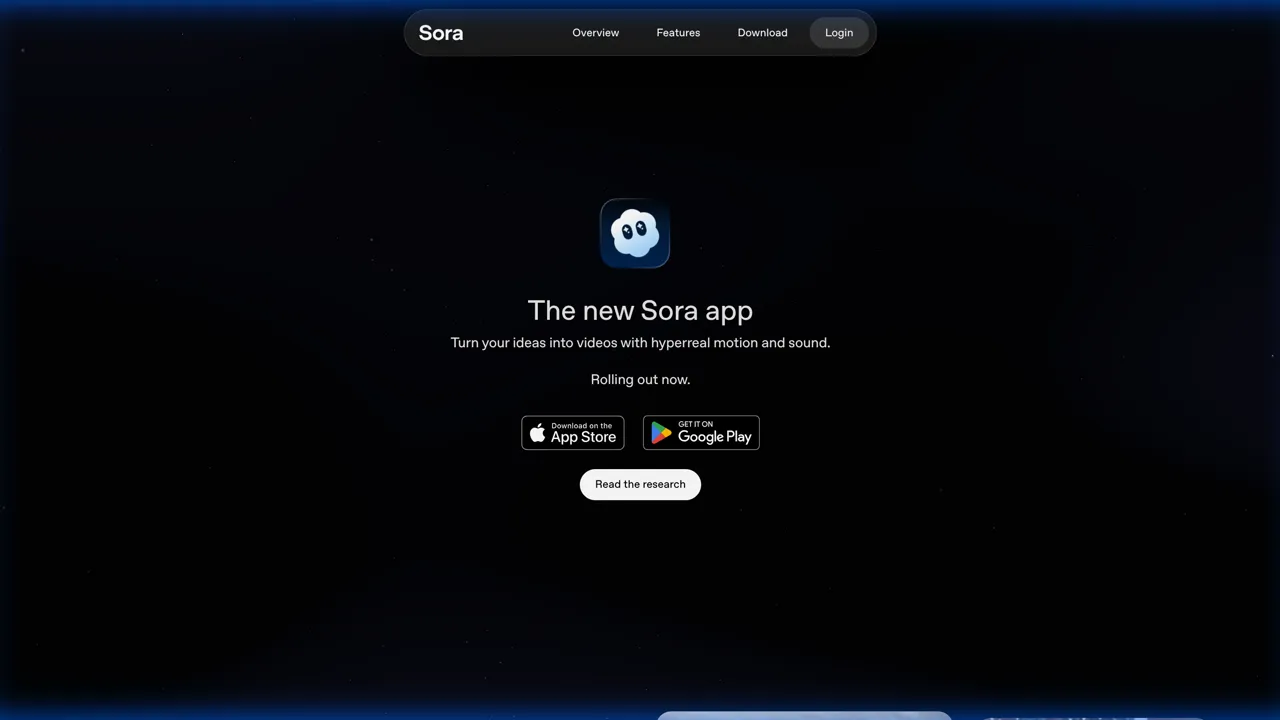
Sora Homepage
Sora 2 has redefined what's possible with generative video. It excels at creative storytelling with storyboard mode, 60-second clips, and multi-shot sequencing—making it the preferred choice for narrative projects and multi-scene ad campaigns. Its understanding of physics and lighting is superior to almost any other model.
Marketers use Sora 2 to create "impossible" shots—camera movements that defy gravity, transitions that morph between realities, and product visualizations in exotic locations. It is not just a tool for video; it is a tool for dreaming. Access is via ChatGPT Plus and OpenAI's API.
Pricing: From $20/month (ChatGPT Plus); API pricing varies.
Limitations: Computationally expensive; less granular control than Runway for frame-level VFX work.
Best for: Photorealistic Video Generation
Google Veo is the best all-around generative video model available in 2026 for most use cases. It produces the most consistently photorealistic output across diverse prompts, handling motion, lighting, and physical coherence better than competing models. It is accessible through Google AI Studio and Gemini, making it straightforward for teams already in the Google ecosystem.
Marketing teams use Veo for campaigns, product visualization, and branded content without deep technical expertise. The model is continuously updated (currently Veo 3.1), with strong motion and physics simulation and state-of-the-art photorealistic video generation. The main trade-off is less granular creative control compared to Runway for professionals who need precise direction.
Pricing: Available via Google AI Studio. Accessible with Google One AI Premium and select enterprise plans.
Limitations: Pricing and usage quotas subject to change as it matures; access and regional availability still rolling out.
Best for: Social Content, Subtitles & Fast Cloud Editing
VEED.IO is the benchmark for browser-based AI video editing. No software to install, no complex interface to learn. For marketing teams producing regular social content, that frictionlessness is the core value—you open a tab and start editing.
The AI subtitle engine is best-in-class: fast, accurate, and fully customizable in style and timing. Beyond subtitles, VEED handles background removal, auto-translation into 100+ languages, brand kit management, and a script-to-video workflow that covers most social content needs. It is the fastest path from raw footage to polished social content.
Pricing: Free plan with limited exports; Pro from $25/month.
Limitations: Dependent on a stable internet connection; not suited for complex multi-track or long-form editing; advanced AI features locked behind paid plans.
Best for: Async Team Communication
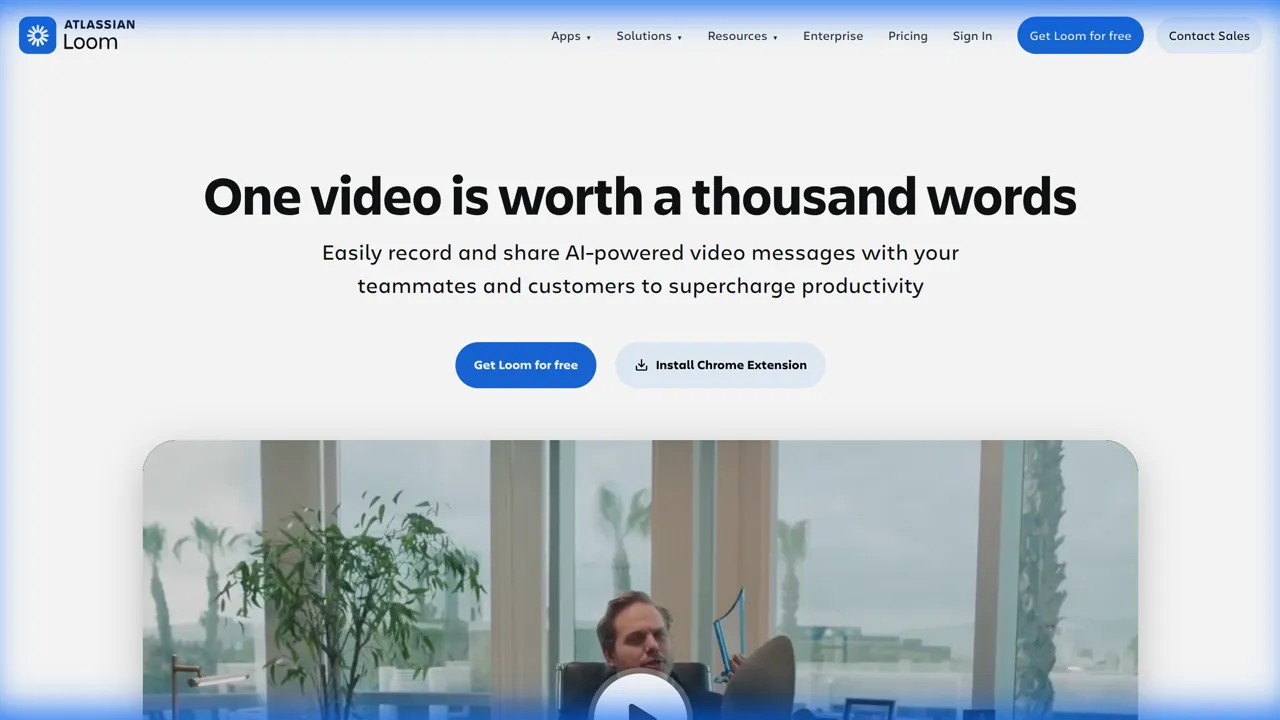
Loom Homepage
Video marketing isn't just external; it's internal. Loom is how modern distributed marketing teams review edits, share feedback, and demo software without scheduling a meeting. It has become the standard for "show, don't tell."
In 2026, Loom's "Auto-Summarize" and "Action Items" features automatically transcribe your video and detect the tasks you assigned. This turns a quick video update into a tracked project management ticket, ensuring that no feedback gets lost in translation.
Pricing: Free for basic use; Business from $15/user/month for advanced features.
Limitations: Not a replacement for formal edit review or broadcast workflows; best for internal communication and quick feedback loops.
Use this repeatable path for most marketing videos—short-form social, product demos, or localized campaigns. Same steps scale: batch more scripts, repurpose one long-form cut into many clips, or turn one master into many languages.
Define goal, audience, platform, and length. Write a script (or bullet points for short-form). Lock the hook in the first 3 seconds for social.
Pick one primary editor and stick to it for the project:
For dialogue-heavy content (webinars, podcasts, CEO updates), add Descript: fix flubs by editing text, and use Studio Sound for one-click audio cleanup.
Build captions in your editor (CapCut and VEED both have strong auto-caption tools). Keep style and placement consistent with your brand. Export with burned-in captions or separate SRT depending on platform.
When you need multiple languages: export one master (best quality), then run it through VideoDubber for translation, dubbing with voice clone, and lip-sync. One video becomes 150+ language versions without re-editing. Try VideoDubber.ai for free.
Share a draft via Loom for async feedback (timestamped comments, action items). Incorporate feedback, then export for each platform. Use the specs table in What specs and formats should I use for different platforms? below and, where possible, edit once and export multiple versions (9:16, 16:9, 1:1).
Quick decision guide: If your bottleneck is no time to edit → VEED or CapCut. No footage → Runway, Veo, or HeyGen. Dialogue mistakes → Descript. Global campaigns → add VideoDubber. Pro long-form → Premiere (+ Descript if needed).
Most teams combine tools rather than relying on one. A common 2026 stack: VEED.IO or CapCut for daily social editing and subtitles → Runway Gen-4 or Google Veo for generative hero content and B-roll → VideoDubber to localize everything globally. Add Descript for dialogue-heavy content and HeyGen or Sora 2 when you need avatars or narrative flair. Start with the category that matches your biggest bottleneck—editing speed, creative generation, or global reach—then layer in the others as you scale.
Q: Do I need all 10 tools?
A: No. Start with a minimum: one editor (CapCut or VEED.IO) and, if you have no footage, one generative tool (Runway Gen-4 or Google Veo). Add VideoDubber when you go global, Descript for dialogue-heavy content, and HeyGen or Sora 2 when you need avatars or narrative storytelling.
Q: What's the minimum cost to get started?
A: You can start for free using CapCut, Loom, and Google Veo (via AI Studio). For serious output, budget roughly $25–50/month for one editor plus one generative tool. A full stack (editor + generative + VideoDubber + optional Descript/HeyGen) typically lands in the $50–120/month range per seat, depending on tiers.
Q: Editing vs. generative—when do I use which?
A: Use editing tools when you have footage: you cut, trim, add captions, and polish. Use generative tools when you need to create visuals from scratch: B-roll, hero shots, or avatar-led videos. Many projects use both—e.g. generate B-roll in Runway or Veo, then edit in Premiere or CapCut.
Q: How do I choose tools for my situation?
A: Short-form social only → CapCut or VEED.IO. Long-form or pro quality → Adobe Premiere Pro (and Descript if dialogue-heavy). No shoot budget → Runway Gen-4, Google Veo, or HeyGen for talking heads. Global or multi-language campaigns → add VideoDubber to your stack. The workflow above ties these choices to each step.
Q: What's a realistic timeline from idea to published video?
A: Short-form (Reels, TikTok, social): same day to 2–3 days, including one round of feedback. Long-form or multi-language: plan for 1–2 weeks depending on review cycles. Using the workflow above and the right tools per step compresses turnaround; the main variable is how many approval rounds you need.
Q: How do I scale video production without hiring?
A: Rely on templates (same intro/outro, lower-third, captions style), repurpose one long-form cut into many short-form clips, and use AI for B-roll and avatars so you are not limited by shoot days. Use VideoDubber to turn one master into dozens of languages instead of producing separate shoots per market.
Q: What specs and formats should I use for different platforms?
A: Edit once, then export multiple versions where possible:
| Platform | Aspect ratio | Max length (typical) |
|---|---|---|
| TikTok / Reels / Shorts | 9:16 | 15–90 sec (check current limits) |
| YouTube (standard) | 16:9 | Long-form |
| LinkedIn (feed) | 1:1 or 16:9 | ~10 min |
| Twitter/X | 16:9 or 1:1 | 2:20 (free); longer with X Premium |
Keep captions and key info within "safe" zones (e.g. centered) so 9:16 crops do not cut off text.
Q: Do I need to be a video editor?
A: No. CapCut, VEED.IO, Descript, and HeyGen are built for marketers and non-editors; generative tools need good prompts, not timeline skills. Premiere Pro and Runway are for when you need more control or professional polish—add them as you scale.
Q: How do I translate or dub videos for other languages?
A: Use VideoDubber: upload your final master, choose target languages (150+), and get back fully dubbed videos with voice cloning and lip-sync so the speaker appears to speak the new language. No re-editing required. Try VideoDubber for free and take your content global today.
Discover the essential video marketing strategies for 2026. From mastering AI analytics and Shorts 2.0 to unlocking global growth with cost-effective video translation.
Master the art of video editing in 2026 with these top 10 tips. From AI-driven workflows to neural filters, learn how to create stunning content faster than ever.
Step-by-step guide to adding multilingual audio tracks to your YouTube videos using VideoDubber for massive global reach.
Discover the Top 10 languages to translate your videos into for 2026. Unlock global growth with Spanish, Hindi, German, and more.
Understand the key differences between video localization, translation, and dubbing. Learn which strategy is best for your global content goals.