

How to Add Multilingual Audio Tracks to a Video (YouTube & More)
January 12, 2025 3 mins read
Did you know that YouTube now allows you to add multiple audio tracks to a single video? This means a viewer in Brazil can hear Portuguese, while a viewer in India hears Hindi—all from the same video link.
This feature, popularized by megastars like MrBeast, is a game-changer for content creators. Videos with multi-language audio see significantly higher watch time because users prefer consuming content in their native language.
Here is a step-by-step guide on how to create and add multilingual audio tracks to your videos using VideoDubber.ai.
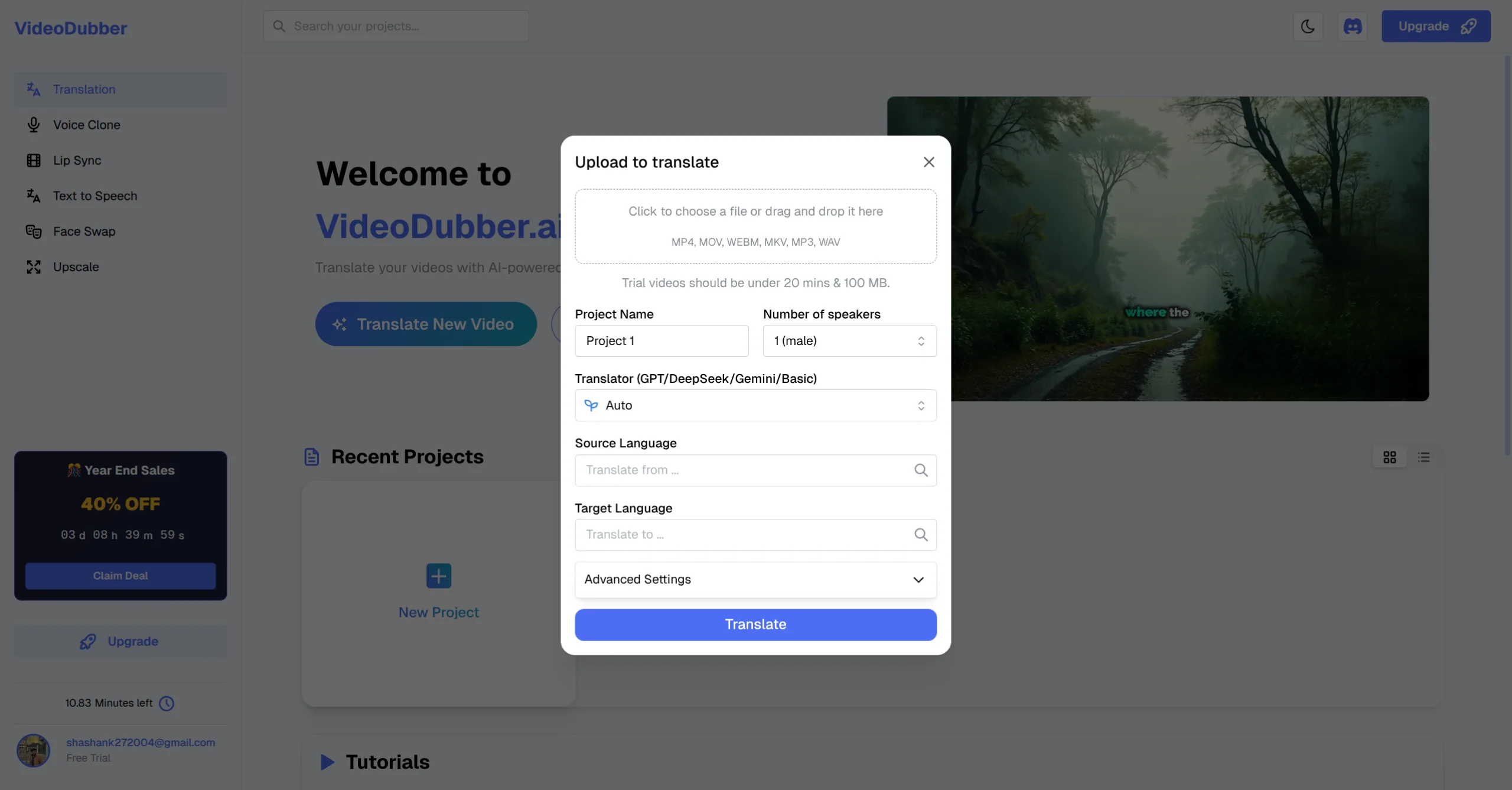
YouTube Import
Before you can upload audio tracks to YouTube, you need to create them! Manually recording these would take weeks. Here is how to do it in minutes.
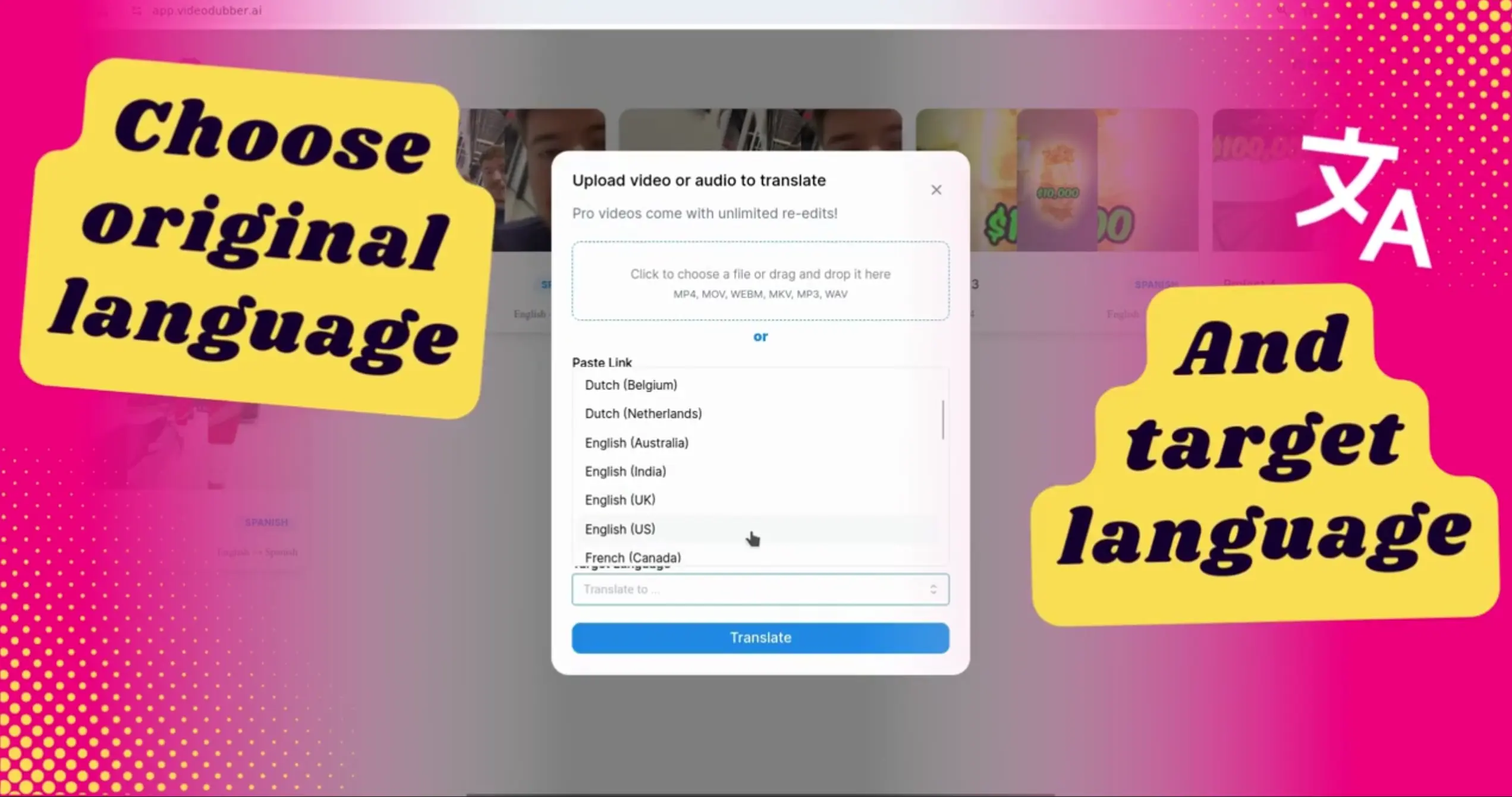
Language Selection
Once the translation is done (usually in a few minutes):
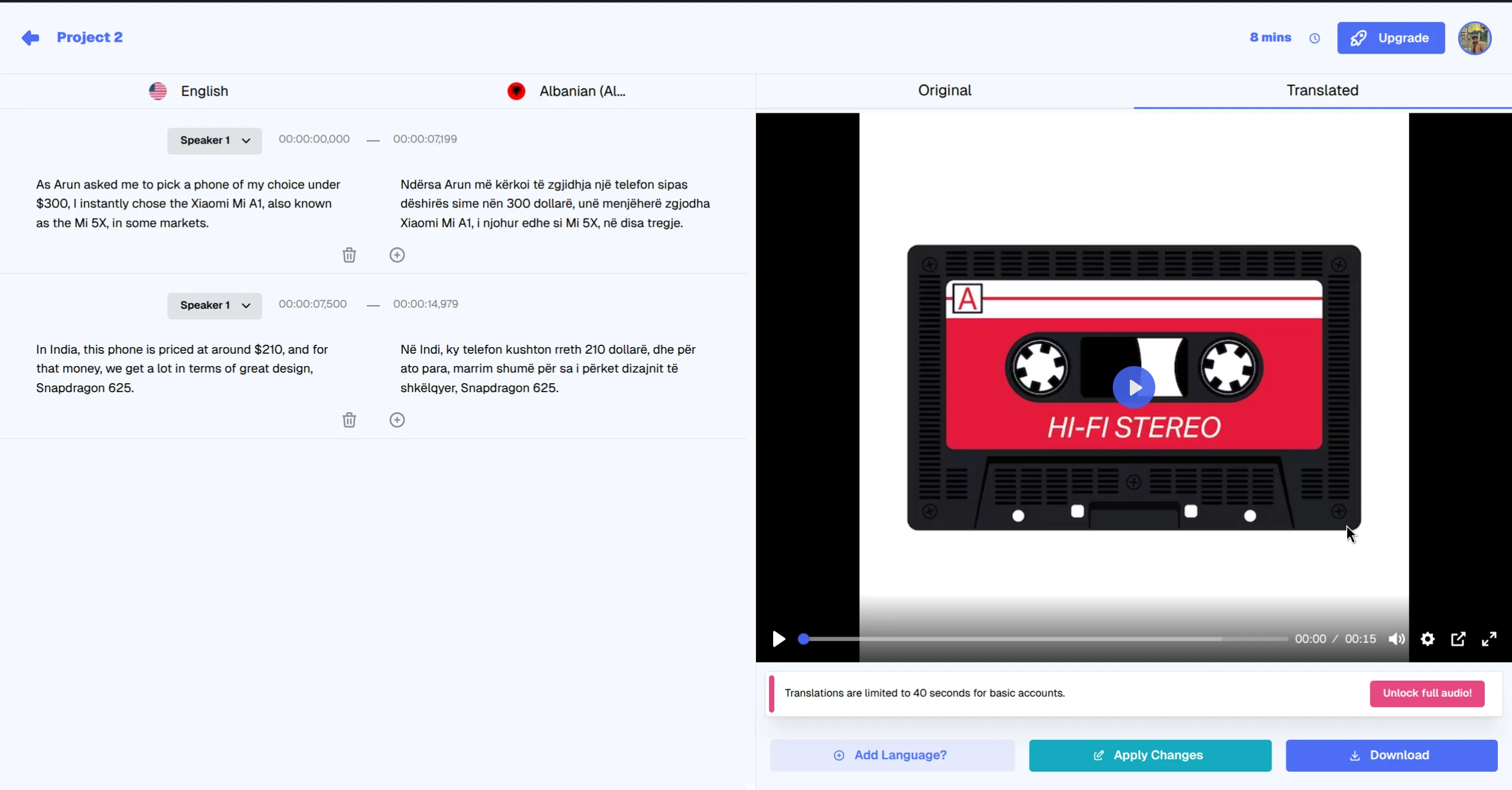
Output Interface
Now that you have your MP3 files (e.g., video_spanish.mp3, video_hindi.mp3), it's time to add them to your video.
Note: This feature is currently being rolled out to all creators. if you don't see the "Audio" column yet, keep checking back as YouTube expands availability.
Go to your video on YouTube. Click the Gear Icon (Settings) -> Audio Track. You should see a list of your new languages!
Adding multilingual audio tracks is the single highest-ROI action you can take to grow your channel today. It turns your existing content into a global asset.
Don't let language barriers limit your growth. Start generating your audio tracks with VideoDubber today.

With a background in AI and a passion for clear technical communication, I enjoy breaking down complex tools and processes. Exploring new software and sharing insights is a key focus.
How to use GPT-5.2 for video translation: step-by-step in VideoDubber, model comparison (GPT vs Gemini vs DeepSeek), cost and credits, best practices for European languages. Try free.
How to use Gemini for video translation: complete 2026 guide. Step-by-step in VideoDubber, Asian-language strength (Japanese, Korean, Hindi), multimodal context, and when to pick Gemini vs GPT or DeepSeek.
Learn how to add subtitles to YouTube videos with this comprehensive guide. Covers YouTube Studio, third-party tools, best practices, and troubleshooting tips.
Learn how to change and assign different speaker voices in video translations using VideoDubber.ai. Control voice selection for each speaker in your dubbed videos.
How to use DeepSeek for video translation: step-by-step in VideoDubber, cost comparison, when to choose DeepSeek vs GPT/Gemini, and best practices for technical and Chinese content. Complete 2026 guide.