![How to Use Gemini for Video Translation [2026 Guide]](https://ahrefs.com/blog/wp-content/themes/Ahrefs-4/images/categories/icons/general-seo.svg)
How to Use Gemini for Video Translation [2026 Guide]
April 24, 2026 17 mins read
Google's Gemini isn't just another language model—it's one of the fastest, most multimodal AI engines available for video. When you need to translate and dub content into Asian languages (Japanese, Korean, Hindi) or process large volumes quickly, knowing how to use Gemini for video translation inside a platform like VideoDubber gives you a real edge.
How to use Gemini for video translation: Log in to VideoDubber, create a new project, upload your video (or paste a YouTube link), select Gemini 1.5 Pro in the Translation Model dropdown, choose your target languages, then click Translate. VideoDubber runs transcription and translation through Gemini and outputs subtitles and dubbed audio—with multimodal context so the translation can account for what's on screen, not just the words spoken. For Asian-language dubs and speed-critical workflows, Gemini is the recommended model; for European-language nuance or creative storytelling, GPT-5.2 or DeepSeek may be better fits.
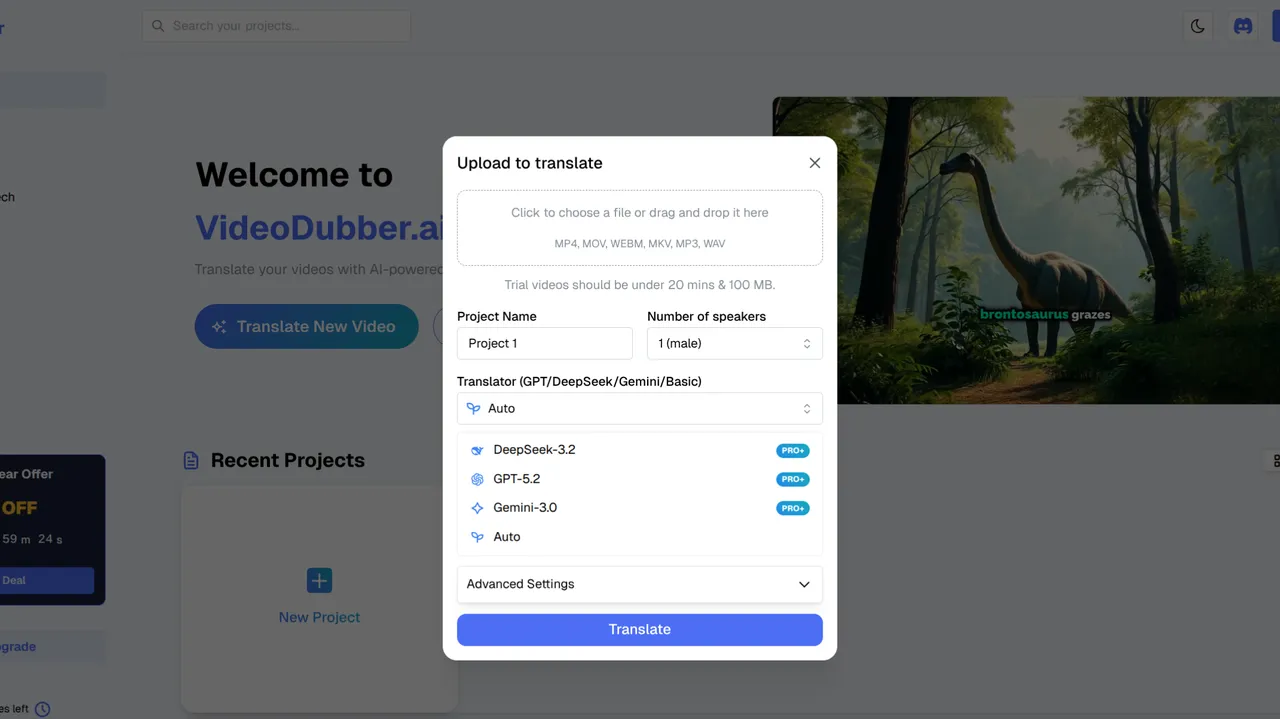
Gemini Video Translation Interface
Use the table below to jump to the section that answers your question.
| Question | Section |
|---|---|
| What is Gemini and why use it for video translation? | What Is Gemini and Why Use It for Video Translation? |
| When should I choose Gemini over GPT or DeepSeek? | When to Choose Gemini Over GPT or DeepSeek |
| How much does Gemini video translation cost? | How Much Does Gemini Video Translation Cost? |
| What are the exact steps to use Gemini in VideoDubber? | Step-by-Step: How to Use Gemini in VideoDubber |
| What languages does Gemini handle best for video? | Gemini Settings: Languages and Multimodal Context |
| What are best practices for Gemini video translation? | Best Practices for Gemini Video Translation |
| Is Gemini good for marketing and support videos? | Frequently Asked Questions |
| How do I get the best quality with Gemini? | Summary and Next Steps |
Gemini is Google's family of multimodal large language models (LLMs) that can process text, images, and video in a single context. When used for video translation inside a pipeline like VideoDubber, Gemini handles transcription and translation while understanding on-screen visuals—so it can translate labels, UI text, or spoken references to what the viewer sees, not just the audio track in isolation.
AI video translation is the end-to-end process of turning a video in one language into a version (or versions) in other languages via transcription, translation, and optionally voice cloning and lip-sync, so the result looks and sounds natural in the target language. Gemini excels in the translation step when speed, Asian-language quality, or visual context matters—because it can "see" the video, it often produces more contextually accurate translations than text-only models.
In practice, Gemini is among the fastest LLMs available for long-form content; internal benchmarks at platforms like VideoDubber often show noticeably shorter processing times for the same video compared with GPT-4o or similar models. That speed, combined with strong performance in Japanese, Korean, and Hindi, makes it the go-to for teams localizing at scale or targeting Asian markets.
| Factor | Why it matters for video translation |
|---|---|
| Multimodal understanding | Gemini analyzes the visual context of the video—on-screen text, gestures, and scene content—so translations can align with what the viewer sees, not just the spoken words. |
| Speed | Gemini 1.5 Pro is one of the fastest models in typical API comparisons; for creators with tight deadlines or high volume, this reduces wait time per video. |
| Asian language proficiency | In VideoDubber's testing, Gemini excels in Japanese, Korean, and Hindi—both to and from these languages—often outperforming GPT or DeepSeek on natural phrasing and readability for these locales. |
| Cost | Gemini typically sits in a lower cost tier than premium GPT-tier models, so you can process more minutes per dollar when Gemini fits your content. |
Tools like VideoDubber combine Gemini with voice cloning and lip-sync, so your translated script is turned into dubbed audio that matches the original speaker and mouth movements—whether you choose Gemini, GPT, or DeepSeek for the text layer.
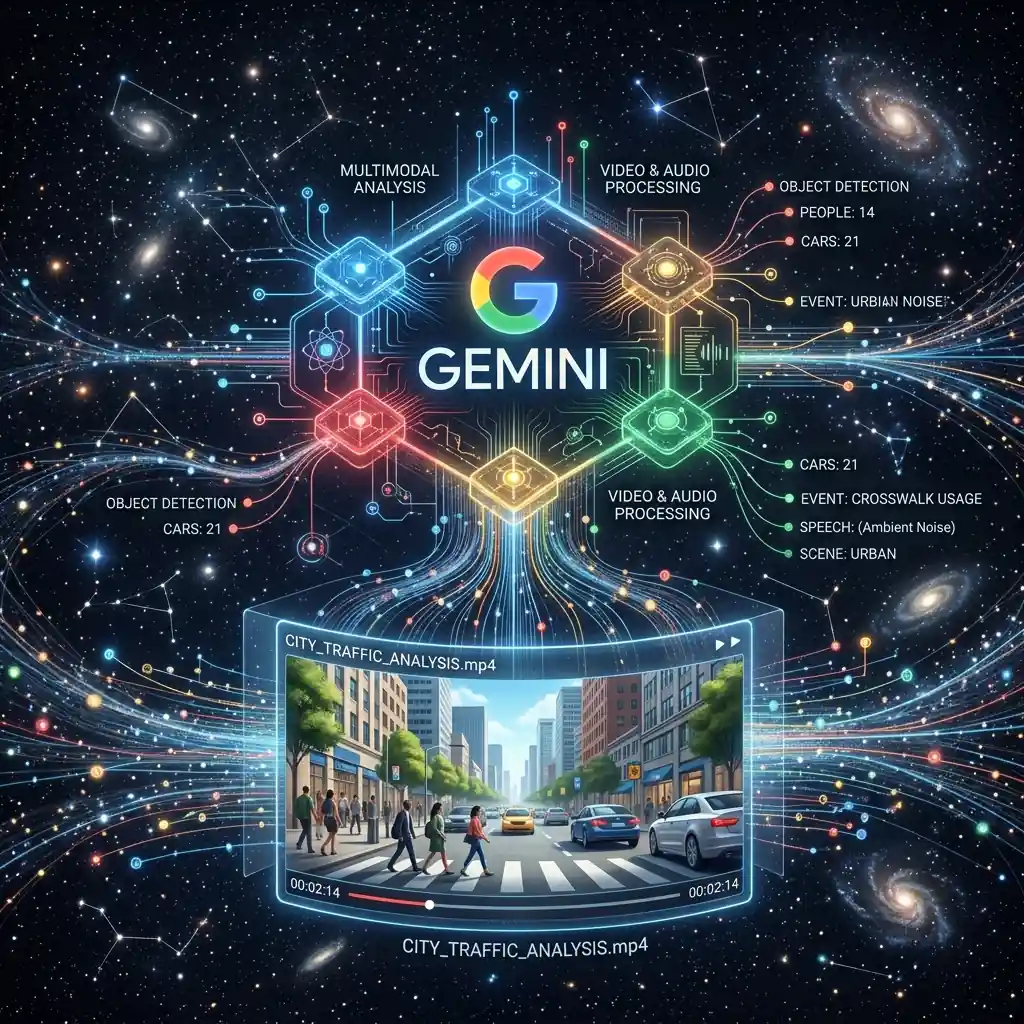
Google Gemini analyzes both audio and visual data streams to provide contextually accurate video translations.
Not every video should use Gemini. The right model depends on target languages, content type, and whether you care most about speed, nuance, or cost.
| Criterion | Gemini 1.5 Pro | GPT-4o / GPT-5.2 | DeepSeek V2 |
|---|---|---|---|
| Best for | Speed, Asian languages (Japanese, Korean, Hindi), multimodal | European languages, nuance, idioms, storytelling | Technical content, Chinese (Mandarin/Cantonese), cost |
| Translation speed | Fastest in typical tests | Fast | Fast |
| Multimodal (video context) | Excellent (understands on-screen context) | Good | Text-focused pipeline |
| Cost tier | Low | Medium to high | Very low |
| Idioms / natural phrasing | Casual, natural; strong for Asian locales | Best for European languages | Literal, improving |
Verdict: For Asian-language dubbing (Japanese, Korean, Hindi), high-volume processing, or when visual context (on-screen text, UI, product names) should inform the translation, Gemini is typically the better choice. For European-language quality and creative or marketing content where tone and idioms matter most, GPT-5.2 is usually stronger. For technical documentation or Chinese-in and Chinese-out workflows, DeepSeek is the better fit. The full Gemini vs. DeepSeek vs. GPT comparison breaks down language-by-language and use-case recommendations.
| Use case | Gemini fit | Why |
|---|---|---|
| Asian-language dubs (Japanese, Korean, Hindi) | Strong | Gemini consistently delivers natural phrasing and readability in these languages in platform testing. |
| Support / how-to videos with on-screen UI | Strong | Multimodal context helps translate labels, buttons, and instructions in sync with what's shown. |
| High-volume or deadline-driven projects | Strong | Fast processing reduces turnaround when you have many videos or languages. |
| EdTech or training content | Good | Clear narration plus on-screen elements benefit from context-aware translation. |
| European-language creative / marketing | Consider GPT | Idiom and tone handling for French, German, Spanish, etc. often favor GPT-5.2. |
| Chinese (Mandarin/Cantonese) | Consider DeepSeek | DeepSeek is optimized for Chinese; Gemini is capable but not specialized. |
Pricing depends on your platform, not the model alone. When you use Gemini inside VideoDubber, you pay VideoDubber's subscription or per-minute rates; the platform absorbs the underlying Gemini API cost.
Typical ballpark: AI video translation with tools like VideoDubber ranges from free tiers (limited minutes) to roughly $0.10–$0.30+ per minute on paid plans, depending on resolution, voice cloning, and language count. Because Gemini sits in a lower cost tier than premium GPT-tier models, choosing Gemini often keeps your effective cost per project lower for the same video—especially when you're translating into multiple languages or processing many videos. Manual studio dubbing, by contrast, typically runs $40–$300+ per minute, so AI dubbing with Gemini remains orders of magnitude cheaper while still supporting voice cloning and lip-sync when used inside a platform like VideoDubber.
| Approach | Approximate cost per minute (indicator only) |
|---|---|
| Manual studio dubbing | $40–$300+ |
| AI dubbing (premium model, e.g. GPT-4o) | ~$0.20–$0.50+ |
| AI dubbing with Gemini (via VideoDubber) | Often at the lower end of platform pricing |
Results vary by region and plan. For exact numbers, check VideoDubber pricing and use Gemini when your content fits its strengths—Asian languages, speed, or multimodal context—to maximize value.
Follow these steps to translate and dub a video with Gemini inside VideoDubber.
Go to VideoDubber.ai and sign in. If you don't have an account, you can sign up for free.
Click New Project and upload your video file (or paste a YouTube link). VideoDubber supports common formats such as MP4, MOV, and AVI. Clear speech and minimal background noise improve transcription quality—Gemini's multimodal analysis works best when the video has recognizable visuals and audible dialogue.
In the project settings:
This is the crucial step: Gemini is what drives the transcription and translation; VideoDubber then uses its own engine for voice synthesis and lip-sync.
Select the languages you want to translate your video into. Gemini handles 40+ languages in VideoDubber; it's particularly strong with Japanese, Korean, and Hindi, so prioritize these when they're in your target set.
Click Translate Video (or Translate). VideoDubber's pipeline—powered by Gemini—will transcribe, translate, and dub your video. Once done, you can review the output. Notice how the translation can pick up on visual cues when relevant; that's the benefit of Gemini's multimodal capability.
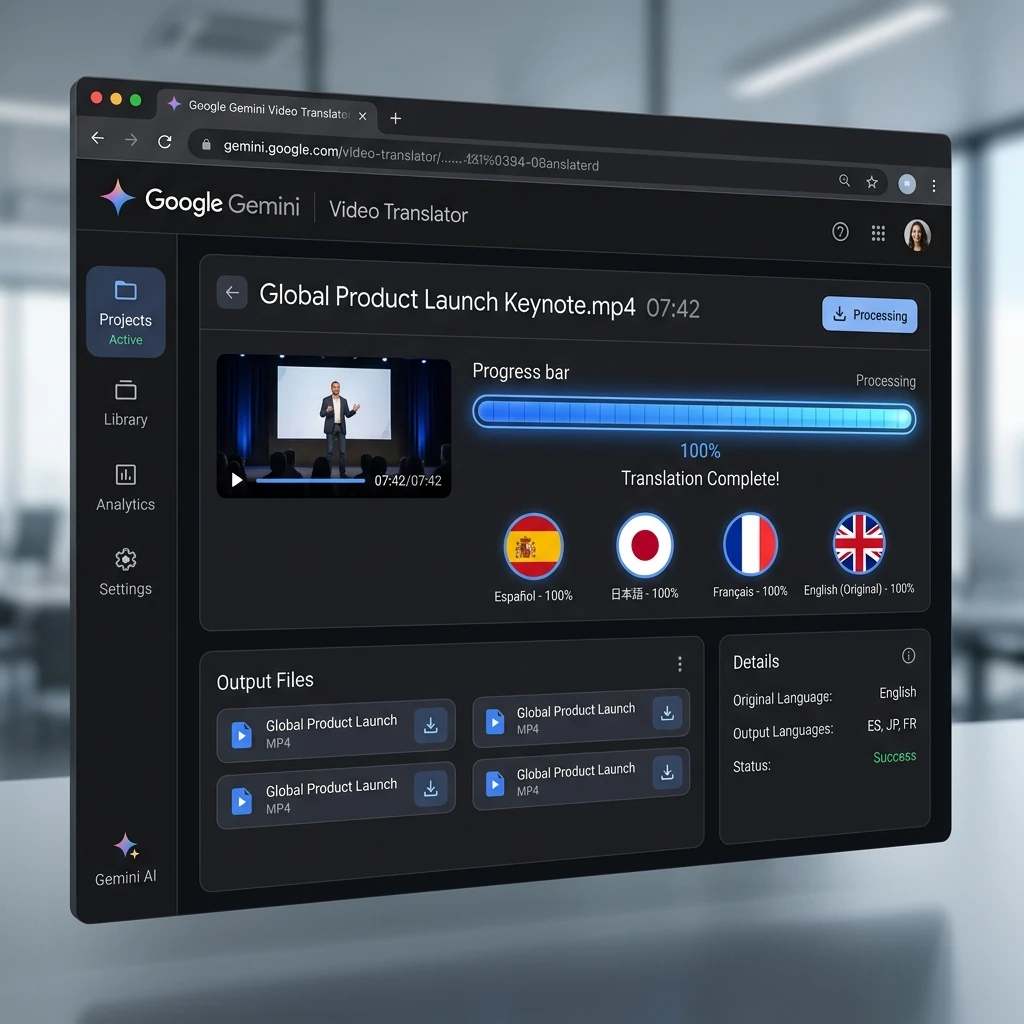
Using the Gemini 1.5 Pro model in VideoDubber for fast, context-aware video dubbing and translation.
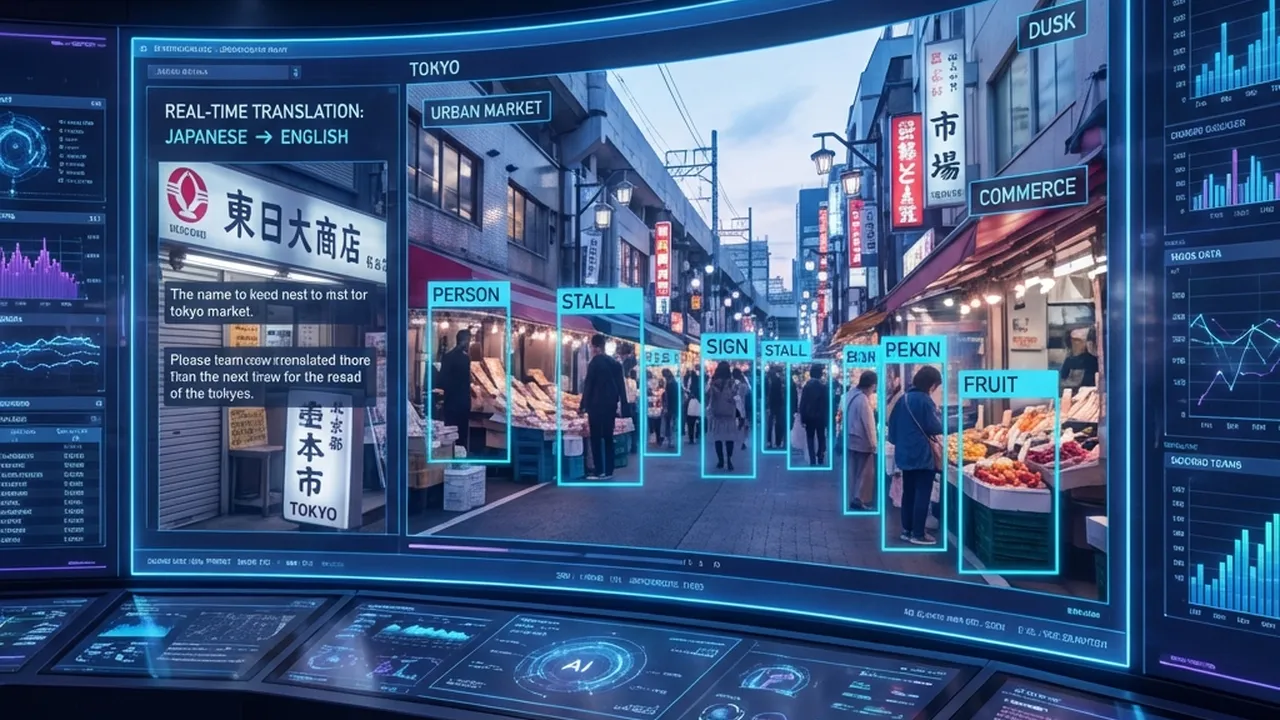
Gemini Multimodal Analysis
| Step | Action |
|---|---|
| 1 | Log in at VideoDubber.ai |
| 2 | New Project → upload video or paste YouTube link |
| 3 | Translation Model dropdown → select Gemini 1.5 Pro |
| 4 | Choose target language(s) |
| 5 | Click Translate Video → review subtitles and dubbed audio |
Getting the best from Gemini means using it for the right languages and content types.
Based on VideoDubber's testing, Gemini excels in:
Gemini supports 40+ languages in total; for languages not listed above, quality is generally good, but running a short test clip is recommended before scaling to a full library.
Multimodal means the model receives both audio/transcript and video frames (or visual summaries) as input. So when someone on screen points at a button labeled "Submit" or says "click here," Gemini can align the translation with the visible UI or scene. Text-only models only see the words—they can't adjust for on-screen labels or product names. For support videos, product demos, or training content where the viewer follows along with the screen, this often results in more contextually accurate translations and fewer mismatches between what is said and what is shown.
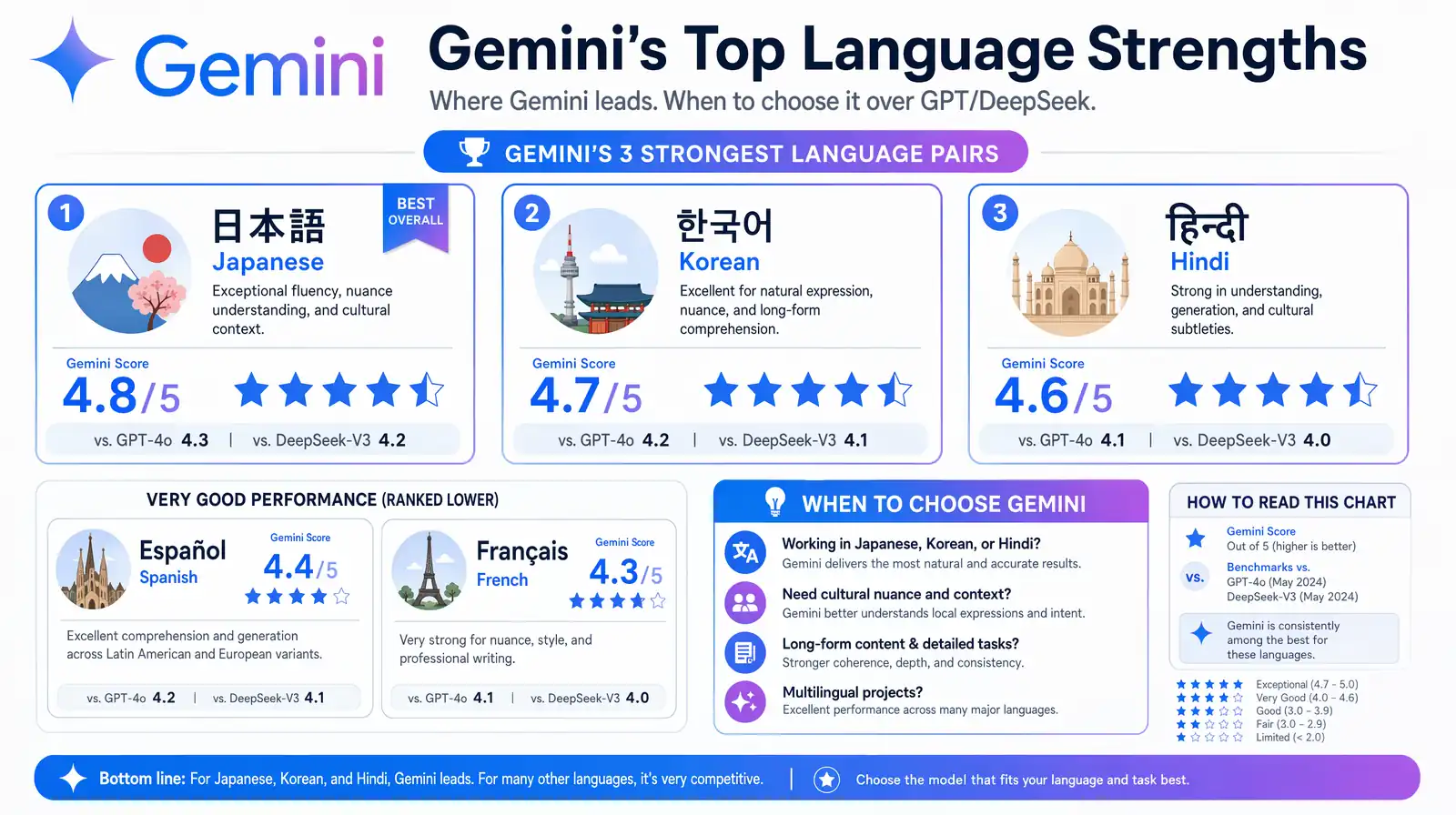
Gemini's strongest language pairs for video translation: Japanese, Korean, and Hindi deliver the most natural phrasing and readability in platform testing.
Apply these so your Gemini-powered dubs stay consistent and high quality.
| Practice | Why it helps |
|---|---|
| Use clear source audio | Transcription quality drives translation; reduce music and background noise when possible. |
| Pick Gemini for Asian-language projects | Japanese, Korean, and Hindi benefit most from Gemini's strength in these locales. |
| Use for videos with on-screen text or UI | Multimodal context improves alignment between spoken translation and visible elements. |
| Review the first segment before batch runs | Spot-check tone and terminology on a short clip, then scale to full video and more languages. |
| Match model to content | Use Gemini for speed and Asian languages; switch to GPT or DeepSeek when European nuance or technical/Chinese content is the priority. |
| Mistake | Better approach |
|---|---|
| Using Gemini for every project when European nuance matters | Reserve Gemini for Asian languages and speed; use GPT-5.2 for European creative or marketing. |
| Ignoring audio quality | Clean audio improves transcription and timing, so the dub stays in sync. |
| Skipping a test run on a new language pair | Run one short clip first to confirm tone and terminology before processing a full library. |
For more on quality expectations across the pipeline, see How Accurate Is AI Video Translation?. For scaling training or support content, video localization for edtech and how to translate training videos offer complementary workflows.
Yes, for the right mix of languages and content. Gemini is well-suited for support and how-to videos, especially when they include on-screen UI or when you're targeting Japanese, Korean, or Hindi—its multimodal context and Asian-language strength make it a strong fit. For highly creative or brand-voice-critical marketing in European languages, GPT-5.2 often produces more nuanced tone and idioms; run a short test and compare before scaling.
Cost depends on your platform, not Gemini alone. On VideoDubber, you pay per minute (or under a subscription); using Gemini typically keeps you at the lower end of that range compared with premium GPT-tier models. A 10-minute video might fall in the roughly $1–$5+ range on paid tiers, depending on plan and features—far below the $400–$3,000+ typical for manual dubbing of the same length.
Yes. Gemini is one of the strongest options for translating video content into Japanese, Korean, and Hindi (and from these languages into others). In VideoDubber's comparison, Gemini often outperforms GPT and DeepSeek for natural phrasing and readability in these locales. Select Gemini as the model and choose your target language in the project settings.
It depends on language and use case. For Asian languages (Japanese, Korean, Hindi) and speed, Gemini is usually the better choice. For European languages (French, German, Spanish, Italian, Portuguese) and creative or idiomatic content, GPT-5.2 often delivers more natural-sounding dialogue. For technical or Chinese-focused content, DeepSeek is often the better fit. Use VideoDubber's model comparison and test a sample per project.
Gemini itself handles transcription and translation (the text layer). Voice cloning and lip-sync are done by the video platform (e.g. VideoDubber). When you select Gemini in VideoDubber, the pipeline uses Gemini for the text layer and the platform's own AI for voice and lip-sync, so you still get full dubbing with a cloned voice and synced lips.
VideoDubber typically accepts MP4, MOV, AVI, and other common video formats. The limit is set by the platform, not by Gemini. Check the current VideoDubber upload page for the latest supported formats and size limits.
Gemini 1.5 Pro is optimized for efficient processing of long context (including video), so in typical API and platform benchmarks it often completes transcription and translation faster than GPT-4o or similar models for the same video length. That speed makes it a strong choice for high-volume or deadline-driven workflows.
Start with VideoDubber → Choose Gemini for your next Asian-language or speed-critical video and see the difference in quality and turnaround.
How to use GPT-5.2 for video translation in VideoDubber: step-by-step, model comparison, context box tips, cost guide, and best practices for European languages. 2026.
How to use DeepSeek for video translation: step-by-step guide, 50-70% cost savings vs GPT, Technical Mode, model comparison, and best practices for 2026.
Gemini vs DeepSeek vs GPT for video translation: 2026 benchmarks, dubbing scripts, subtitles, and language accuracy. Pick the right AI model for your content.
How accurate is AI video translation in 2026? WER benchmarks, language accuracy tiers, cost data, and real-world examples—complete guide with data.
Video localization for EdTech: dubbing vs subtitles, AI costs, step-by-step workflow & language prioritization. Boost completion rates 2-3x. 2026 guide.