Top 10 Video Editing Tips for 2026
January 22, 2026 5 mins read
Video editing has undergone a massive transformation in the last few years. If you’re still editing like it’s 2023, you’re working too hard. In 2026, the best editors aren’t just pixel-pushers—they are creative directors of AI agents. The tools have become smarter, faster, and more intuitive, allowing creators to focus on storytelling rather than technical drudgery.
Here are the top 10 video editing tips to keep you ahead of the curve in 2026.
The biggest shift in 2026 is the "AI-first" mentality. Instead of manually cutting silence or matching colors, start every project by running your raw footage through an AI pre-processor. These tools can automatically organize clips, sync audio, and even create rough cuts based on a prompt.
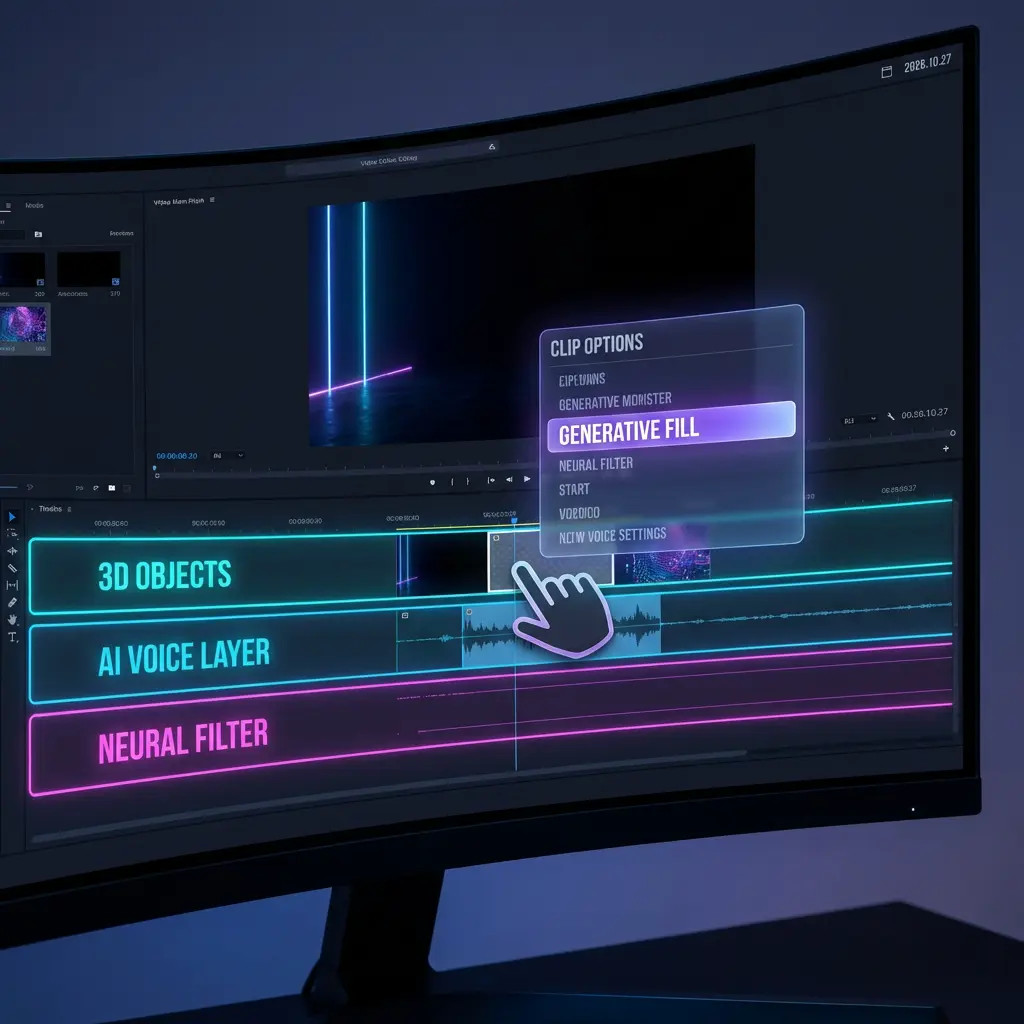
Fig 1. A typical 2026 editing interface showing generative options.
In 2026, creating content for just one language is leaving money on the table. Global reach is the new standard.
VideoDubber's Video Translator is a game-changer here. It doesn't just add subtitles; it clones your voice and dubs the video into 30+ languages, preserving your original tone and emotion.
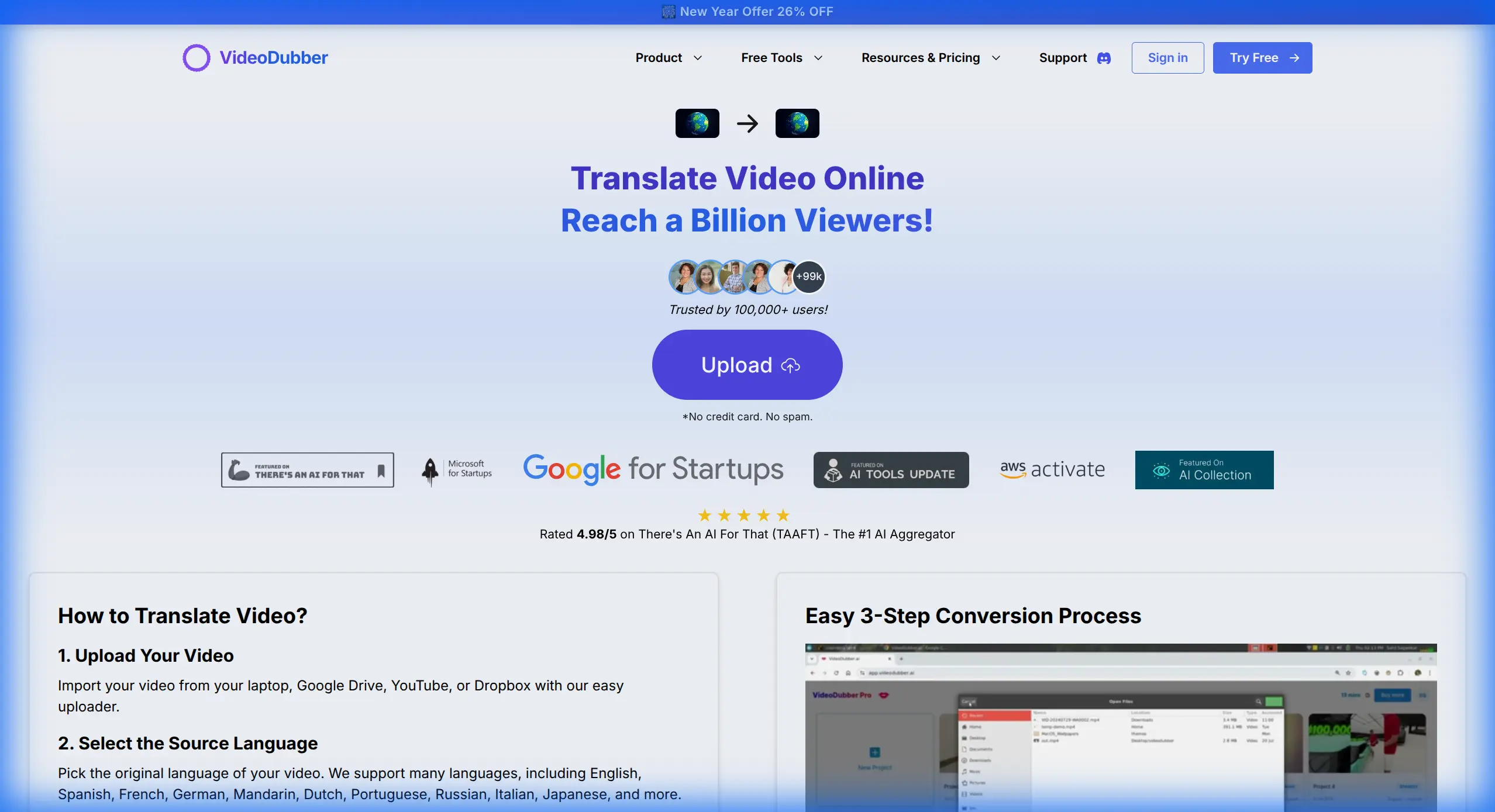
Fig 2. Translating a video into multiple languages effortlessly with VideoDubber.
Captions are no longer optional—they are critical for retention, especially with 85% of videos viewed on mute. Instead of typing manually, use AI to generate frame-perfect subtitles instantly.
VideoDubber's Auto Subtitle Generator detects speech, generates subtitles, and even translates them, saving you hours of tedious work.
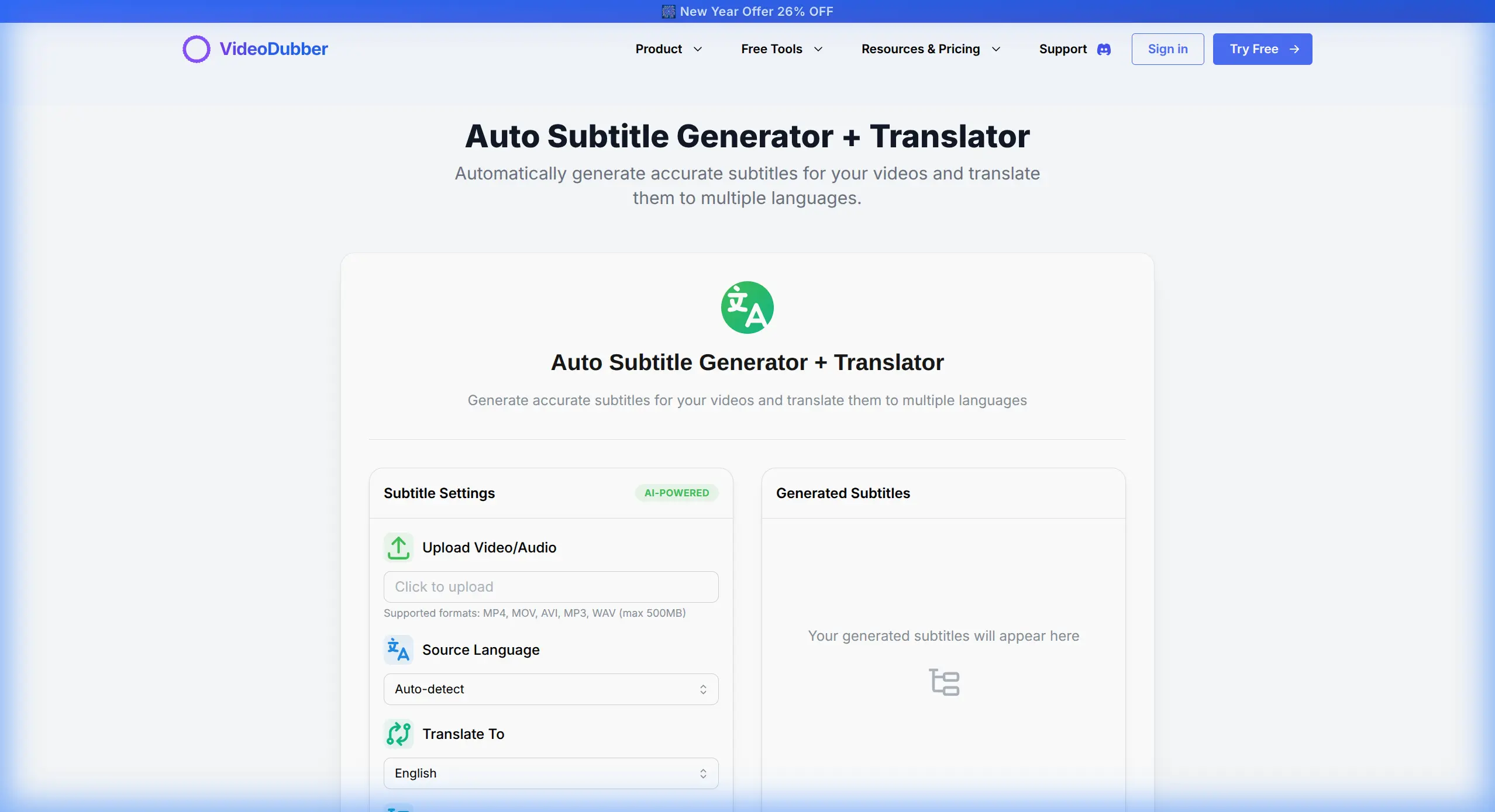
Fig 3. Generating accurate subtitles in seconds.
Color grading deeply used to require a specialist. Now, neural filters allow you to execute complex looks with simple text prompts. Want your footage to look like a "cyberpunk noir film from the 90s"? Just type it in. The AI adjusts contrast, saturation, and grain to match your vision instantly.
Text-based editing is now the default way to cut dialogue. Tools transcribe your video, and you edit the text document to cut the video. It’s as easy as editing a Google Doc. If you need to generate a script from scratch or get new ideas, check out the AI YouTube Script Generator to kickstart your creative process.
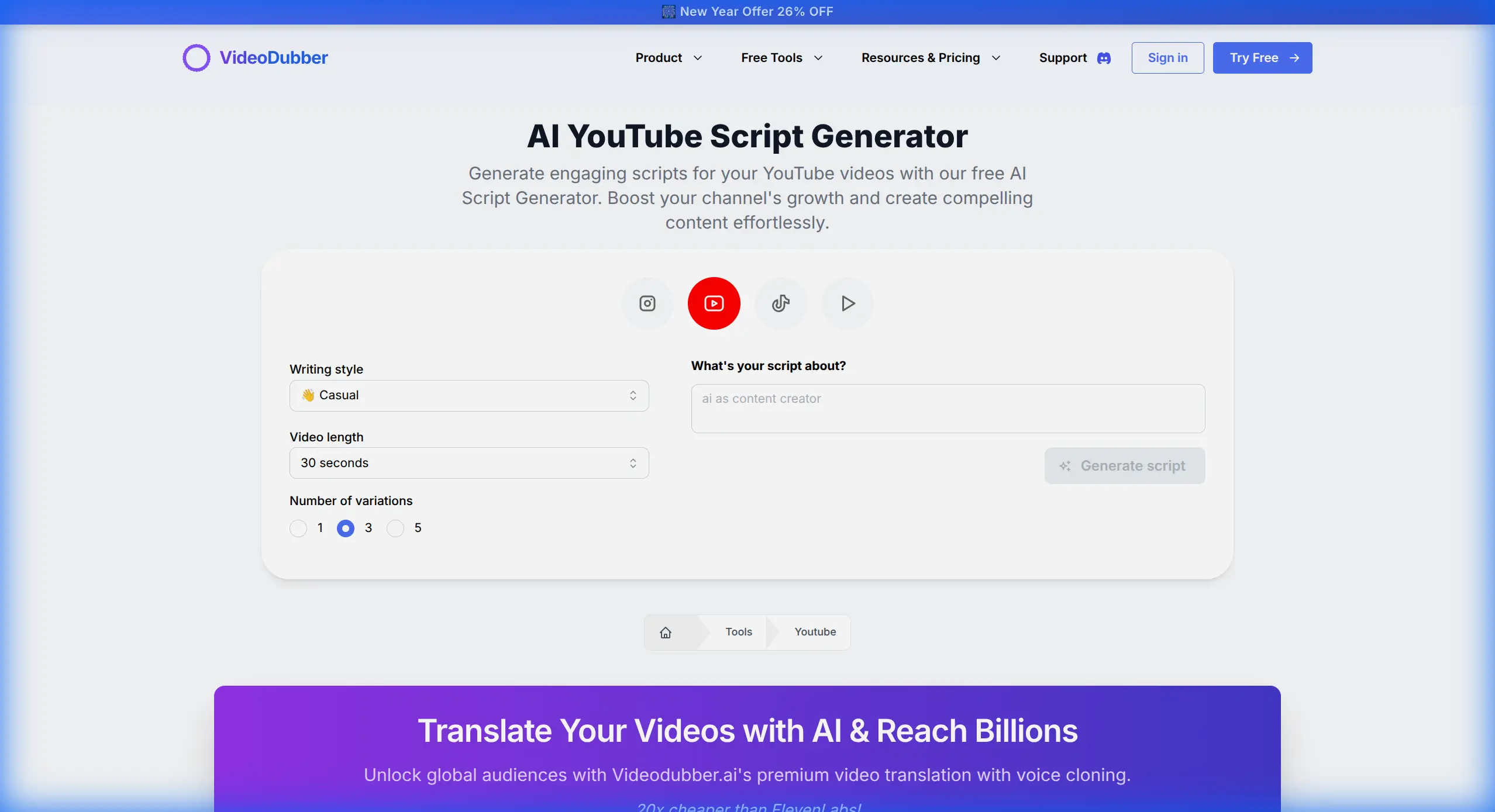
Fig 3. Generating a high-retention script in seconds.
Nothing hurts more than a copyright strike on a viral video. In 2026, proactive checking is mandatory.
Use the YouTube Copyright Checker before you even start deep editing. It analyzes your audio tracks and visual elements to flag potential issues early, saving you from demonetization nightmares.
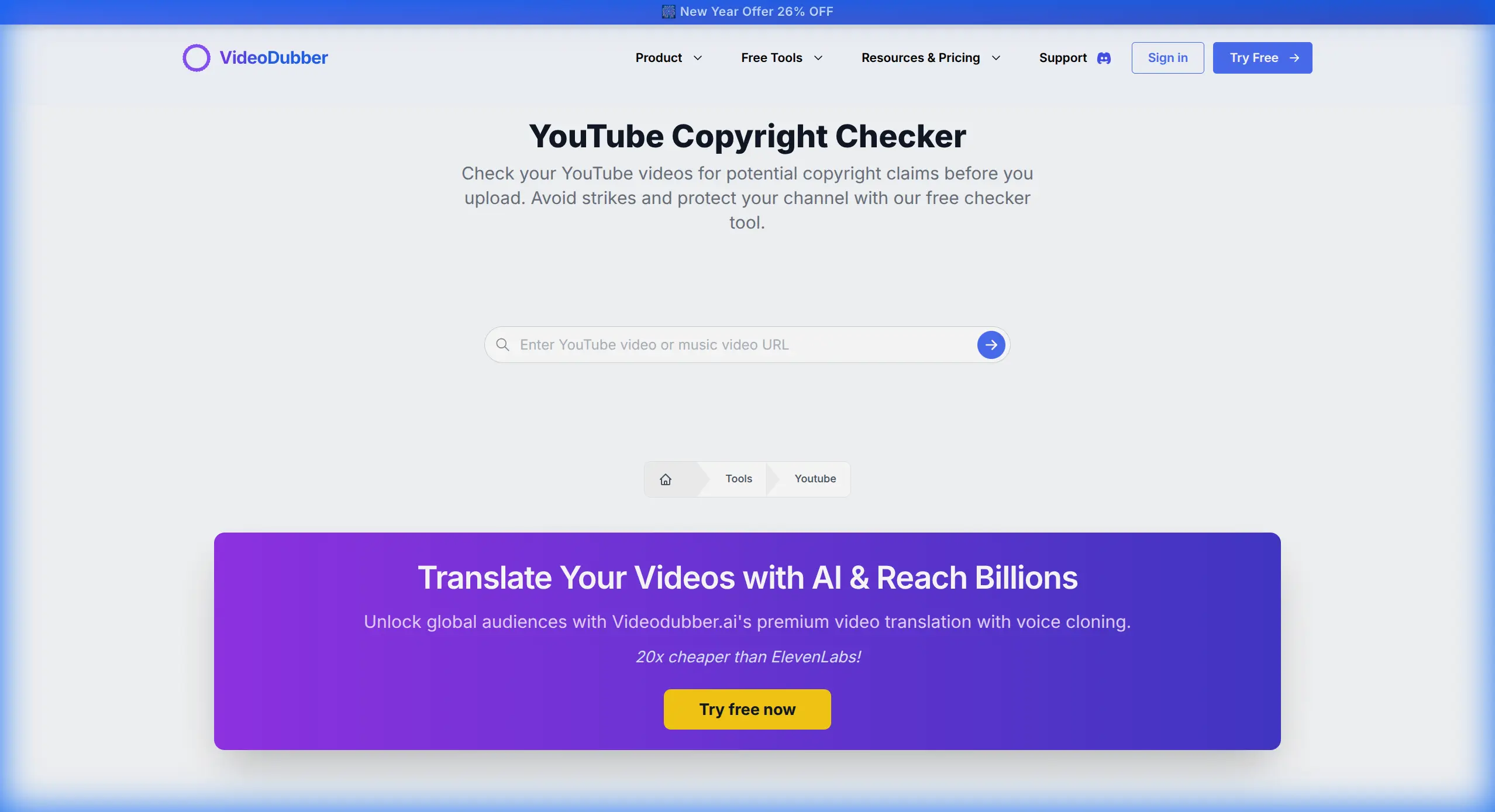
Fig 4. Verifying content safety with the YouTube Copyright Checker.
Long-form content is the engine, but short-form is the fuel. Don't just crop your videos manually. Use AI tools to identify the most viral moments in your long videos and automatically reframe them for vertical viewing (9:16) for TikTok, Reels, and Shorts.
If you need to grab assets or study competitors, the YouTube Video Downloader is an essential utility for your research workflow.
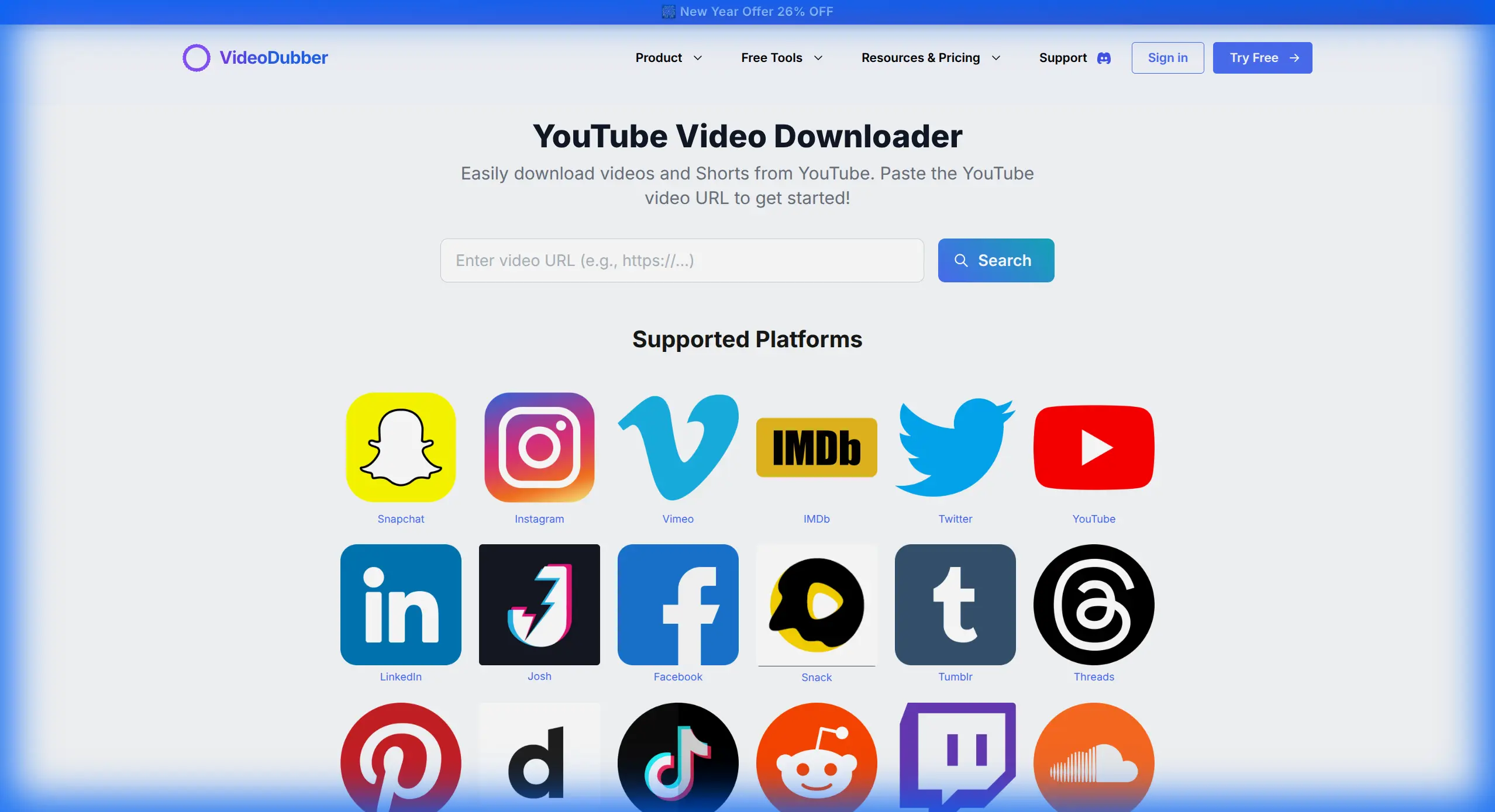
Fig 5. Downloading reference material for analysis.
The line between 2D video and 3D space is blurring. 2026 editors routinely drop 3D assets into 2D footage. With improved motion tracking and depth estimation, you can place a 3D object on a table in your video, and it will stick perfectly, complete with realistic lighting and shadows generated by the environment map of the video itself.
Did you fluff a line? Forget re-shooting. With Voice Cloning, you can type the correct words, and the AI generates the audio in your exact voice. You can then patch it seamlessly over the original error. It's magic for continuity.
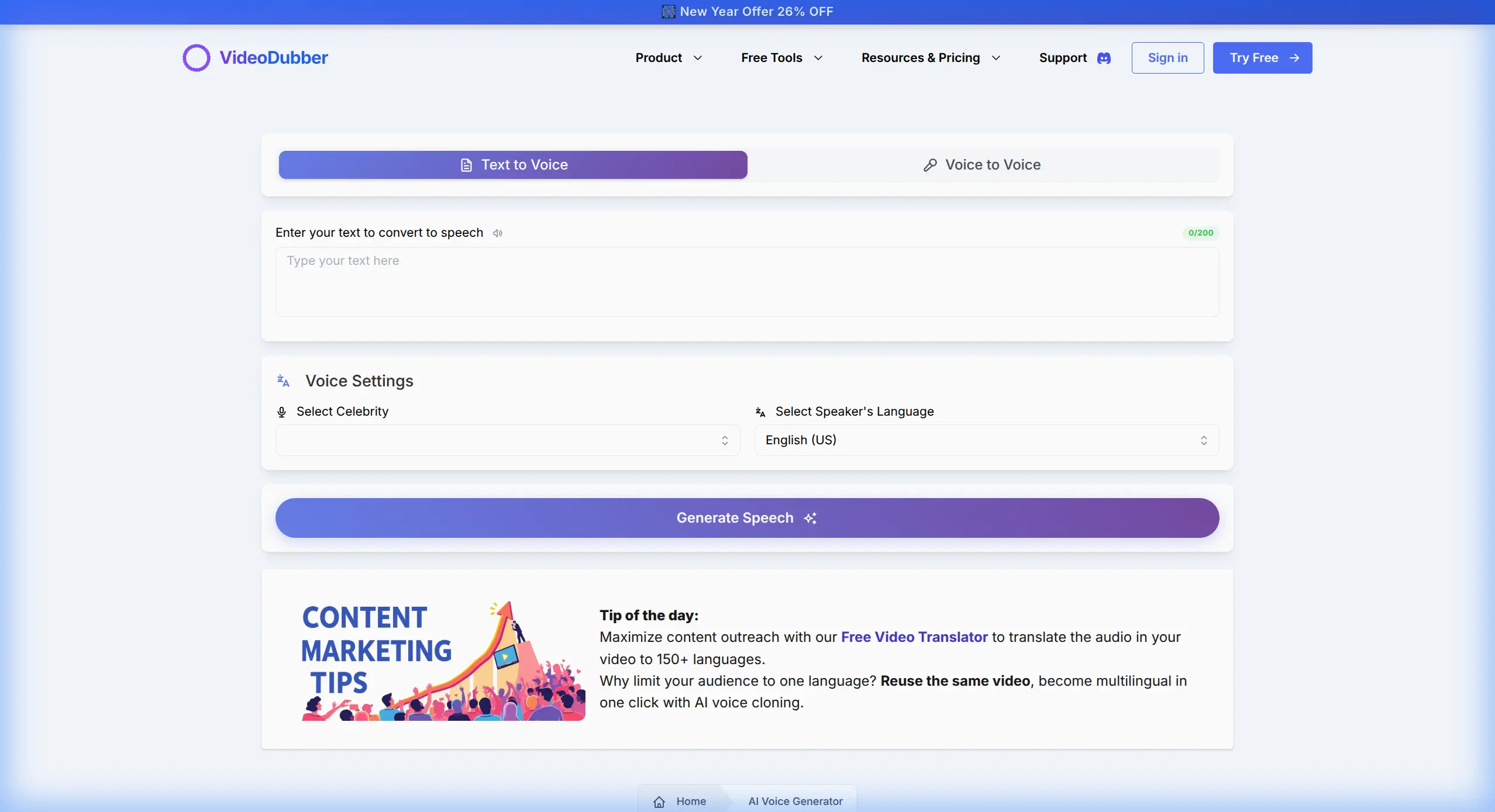
Fig 6. Creating voiceovers or patching audio with personal voice clones.
The "render and email" loop is dead. Cloud-native editing allows your team to view, comment, and even make edits on the same timeline simultaneously. Whether your colorist is in Tokyo and your sound designer is in NY, everyone works on the same project in real-time.
The tools of 2026 are powerful, but they still require a human touch to guide them. By automating the tedious parts of editing—like translation, sorting, and basic cuts—you free up your brain to do what it does best: tell amazing stories.
Start exploring these new workflows today at VideoDubber.ai.
VideoDubber Homepage
Discover the essential video marketing strategies for 2026. From mastering AI analytics and Shorts 2.0 to unlocking global growth with cost-effective video translation.
Discover the top 10 tools for marketing video production in 2026. From AI-powered editing to localization, find the best tools for your workflow.
Step-by-step guide to adding multilingual audio tracks to your YouTube videos using VideoDubber for massive global reach.
Discover the Top 10 languages to translate your videos into for 2026. Unlock global growth with Spanish, Hindi, German, and more.
Understand the key differences between video localization, translation, and dubbing. Learn which strategy is best for your global content goals.