The editors winning in 2026 have rebuilt their workflows around AI tools that handle mechanical work—freeing them to focus on creative decisions. Combining AI-first automation with multilingual publishing is the biggest advantage. Tools like VideoDubber enable one-click video translation with voice cloning into 150+ languages, turning a single master edit into a global content strategy—reaching 3–5x larger audiences from the same production investment.
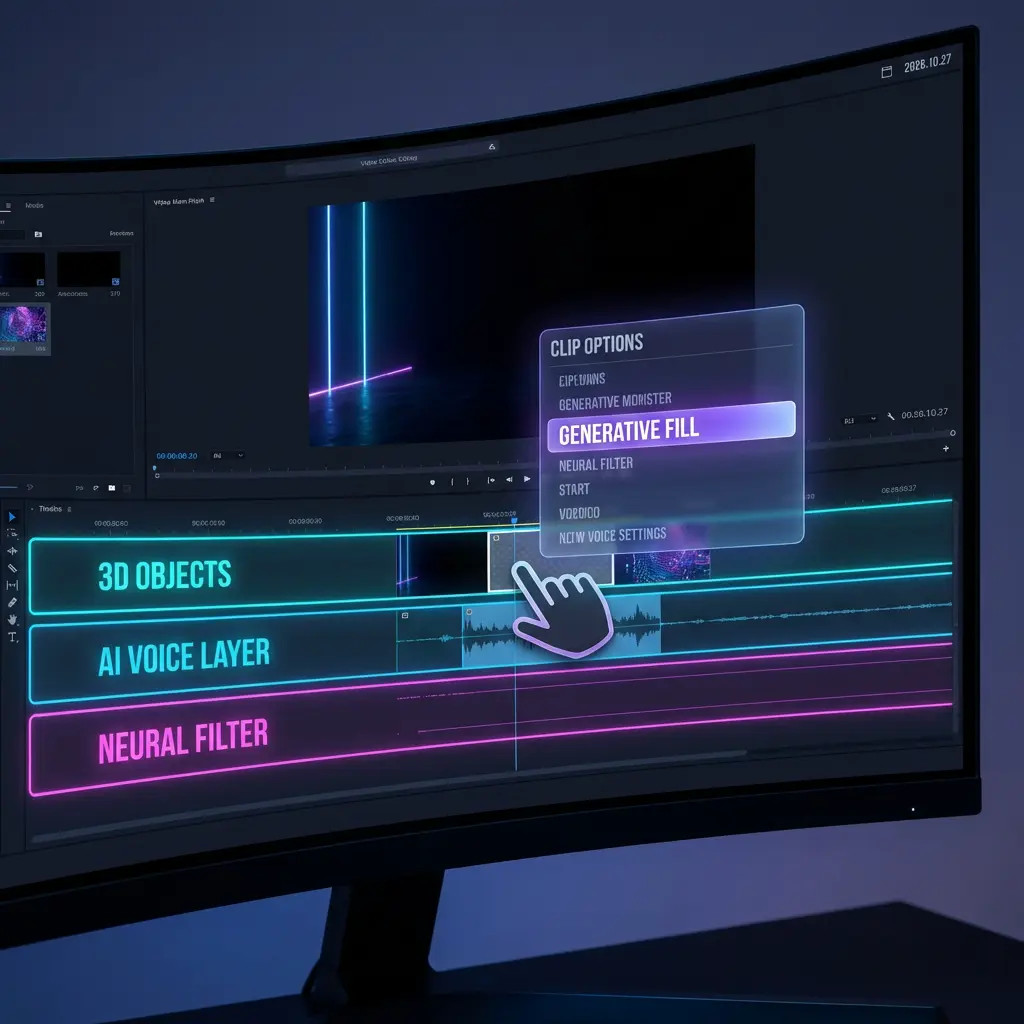
Fig 1. A typical 2026 editing interface showing generative options.
What This Guide Covers
| Question | Section |
|---|---|
| How do AI-first workflows change video editing? | 1. Embrace AI-First Workflows |
| How can I translate and dub my videos automatically? | 2. Automate Translation and Localization |
| What's the fastest way to add subtitles in 2026? | 3. Generate Subtitles Instantly with AI |
| How do neural filters and text-prompt color grading work? | 4. Master Neural Filters with Text Prompts |
| What is text-based editing and how do I use it? | 5. Edit by Script: Text-Based Editing |
| How do I avoid copyright strikes in 2026? | 6. Safety First: Copyright Checks Before You Edit |
| How do I repurpose long-form content intelligently? | 7. Repurpose with AI-Driven Intelligence |
| How do 3D and AR elements integrate into 2D video? | 8. Integrate 3D and AR Elements |
| How can voice cloning fix audio mistakes? | 9. Voice Cloning for Audio Patching and Continuity |
| What does cloud-native collaboration mean for editing teams? | 10. Collaborate in Real Time with Cloud-Native Editing |
| Frequently asked questions | Frequently Asked Questions |
1. Embrace AI-First Workflows
An AI-first video editing workflow is a production methodology in which AI handles all automatable tasks—footage organization, rough cutting, silence removal, color matching, and subtitle generation—while the human editor focuses on story structure, pacing, and emotional arc. Editors report completing projects in 40–60% of the time previously required.
In practice:
- AI pre-processing — auto-organizes clips by scene type, syncs multi-cam footage, flags strongest moments
- Prompt-driven rough cuts — NLEs accept plain-language prompts ("make a 2-minute highlight reel from this 45-minute interview")
- Automated scene detection — identifies cut points based on camera movement, speaker changes, and topic shifts
| Task | 2023 (Manual) | 2026 (AI-Assisted) | Time Saved |
|---|---|---|---|
| Organizing 4 hours of footage | 2-3 hours | 5-10 minutes | ~92% |
| Rough cut from interview | 3-5 hours | 20-30 minutes | ~88% |
| Silence removal | 30-60 minutes | Automatic | ~100% |
| Color match between cameras | 1-2 hours | 5 minutes (AI) | ~95% |
2. Automate Translation and Localization
Creating content for only one language in 2026 is the equivalent of launching a product in only one city. The global internet audience is 5.5 billion; English speakers comprise ~1.5 billion—meaning every English-only video is invisible to ~73% of the potential audience. Video localization is fully automatable in 2026 at ~$0.90 per language for a 10-minute video.
VideoDubber's Video Translator dubs your video into 150+ languages with voice cloning and lip-sync:
- Finish your master edit and export
- Upload to VideoDubber
- Select target languages
- Download dubbed versions with your cloned voice and synced lip movements
- Publish language versions to respective platforms
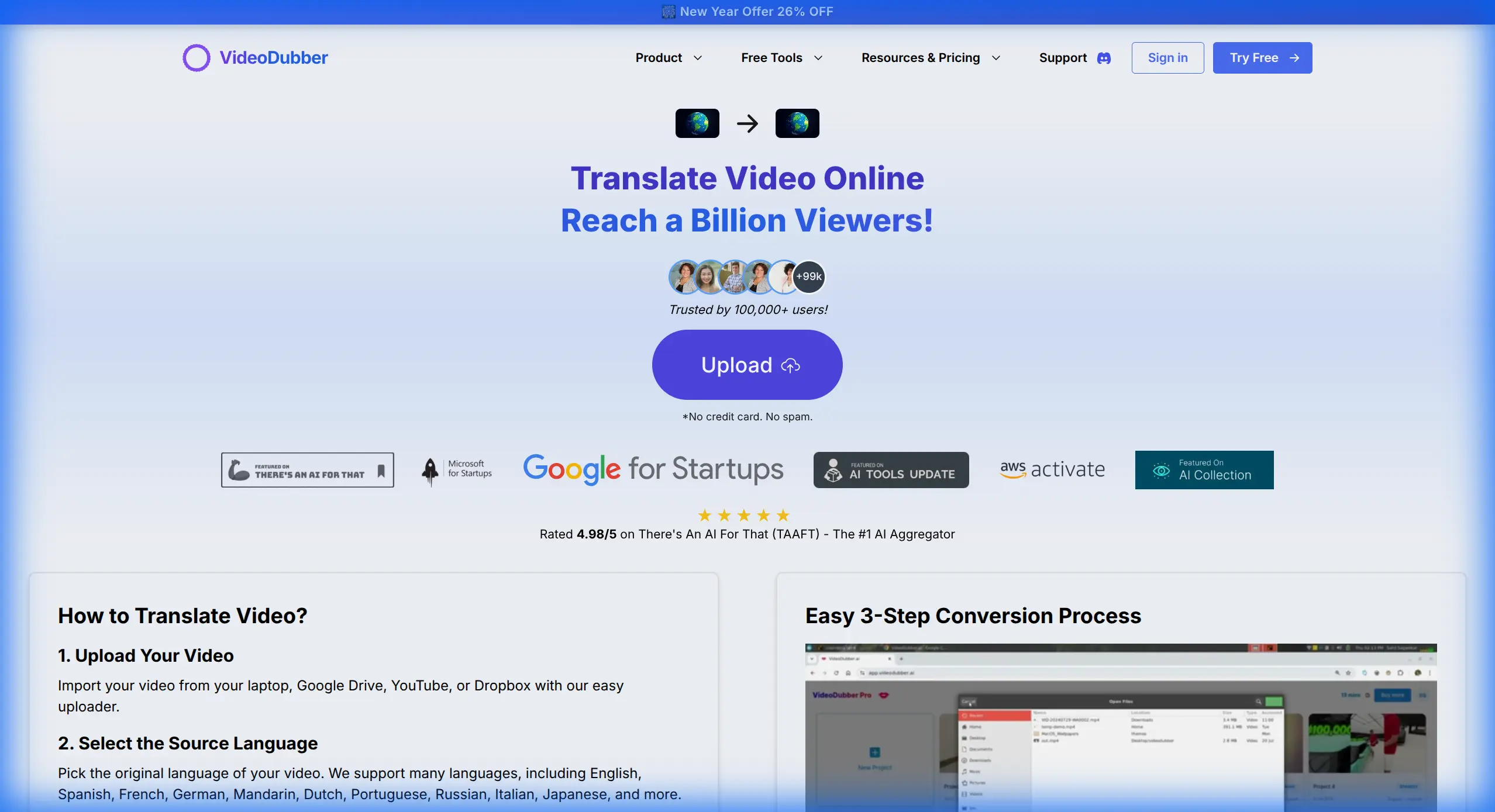
Fig 2. Translating a video into multiple languages effortlessly with VideoDubber.
The ROI of Localization
| Metric | English-Only | With Spanish + Hindi Dubbing | Difference |
|---|---|---|---|
| Total addressable audience | ~1.5B | ~3.2B | +113% |
| Estimated channel growth (6 months) | Baseline | +150-300% in new markets | Significant |
| Cost per additional language (10 min video) | N/A | ~$0.90 with VideoDubber | Negligible |
Creators who publish Spanish and Hindi dubbed versions report 40–80% total viewership increases within the first quarter. At $0.90 per language version, a creator producing 4 videos per month can localize into 5 languages for under $20 monthly. For a detailed cost breakdown, see our manual vs AI video translation comparison.
3. Generate Subtitles Instantly with AI
85% of videos on social platforms are watched on mute (Verizon Media), making subtitles the primary viewing mode for most audiences. Manual captioning takes 4–6 hours for a 1-hour video; AI auto-captioning takes minutes with professional accuracy.
VideoDubber's Auto Subtitle Generator detects speech, generates frame-accurate subtitles, and translates them into multiple languages simultaneously—handling speaker diarization, style customization, and multilingual export in one pass.
Key features for professional use:
- Frame-accurate timing — subtitles appear and disappear precisely with the spoken words
- Speaker diarization — identifies and labels multiple speakers separately
- Style customization — font, size, color, and positioning control per platform
- Multilingual export — generate subtitles in target languages simultaneously with dubbing
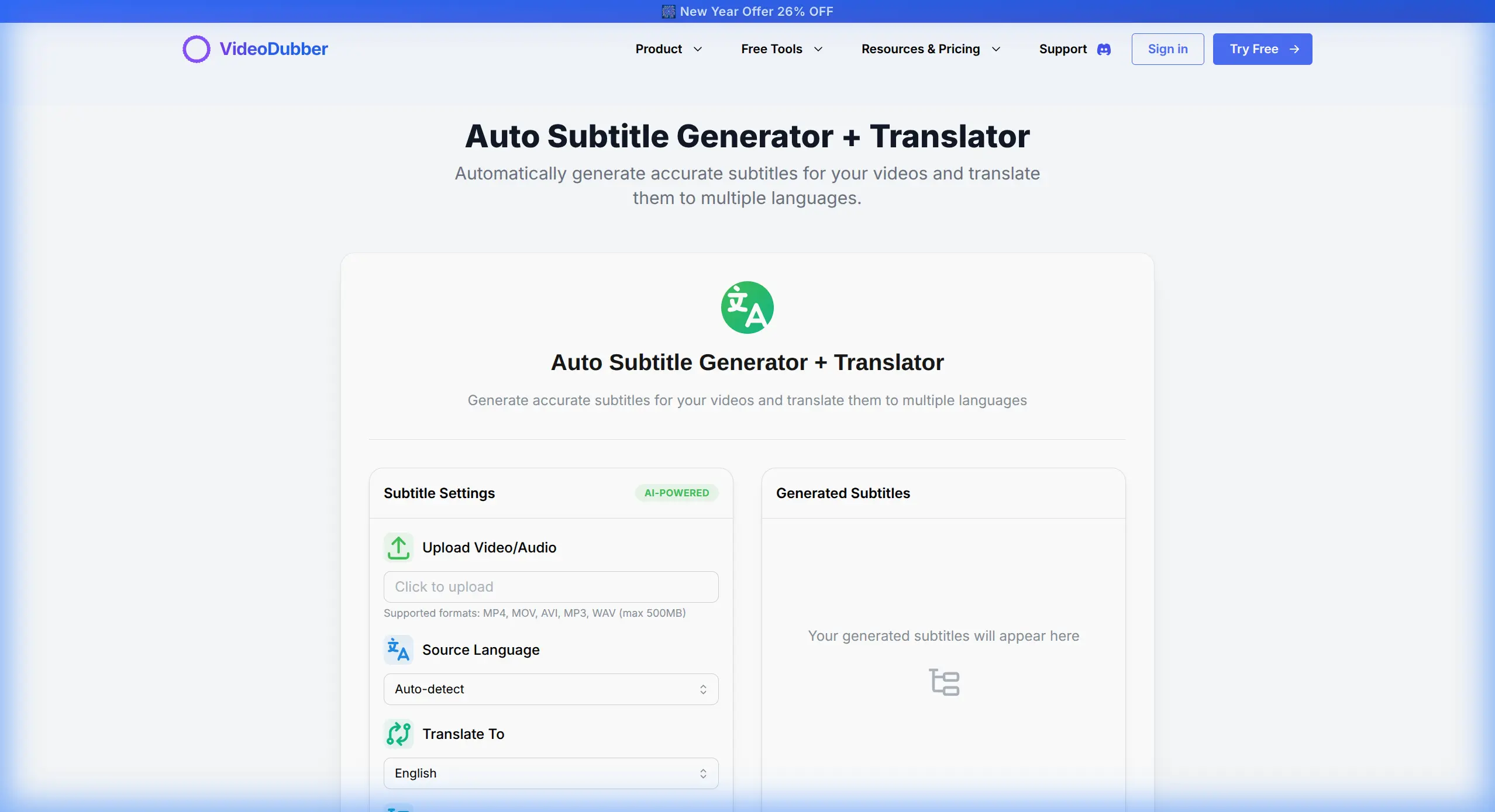
Fig 3. Generating accurate subtitles in seconds with AI.
Subtitle Best Practices for 2026
| Platform | Recommended Style | Format |
|---|---|---|
| YouTube | Large, centered, contrasting background | SRT or auto-generated |
| TikTok | Bold, centered, minimal words per line | Burned-in or .srt |
| Instagram Reels | Animated pop-in, 1-3 words at a time | Burned-in |
| LinkedIn Video | Professional sans-serif, moderate size | SRT |
| Corporate training | High-contrast, full lines | SRT or VTT |
For most creators in 2026, AI subtitle generation has made manual captioning obsolete for standard content. Remaining use cases for manual correction: highly technical vocabulary, regional dialects with lower AI accuracy, and broadcast-grade content with contractually mandated frame-perfect timing.
4. Master Neural Filters with Text Prompts
Color grading used to require a specialist costing $150–$500 per hour. In 2026, neural filters execute complex grades from text prompts, making sophisticated looks accessible to any editor. These deep learning models translate natural language into color grading parameters—contrast, saturation, hue, noise, grain, and vignetting.
Examples of prompt-driven grades:
- "Cyberpunk noir, high contrast, teal shadows" — adjusts blue channel shadows, crushes blacks, adds film grain
- "Golden hour warmth, slightly overexposed, soft highlights" — lifts shadows, warms midtones, recovers highlights softly
- "Documentary, desaturated, naturalistic, slight green tint" — reduces saturation 30%, adds subtle green channel shift
| Color Grade Approach | Time (2023) | Time (2026) | Cost |
|---|---|---|---|
| Professional colorist | 2-8 hours | N/A | $300-$4,000 |
| LUT-based grading | 30-60 minutes | 15-30 minutes | Free-$200 |
| Neural filter (text prompt) | Not available | 1-3 minutes | Included in most NLEs |
The practical limit of neural filter grading is consistency across long-form narrative projects. For short-form content, neural filters deliver final-grade results; for feature-length work, a human colorist still adds value.
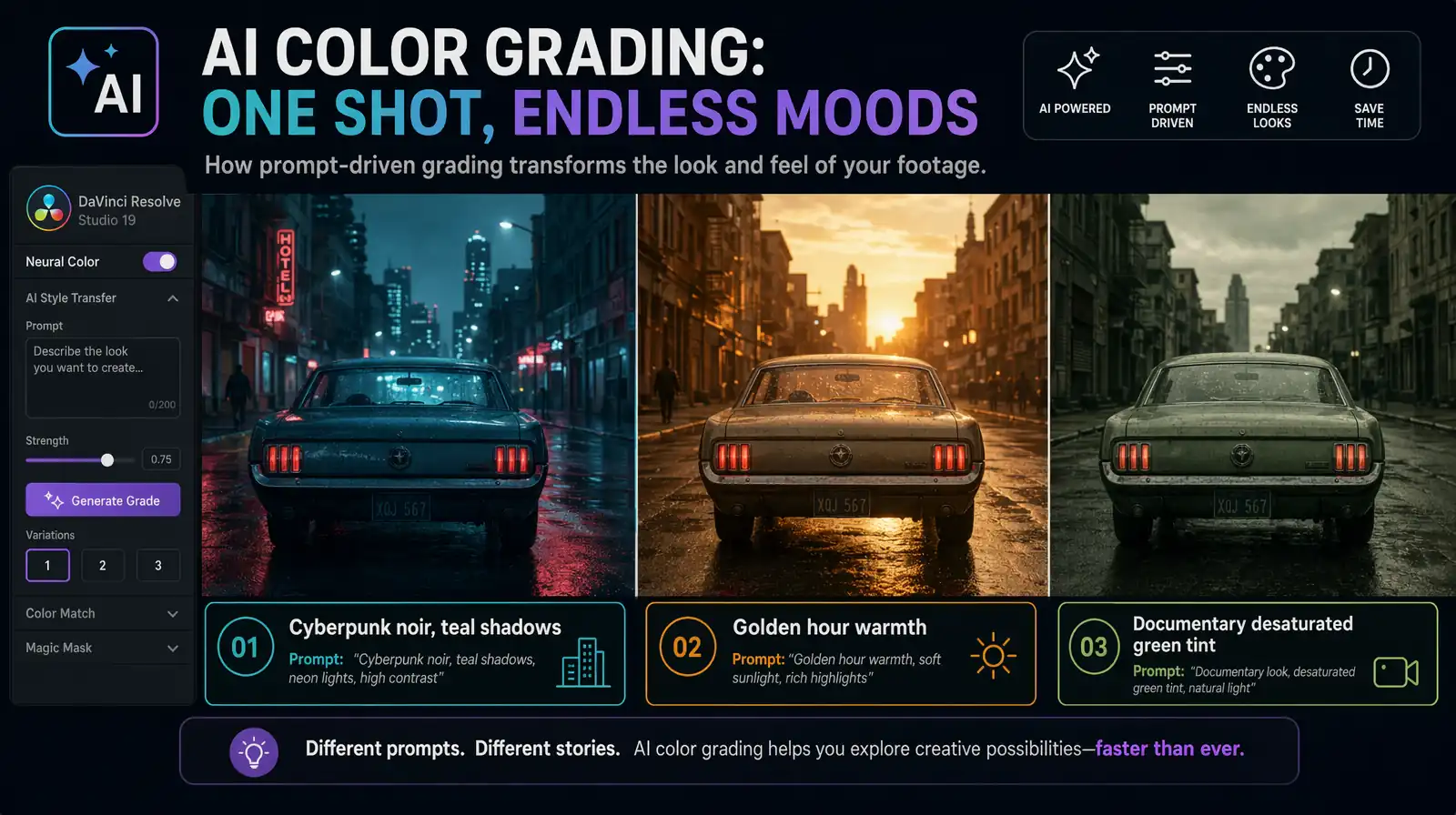
Text-prompt neural filters translate natural-language descriptions into full color-graded looks in seconds.
5. Edit by Script: Text-Based Editing
Text-based editing is editing video by editing a text transcript—cutting, rearranging, and trimming words in a document, with the timeline updating automatically. It is the default for interview-heavy content, podcasts, and talking-head videos in 2026, supported natively in DaVinci Resolve, Premiere Pro, and CapCut. For a 60-minute interview becoming a 12-minute video, transcript scanning saves 45–55 minutes versus scrubbing footage.
The workflow:
- Import footage; AI auto-transcribes all audio
- Read (or skim) the text transcript
- Delete unwanted words, sentences, and sections from the text
- The video timeline automatically removes the corresponding frames
- Review the cut, adjust trimming, and refine pacing
VideoDubber's AI YouTube Script Generator generates pre-production scripts with high-retention structure from a topic prompt, optimizing your recording for efficient text-based editing.
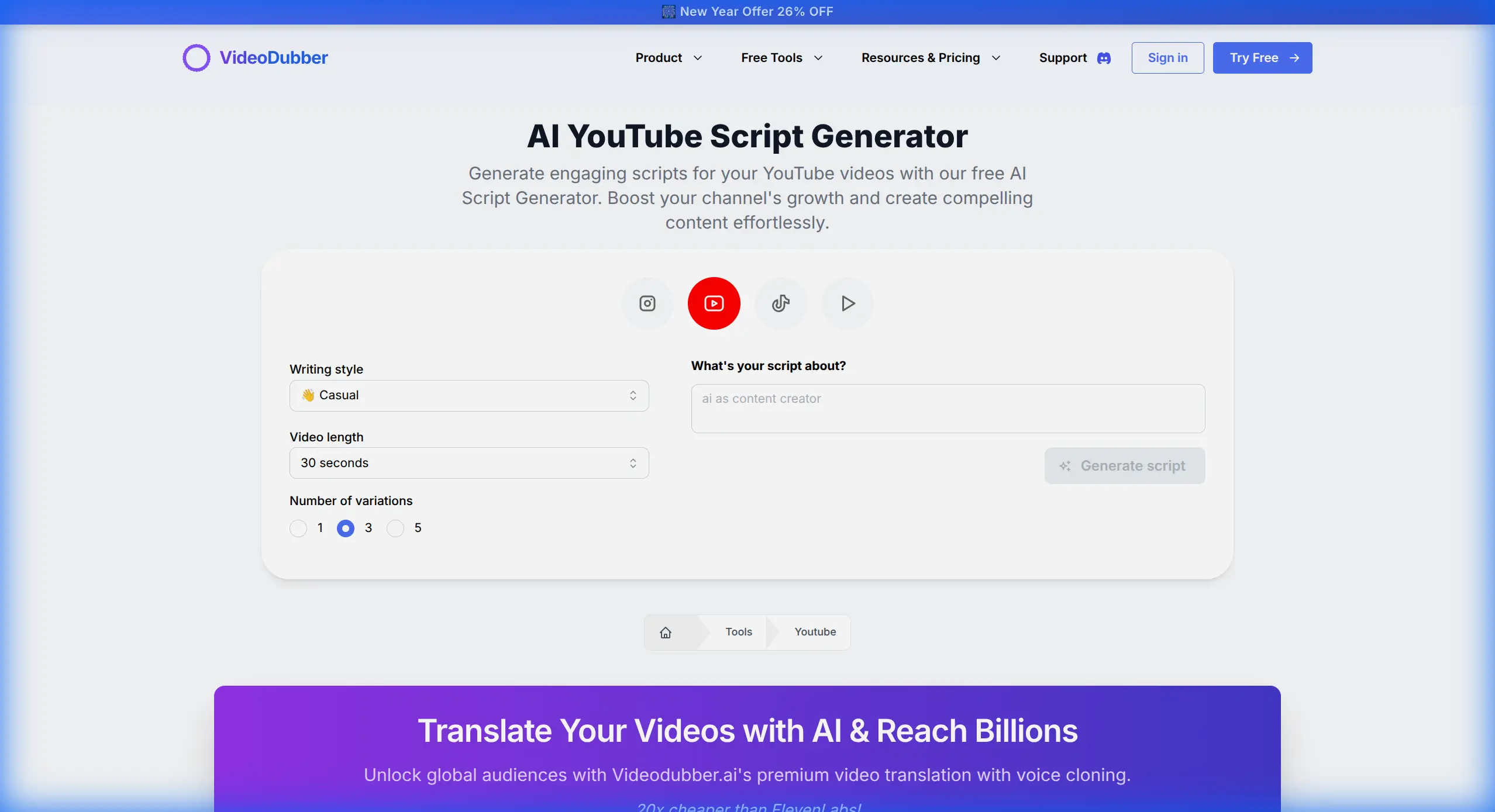
Fig 4. Generating a high-retention script in seconds.
When Text-Based Editing Saves the Most Time
| Content Type | Time Saved vs Traditional | Why |
|---|---|---|
| Interview (60→12 min) | 70-80% | Finding quotes by reading vs. scrubbing |
| Podcast clip (90→10 min) | 75-85% | Selecting best moments from text |
| Tutorial narration fix | 85-95% | Jump directly to the problem line |
| Documentary assembly | 60-70% | Story-building from text first |
6. Safety First: Copyright Checks Before You Edit
A single copyright strike can wipe out months of monetization on a viral video. In 2026, proactive copyright checking before publishing is non-negotiable. Content ID systems catch incidental background music, samples in original tracks, and commercial sound effects—even a three-second snippet can trigger a claim.
VideoDubber's YouTube Copyright Checker analyzes your audio tracks and visual elements to flag potential copyright issues before you publish.
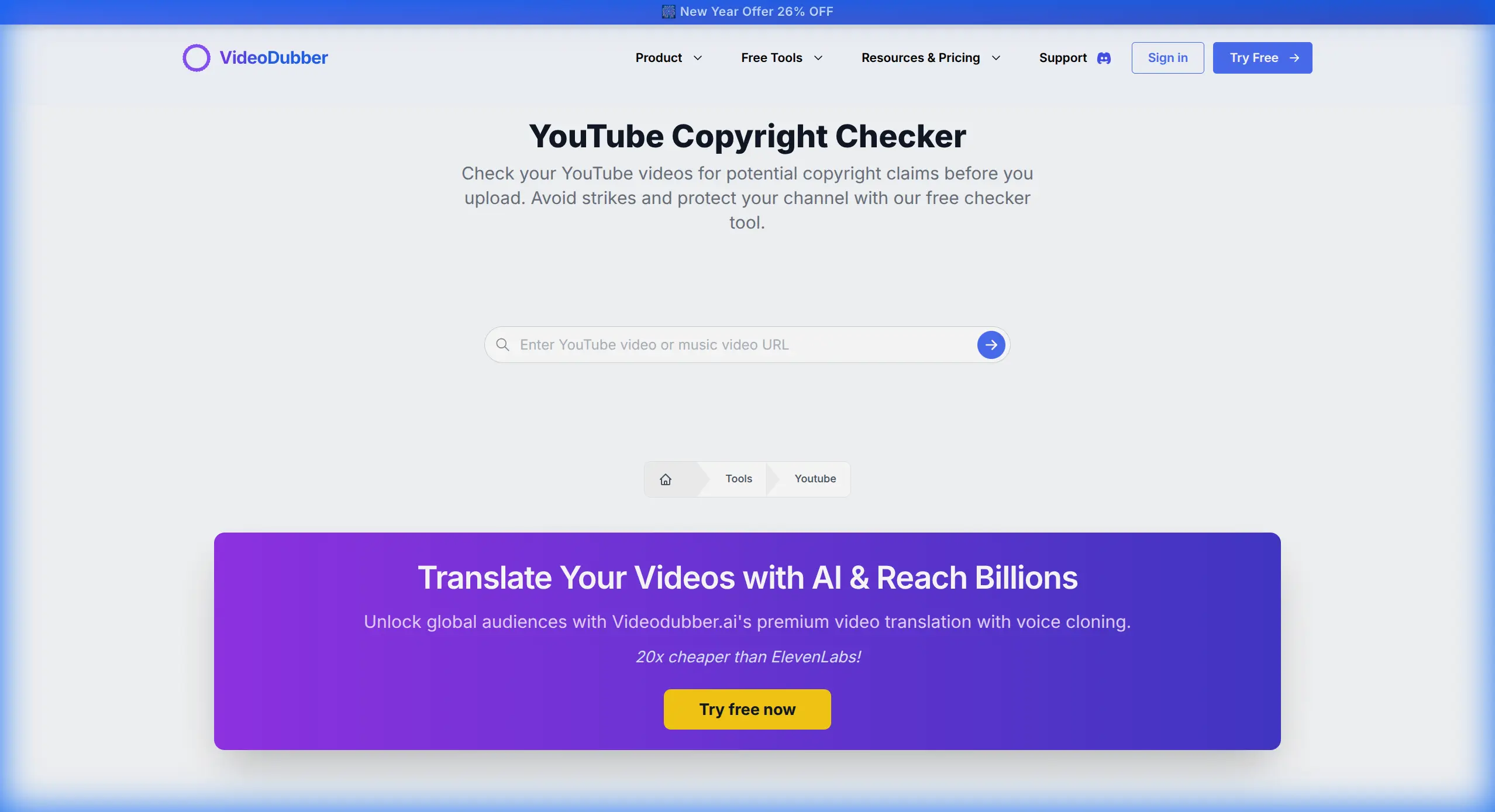
Fig 5. Verifying content safety with the YouTube Copyright Checker.
Copyright Check Workflow
- Export a draft cut of your video
- Run it through the copyright checker
- Identify any flagged audio segments
- Replace flagged music with royalty-free alternatives (YouTube Audio Library, Epidemic Sound, Artlist)
- Re-check the revised cut before final export
Catching copyright issues in the draft stage takes ~10 minutes versus weeks resolving a dispute post-publish.
7. Repurpose with AI-Driven Intelligence
Long-form content is the engine; short-form is the distribution fuel. A single 20-minute YouTube video generates 8–12 short-form clips for TikTok, Instagram Reels, and YouTube Shorts. AI reduces repurposing time from 45–90 minutes to 5–10 minutes.
AI repurposing tools:
- Analyze audio energy, sentiment, and engagement data to identify "viral moments"
- Reframe 16:9 footage to 9:16 vertical using AI subject tracking
- Generate short-form captions and hook text from the original script
- Suggest platform-specific pacing adjustments
VideoDubber's YouTube Video Downloader lets you pull competitor or reference content for study, helping identify what clip formats and hooks work on your target platforms.
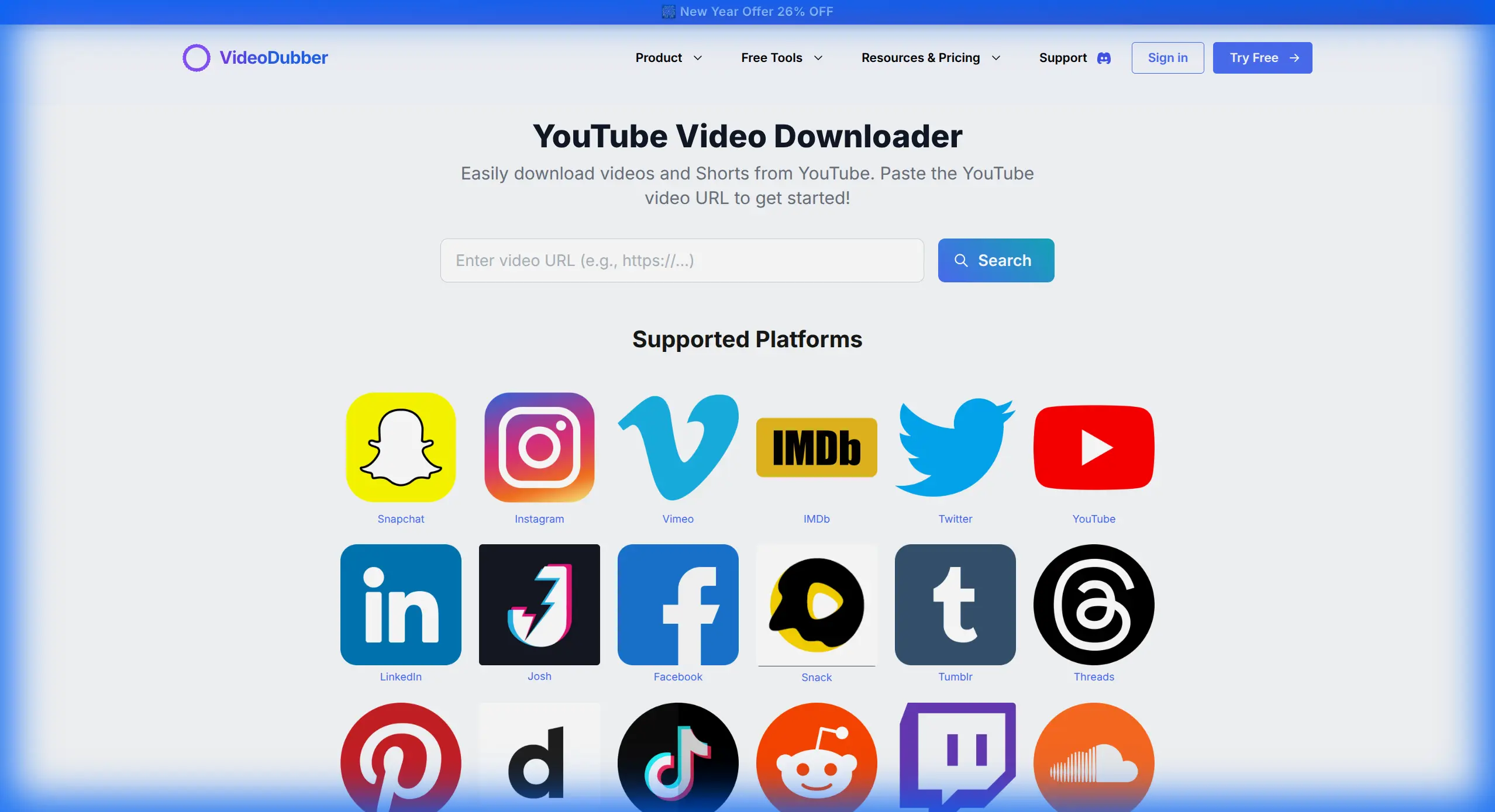
Fig 6. Downloading reference material for analysis.
Repurposing Math: One Video, Multiple Platforms
| Source Video | Derived Content | Estimated Additional Reach |
|---|---|---|
| 20-min YouTube tutorial | 8-12 TikTok/Reels clips | +200-400% reach |
| 60-min podcast | 15-20 audiogram clips | +150-300% reach |
| 10-min product demo | 3-5 LinkedIn short cuts | +50-100% reach |
| Full course lesson | 2-3 promo teaser clips | +40-80% enrollments |
According to HubSpot's 2025 Content Marketing Report, systematic repurposing delivers 3–4x higher total reach from the same production investment.
8. Integrate 3D and AR Elements
The boundary between 2D video and 3D space has dissolved for professional creators in 2026. AI motion tracking and depth estimation let you place 3D objects realistically into existing footage without a green screen—a capability that required a six-figure VFX budget as recently as 2022.
Practical applications for creators:
| Use Case | How It Works |
|---|---|
| Product placement in B-roll | 3D product model drops into scene with matched lighting |
| Lower-thirds and title cards | 3D text elements appear anchored in 3D space |
| Tutorial annotations | AR labels point to physical objects in the frame |
| Brand logo integration | Logo appears on surfaces, tracks with camera movement |
These tools have moved from specialized VFX suites to consumer-accessible plugins for Premiere Pro, DaVinci Resolve, and CapCut in 2026.
9. Voice Cloning for Audio Patching and Continuity
Voice cloning eliminates audio re-recording entirely. Type the corrected text, generate audio matching the original recording's acoustic characteristics, and drop it into the timeline in under 3 minutes. The cloned voice preserves tone, cadence, and timbre across sessions.
VideoDubber's Voice Cloning requires only 3–5 minutes of sample audio to create your clone, after which it's available for on-demand generation of any text in your voice. The same clone works across language versions, maintaining speaker identity in every dubbed variant of the video.
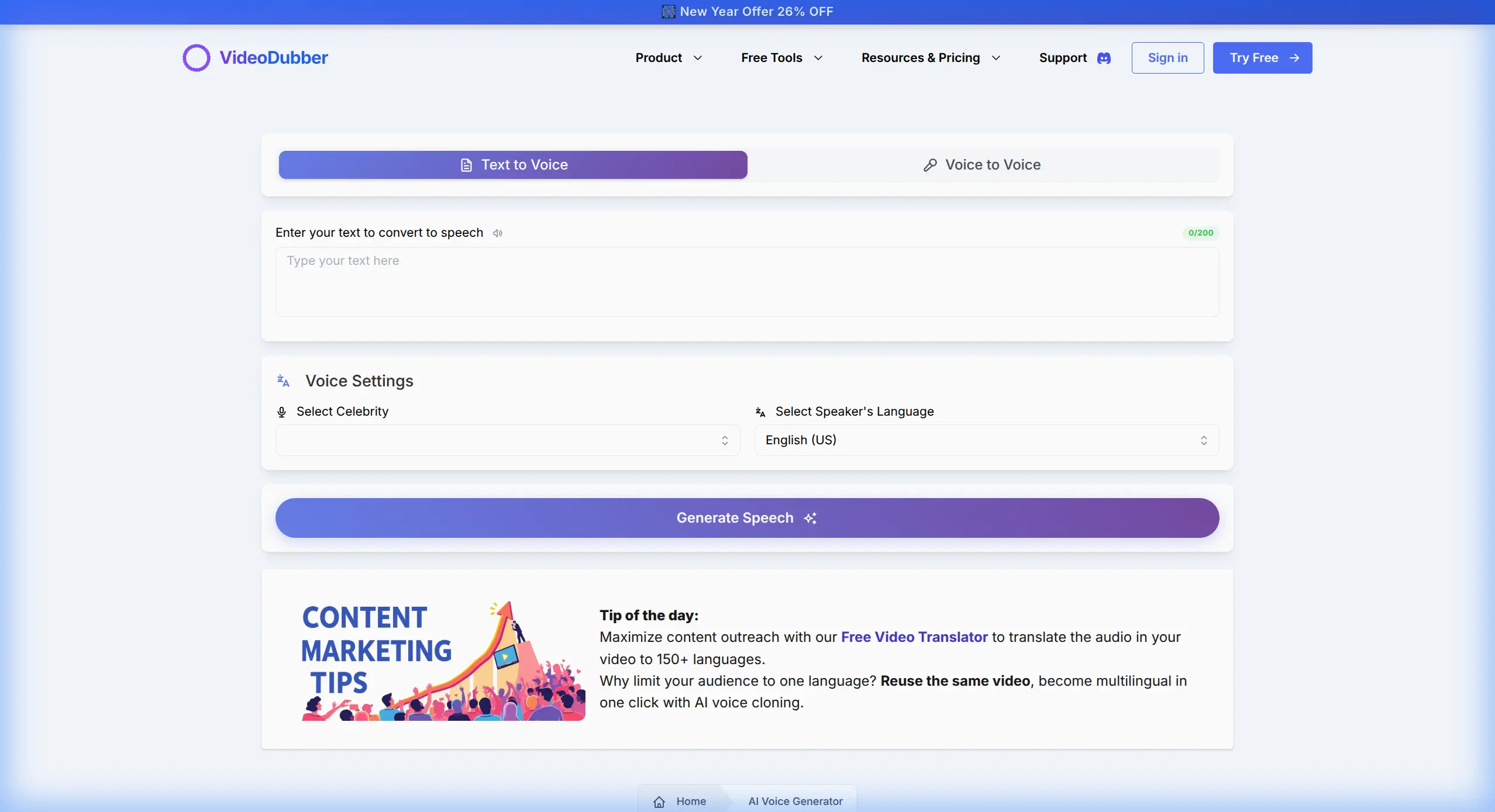
Fig 7. Creating voiceovers or patching audio with personal voice clones.
Voice Cloning Use Cases in Editing
| Scenario | Traditional Approach | Voice Clone Approach | Time Saved |
|---|---|---|---|
| Fix mispronounced word | Re-record entire section | Generate 1 word | ~95% |
| Update outdated product name | Re-record full segment | Generate new name in context | ~90% |
| Add new information | Re-record narration | Generate new sentence in cloned voice | ~90% |
| Match tone between recording sessions | Difficult — room acoustics change | Consistent clone output every time | N/A (new capability) |
Voice cloning is especially powerful for evergreen tutorial content where details change over time—a tutorial recorded in 2024 can be updated in 10 minutes by generating new audio for affected sentences rather than re-recording the entire video. For more on quality across platforms, see our voice cloning quality comparison.
10. Collaborate in Real Time with Cloud-Native Editing
In 2026, professional video production is cloud-native by default—the edit lives in the cloud, and every team member works on the same timeline simultaneously from any device with a browser. Review cycles compress from days to hours, and version confusion is eliminated.
Cloud-native editing means the project file is stored and processed server-side. Multiple collaborators comment on the same frame simultaneously, make non-destructive edits on separate tracks, and share reviews via a link.
| Collaboration Feature | Legacy (File-Based) | Cloud-Native (2026) |
|---|---|---|
| Sharing for review | Export + upload + send link | Share project URL |
| Client feedback | Email with timecodes | Inline comment on timeline |
| Multi-editor access | Sequential (one at a time) | Simultaneous on different tracks |
| Version control | Manual file naming | Automatic version history |
| Storage cost | Local hardware | Subscription cloud storage |
Leading cloud-native platforms in 2026 include Frame.io (Adobe), DaVinci Resolve Cloud, and Kapwing. Teams transitioning from file-based workflows report cutting review-and-revision cycles by 40–60% (Adobe's 2025 Creative Workflow Survey).
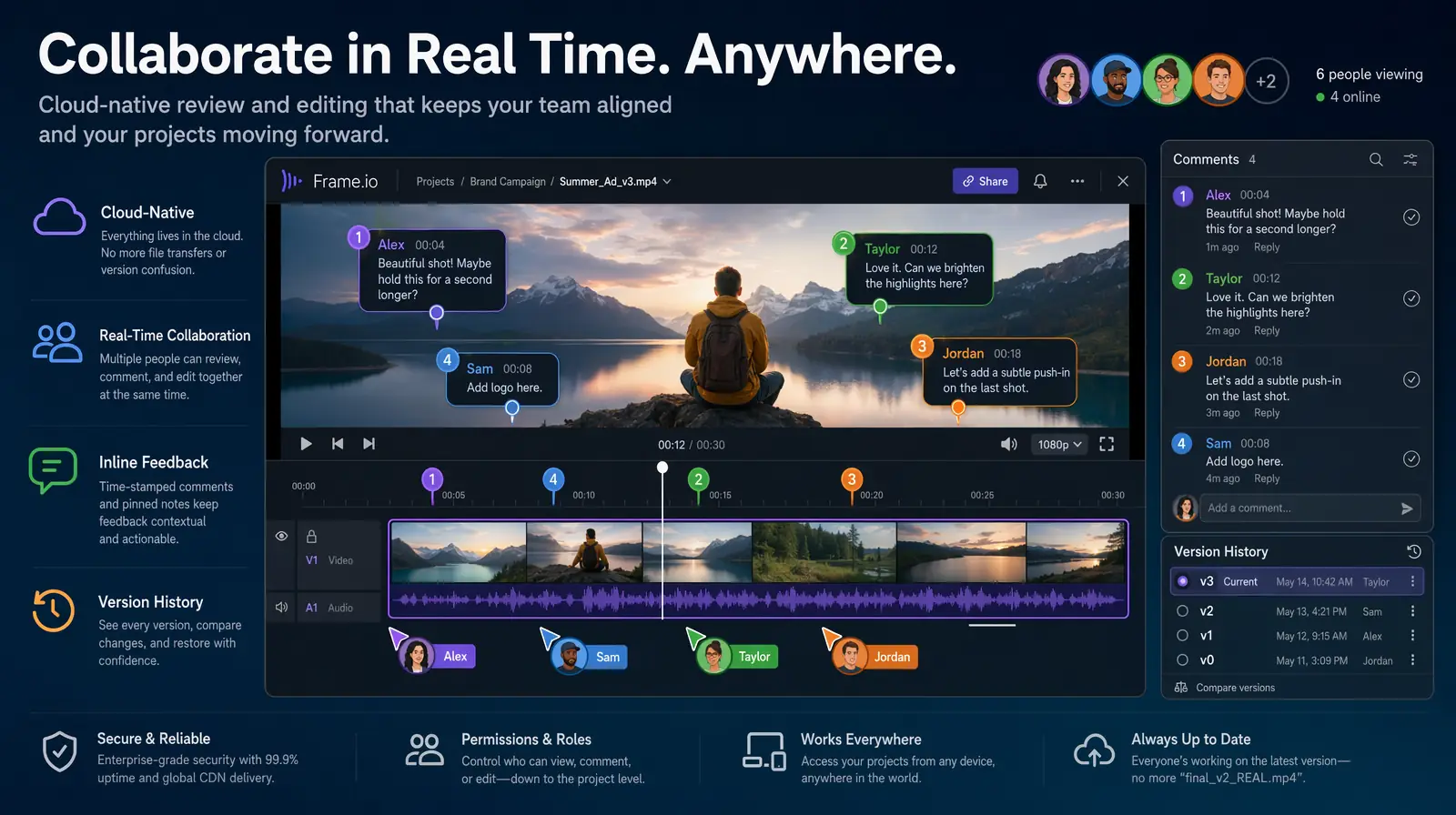
Multiple editors and reviewers work on the same cloud timeline in real time, compressing review cycles from days to hours.
Putting It All Together: The 2026 Pro Editor's Workflow
- Plan — AI script generation for high-retention structure
- Record — clean audio, treated environment
- AI pre-process — auto-organize, sync, rough cut from transcript
- Text-based edit — refine cut by editing transcript
- Neural filter grade — prompt-driven color look
- 3D/AR elements — product shots, annotations, branding
- Subtitles — AI auto-caption with style customization
- Copyright check — flag and replace before export
- Translate and dub — VideoDubber for 5+ language versions
- Repurpose — extract short-form clips for TikTok, Reels, Shorts
- Publish — go live in all languages simultaneously
This workflow produces a 10-minute YouTube video in 5–8 hours (raw footage to published, multilingual) compared to 20–40 hours with a 2023 workflow. A single AI-first editor now rivals what previously required a two- or three-person team.
Frequently Asked Questions
What is the most important video editing skill in 2026?
Understanding which decisions require human creativity and which can be automated—then building a workflow that delegates mechanical tasks to AI. Effective AI-workflow design is now more valuable than any specific manual editing technique.
How much time can AI video editing tools actually save?
AI tools save 40–70% of total editing time on typical YouTube content. Biggest savings: automated rough cuts (60–80%), silence removal (100%), subtitle generation (85–95%), and translation/dubbing (95%+). An AI-first editor produces 2–3x the output in the same hours.
Is AI video translation good enough for professional publishing?
AI video translation with voice cloning achieves 95–98% accuracy for major languages. VideoDubber produces dubbed videos indistinguishable from human translation under normal viewing. Quality is sufficient for direct publication without manual review for the top 30 language pairs.
What's the best AI tool for translating videos in 2026?
VideoDubber offers translation into 150+ languages with voice cloning and lip-sync. The workflow: upload, select languages, download—with the clone model trained automatically from source audio. Best combination of language coverage, voice quality, and simplicity available.
How do I avoid copyright strikes when editing in 2026?
Run every video through a copyright checker before publishing. VideoDubber's YouTube Copyright Checker analyzes audio and video tracks for potential Content ID claims pre-upload. Replace flagged music with royalty-free alternatives from YouTube Audio Library, Epidemic Sound, or Artlist.
What is text-based editing and should I use it?
Text-based editing means editing video by editing a transcript—the timeline updates automatically. It saves 70–80% of edit time on interview, podcast, and narration content. If over 50% of your content is dialogue-driven, this is the highest-impact workflow change in 2026.
How does voice cloning help with the video editing process?
Voice cloning fixes audio mistakes by typing corrections and generating audio in your voice—no re-recording required. Especially valuable for evergreen tutorials needing updates as product interfaces or pricing change over time.
What is the ROI of publishing multilingual video content?
Dubbing a 10-minute video into 5 languages with VideoDubber costs $4.50 and reaches an audience 2–3x larger than English-only. Creators publishing Spanish and Hindi versions report 40–80% viewership increases within the first quarter.
Summary
- AI-first workflows reduce editing time by 40–70% for standard creator content
- Automated translation via VideoDubber turns one master edit into 5+ language versions at ~$0.90 per language
- AI subtitle generation takes minutes instead of hours—essential when 85% of social video is watched on mute
- Neural filter grading replaces hours of manual work with 1–3 minute text prompts
- Text-based editing saves 70–80% on interview and podcast workflows
- Voice cloning eliminates re-recording sessions for audio fixes
The tools are powerful, but creative direction still requires a human. Automate the mechanical; invest the freed time in storytelling.
Start your AI-powered video workflow with VideoDubber →
VideoDubber Homepage showing AI video tools for creators in 2026
Further Reading
Top 10 Video Marketing Tips for YouTubers in 2026: The Data-Driven Growth Playbook
Video marketing tips for YouTubers in 2026: AI trend prediction, Shorts funnels, multilingual AI dubbing, voice cloning & data-driven growth strategies.
Top 10 Tools for Marketing Video Production in 2026
Top 10 video production tools for marketing in 2026: editing, generative AI, and localization compared with pricing, use cases, and a 6-step workflow.
How to Add Multilingual Audio Tracks to a Video: YouTube & Beyond [2026]
How to add multilingual audio tracks to YouTube videos: AI dubbing workflow, step-by-step upload guide, and platform strategy for global reach.
Top 10 Languages to Translate Your Videos for Maximum Reach [2026 Guide]
Top languages to translate videos into in 2026: CPM data, audience sizes, prioritization framework by content type, and full AI dubbing cost breakdown.
Video Localization vs. Translation vs. Dubbing: Complete Guide [2026]
Video localization vs. translation vs. dubbing: full 2026 guide with cost tables, use-case matrix, AI dubbing workflow, and expert verdict on which to choose.